
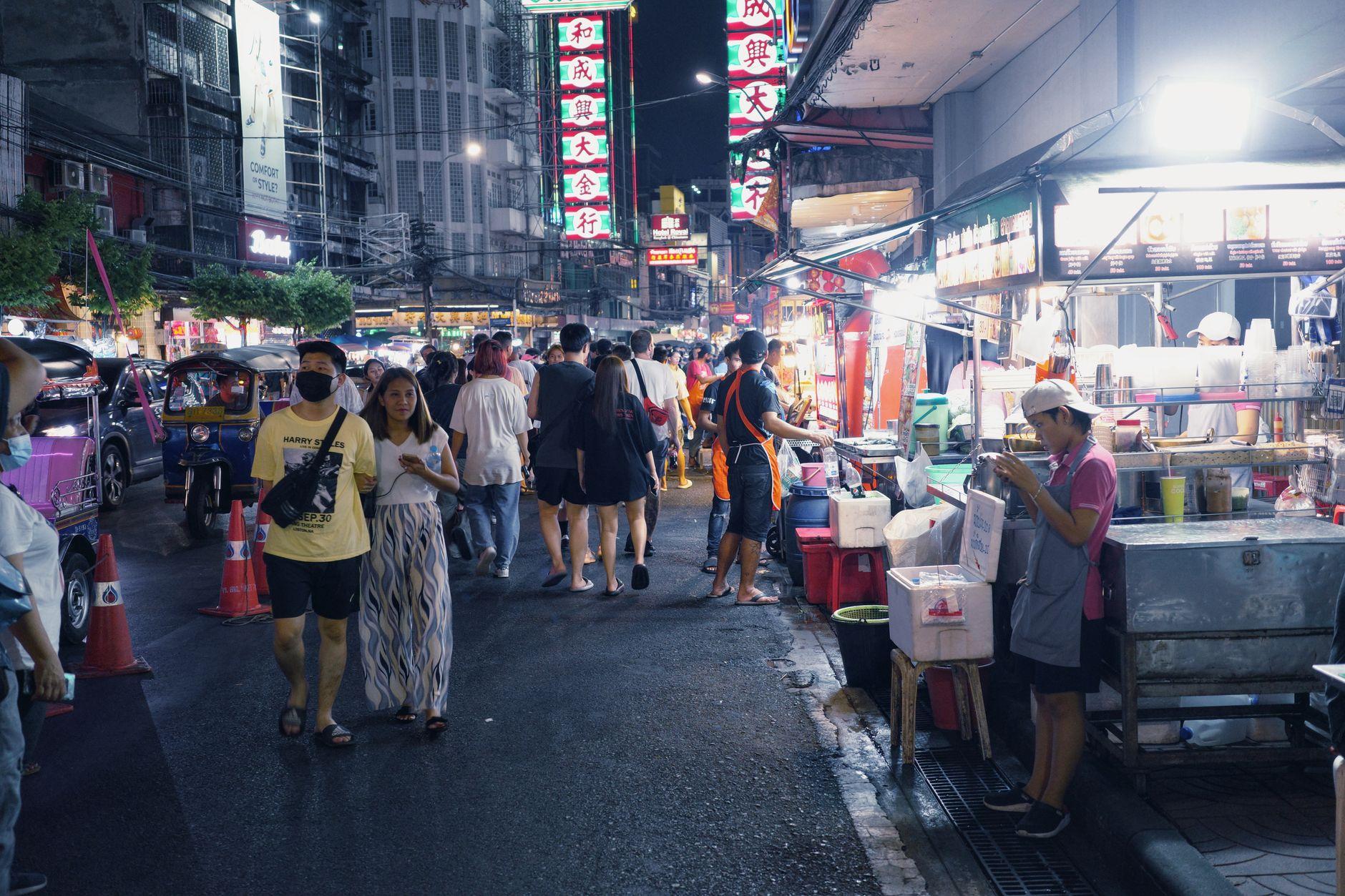
Stand at any noodle cart in Bangkok for five minutes and watch what happens. Nobody reaches for a wallet. They lift a phone, point it at a laminated QR code taped to the cart, tap confirm, and walk off with their bowl. The vendor glances at a notification and nods.
That QR code is PromptPay, Thailand's national payment system, and it is everywhere. Street food stalls, 7-Eleven, motorbike taxis, laundry shops, temple donation boxes, the lady selling mango sticky rice from a cooler. If a Thai person can pay for it, there is almost certainly a QR code for it.
The catch for visitors: PromptPay traditionally requires a Thai bank account. Your foreign card, meanwhile, gets refused at most small merchants, and the ATM route stings. Thai ATMs commonly charge foreign cards around 220 THB per withdrawal, on top of whatever your home bank adds. Do that twice a week for a month and you've paid a real chunk of money just to access your own money.
Here's how to skip all of that and pay the way Thailand actually pays.
What you need before your flight lands
Two things: a wallet app that can scan Thai PromptPay QR codes, and money loaded into it in your own currency.
This is exactly what Moreta Pay does. You connect your home bank (US banks via Plaid or ACH, European SEPA, UK Faster Payments, Canadian e-Transfer) or an international card, and top up a wallet in dollars, euros, pounds, or whatever you hold. Then, in Thailand, you scan the same PromptPay QR codes locals scan. The app shows you the amount in baht, the exact exchange rate, and the merchant's name before you confirm. The merchant gets paid instantly in baht, just like they would from a Thai bank app.
Do the setup and first top-up at home, on good wifi, before you fly. Topping up from an airport bench after a red-eye is nobody's best moment.
Your first scan: start at 7-Eleven
If you're nervous about your first QR payment, 7-Eleven is the ideal practice ground. There's one roughly every two blocks in any Thai city, the cashiers handle QR payments hundreds of times a day, and nobody behind you in line will blink.
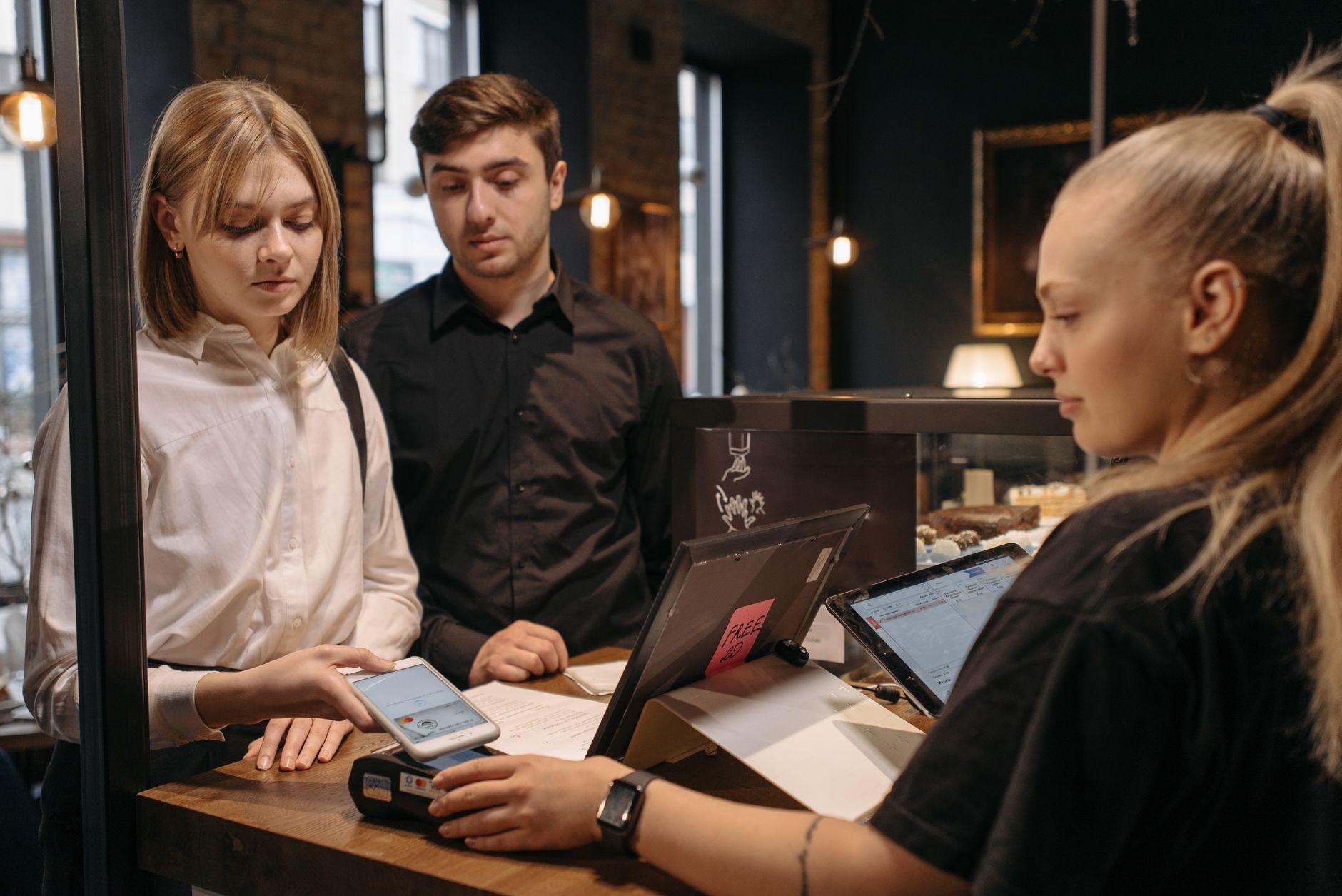
Grab a water. At the register, the cashier rings it up and either points you to a QR on the counter or shows one on a screen. Scan it, check that the baht amount matches the register, confirm, and show the success screen. Done. That exact sequence works almost everywhere else in the country.
Street food, markets, and the laminated card
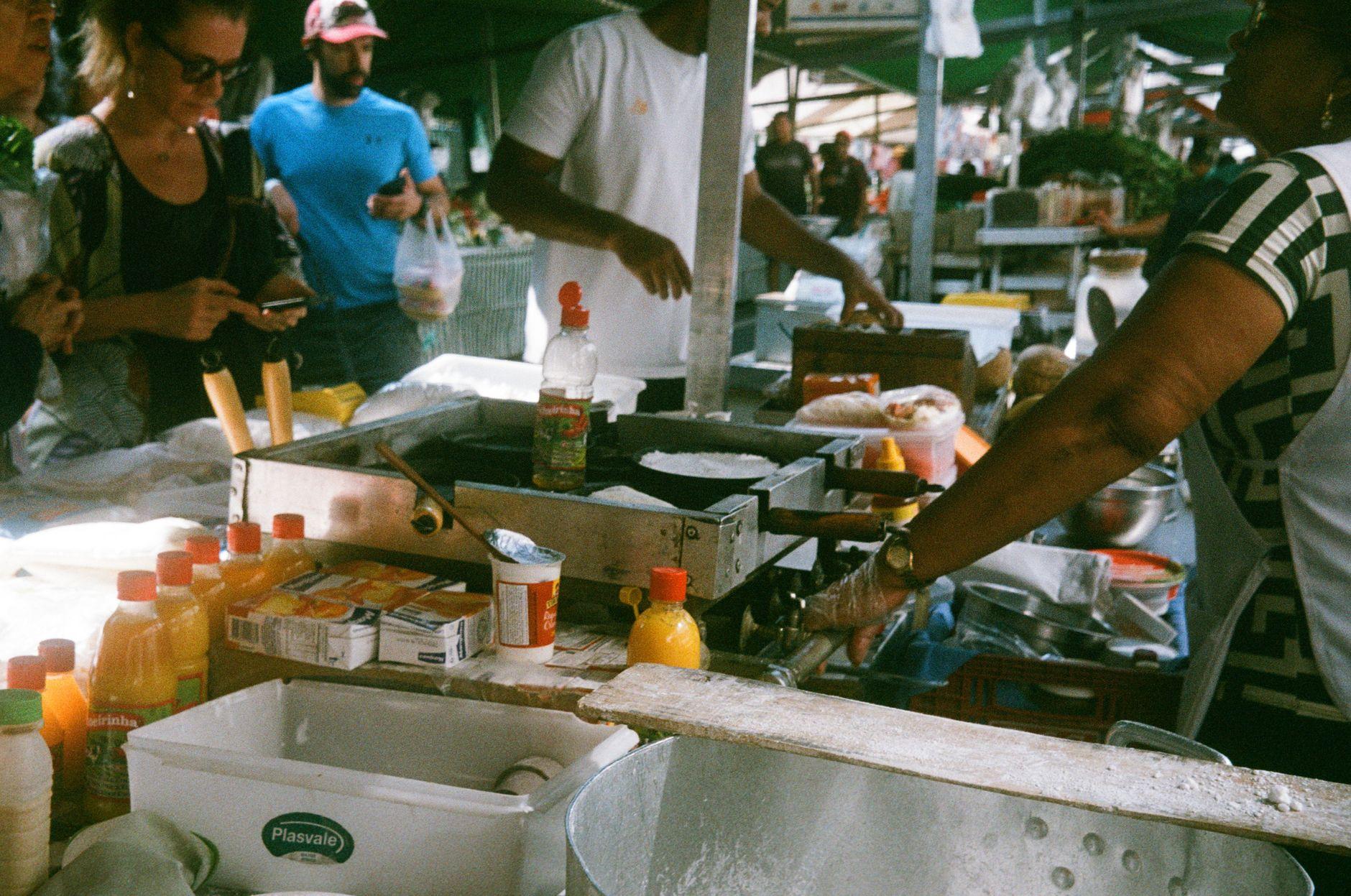
At markets and food stalls, the QR code is usually a static laminated card, sometimes dangling from a string, sometimes taped under a layer of grease and sunlight. With static codes you often type the amount yourself. Confirm the price out loud or point at it first ('sip baht?' for ten, or just show the number on your screen), enter it, scan, and show the vendor the confirmation.
One habit worth copying from locals: show the success screen, don't just say you paid. Vendors are used to glancing at the phone. It takes two seconds and avoids any awkwardness.
Taxis and ride apps: the cash-or-QR trap
This is where QR capability saves you most often. Bangkok taxis are frequently cash-or-QR only. Hand a driver a foreign credit card and you'll get a polite laugh. But nearly every driver has a PromptPay QR, either stuck to the dashboard or pulled up on their own phone at the end of the ride.
Same story with motorbike taxis in their orange vests, songthaews in Chiang Mai, and longtail boats in the south. Ask 'QR?' and you'll almost always get a yes. For Grab and Bolt, you can attach a card inside the app, but for anything hailed off the street, QR is your lifeline.
Where cash still wins (keep a few hundred baht)
Honesty check: Thailand is not 100 percent cashless. A handful of situations still want paper.
Some temple donation boxes and merit-making purchases are cash. Tiny rural stalls outside tourist areas occasionally are too, though less every year. Public buses in Bangkok with a conductor walking the aisle take coins and small notes. And a 20 baht note is still the easiest way to tip a hotel porter.
So carry a small cash buffer, a few hundred baht, and treat it as a reserve rather than your main method. One ATM visit at the start of a trip can cover weeks of these edge cases, instead of being a recurring 220 THB tax on your spending. If you're weighing the full set of options for longer stays, we broke down how each way of paying in Thailand actually holds up without a local bank account in a separate piece.
Booking and paying online from inside Thailand
QR isn't just for counters. Thai e-commerce leans on it heavily. Shopee and Lazada checkouts offer QR payment, and so do travel platforms like Agoda and Trip.com for hotels and flights. The flow is the same idea: the site displays a QR, you scan it with Moreta Pay from your phone (or scan your laptop screen), review the amount and rate, confirm.
This matters more than it sounds. Foreign cards get declined on Thai checkout pages often enough that having a QR option is the difference between booking the hotel tonight and emailing your bank's fraud department tomorrow. Longer-stay expats can also use QR for bills in supported cases, which removes another reason people think they need a Thai account.
Three habits that make you look like you've lived there for years
Check the merchant name before confirming. The app shows who's receiving the payment. At a stall, it'll be a personal or shop name. A quick glance protects you from scanning the wrong sticker on a crowded counter.
Screenshot nothing, but keep the app handy. Locals keep their payment app on the home screen and pay in under ten seconds. Fumbling through folders while a queue builds at the som tam stall is the one thing that marks you as new.
Know your rate before you spend. Because Moreta Pay shows the FX rate on every payment before you confirm, you'll quickly develop a feel for what things cost in your own currency. No mental math, no end-of-month card statement surprises, no hidden foreign transaction fees buried in the rate.
The short version
Thailand without cash is not a stunt, it's just how the country works now. Set up a QR-capable wallet before you land, practice at 7-Eleven, pay taxis and noodle carts the way everyone around you does, and keep a small note stash for temples and buses. That's the whole system.
Load your wallet before takeoff and your first Thai payment can be the taxi out of the airport: get Moreta Pay set up for Thailand.