
Here's a Brazil reality check most travel blogs leave out: by the time you land at GRU, half the country has stopped touching cash. Pix isn't a "new payment trend" anymore. It's how Brazilians buy a coxinha at the corner padaria, split a bar tab in Vila Madalena, tip the guy who watched your car and pay rent. The little QR code is stuck on every counter you'll ever stand at.
And until recently, foreign visitors couldn't use any of it.
The Problem No One Tells Tourists About
Pix was built by the Central Bank of Brazil for Brazilians. To register a Pix key — the email, phone number or CPF that identifies your account — you generally need a Brazilian bank account, which generally needs a CPF (cadastro de pessoas físicas), which generally means a long appointment at a Receita Federal office or a Brazilian consulate.
For a two-week trip? Not happening.
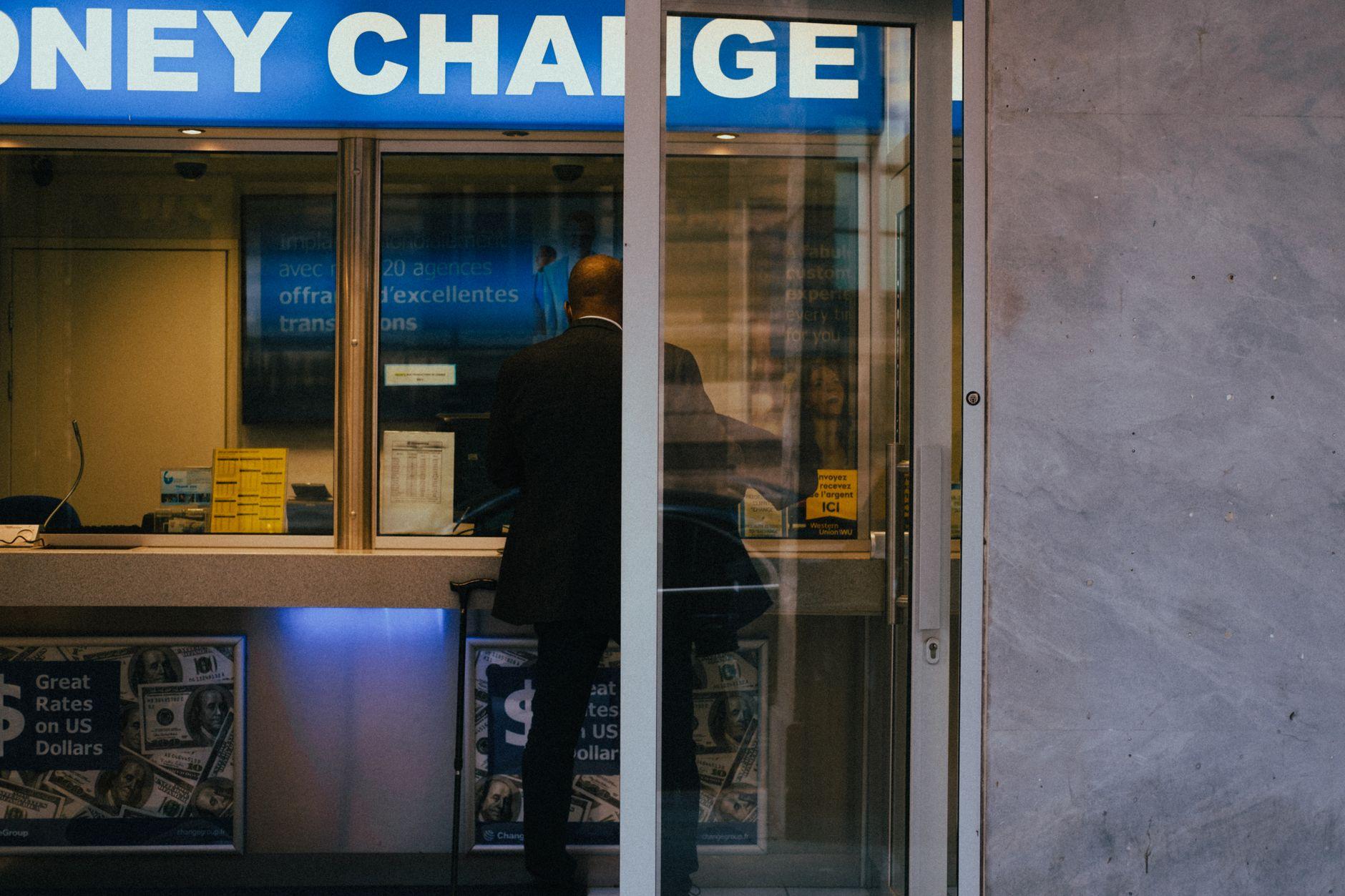
So foreigners have historically been stuck with the worst possible options. ATM withdrawals that charge you twice, once by the local bank and once by your home bank. Credit cards rejected at the small spots that actually matter. Dynamic currency conversion that quietly skims four or five percent off every swipe. And cash you have to count, carry and convert.
Pix solves all of that. You just couldn't get to it.
How Moreta Lets You Pay Pix Without a Brazilian Account
Moreta Pay launched across Latin America earlier this year, and Brazil was one of the first markets to go live. The app plugs directly into the existing Pix QR network, so when you scan a code at a juice bar in Ipanema or a butcher in Belo Horizonte, the payment lands in their account the same way it would if a local friend had sent it.
No CPF. No Brazilian bank. No awkward moment where you have to ask the cashier if they take foreign cards.
The flow:
- Download Moreta from the App Store or Google Play and verify your account with a quick selfie and passport scan.
- Top up your wallet in your home currency before you fly, using a bank transfer or debit card.
- Open the app and scan any Pix QR code at a merchant.
- Confirm the amount in reais, glance at the exchange rate Moreta shows you, and swipe to pay.
- The merchant gets a confirmation on their end within seconds, exactly the same as a local payment.
Where You'll Actually Use It
Pix coverage in Brazil is genuinely absurd, and you don't realize how absurd until you're there. A few places it'll come up:
- Praia vendors in Rio selling açaí and queijo coalho on a stick
- Comida por kilo lunch spots where the line moves faster than the card machine
- Pharmacies in São Paulo, especially smaller neighborhood ones
- Rideshare top-ups and intercity bus tickets
- Hostels and pousadas in places like Florianópolis and Paraty
- Local tour operators in the Pantanal, Chapada Diamantina and the Amazon
- Coconut sellers on the beach, who somehow always have a laminated QR code ready
If a business takes any digital payment at all, Pix is almost always the first option. Plenty of small merchants actively prefer it because the fees are lower than credit card processing, so you'll occasionally get a small desconto for paying that way.
What It Costs
Moreta charges a flat 1.5 percent on QR transactions in Latin American markets. That's it.
For context: a typical foreign ATM withdrawal in Brazil hits you with the local bank's fee (often R$25 to R$30 per pull), your home bank's international withdrawal fee, and a currency conversion markup somewhere between two and five percent. By the time you've pulled R$1,000 out of an HSBC machine in Centro, you've quietly paid six or seven percent for the privilege. Credit cards aren't much better once you account for the foreign transaction fee and the dynamic currency conversion most terminals will try to push on you.
The app shows you the live BRL rate before you confirm every payment, so what you see is what you spend. No surprises on the statement when you get home.
A Few Practical Tips
Top up before you land. Funding your wallet uses your home bank, so it's much smoother to do it on home WiFi than to wrestle with patchy signal in the back of a São Paulo Uber.
Always confirm the recipient name. After you scan, Pix shows you the name or business name of whoever you're paying. Glance at it before you confirm, especially at busy stalls. Locals do the same thing.
Both QR formats work. Brazil uses static QR codes (the printed laminated kind, where you type the amount yourself) and dynamic ones (displayed on a screen with the amount already filled in). Moreta handles both the same way.
Keep a little cash for the edge cases. Almost everything takes Pix now, but R$50 in small notes is good insurance for the one parking lot or beach kiosk that hasn't caught up yet.
The Same Wallet Across Continents
If you're moving between Brazil and other supported countries — say, a few months in São Paulo before bouncing to Lisbon and then onward to Bangkok — you don't need a separate app or balance for each one. The same Moreta wallet covers Pix in Brazil, PromptPay in Thailand, QR Ph in the Philippines, Yape in Peru, MODO in Argentina and the rest. Top up once, scan anywhere.
That's mostly why people stick with it. Not because it does one specific thing brilliantly, but because it does the same thing everywhere they actually travel.
Before You Go
If you're already a Moreta user, just update the app. Pix in Brazil is on by default on the latest version. If you're new, setup takes about five minutes:
The Help Center covers the edge cases — refunds, limits, what to do if a payment hangs — and the team actually answers messages, so don't be shy if something gets weird at 2am in Lapa.
Brazil's already mostly cashless. Now you can be too.