
QR code payments made easy
Pay the way locals do: scan the QR code on the counter and you're done. Moreta Pay connects you to local QR payment networks from the bank or card you already have, so travelers, digital nomads and expats can skip cash and foreign card fees. It's built for paying merchants directly in their local currency: no local bank account needed, a 1.5% fee per payment, and the live exchange rate shown before you pay.
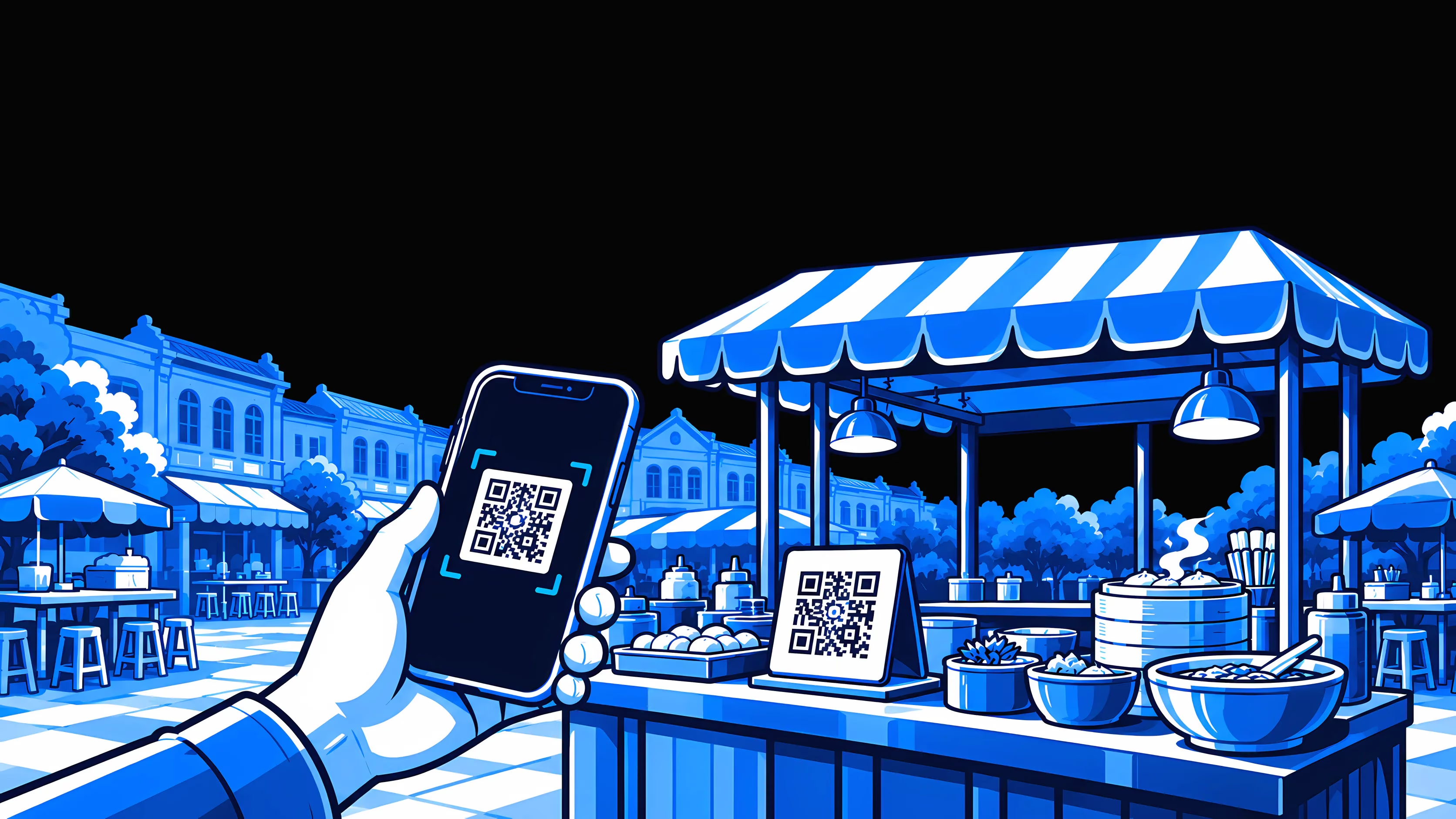
How QR code payments work with Moreta Pay
Moreta Pay lets travelers pay on the local QR networks of Thailand, the Philippines, Vietnam and 12 other countries across Asia, Latin America and Africa, with no local bank account.


 USD
USD EUR
EUR GBP
GBP CAD
CAD AUD
AUD


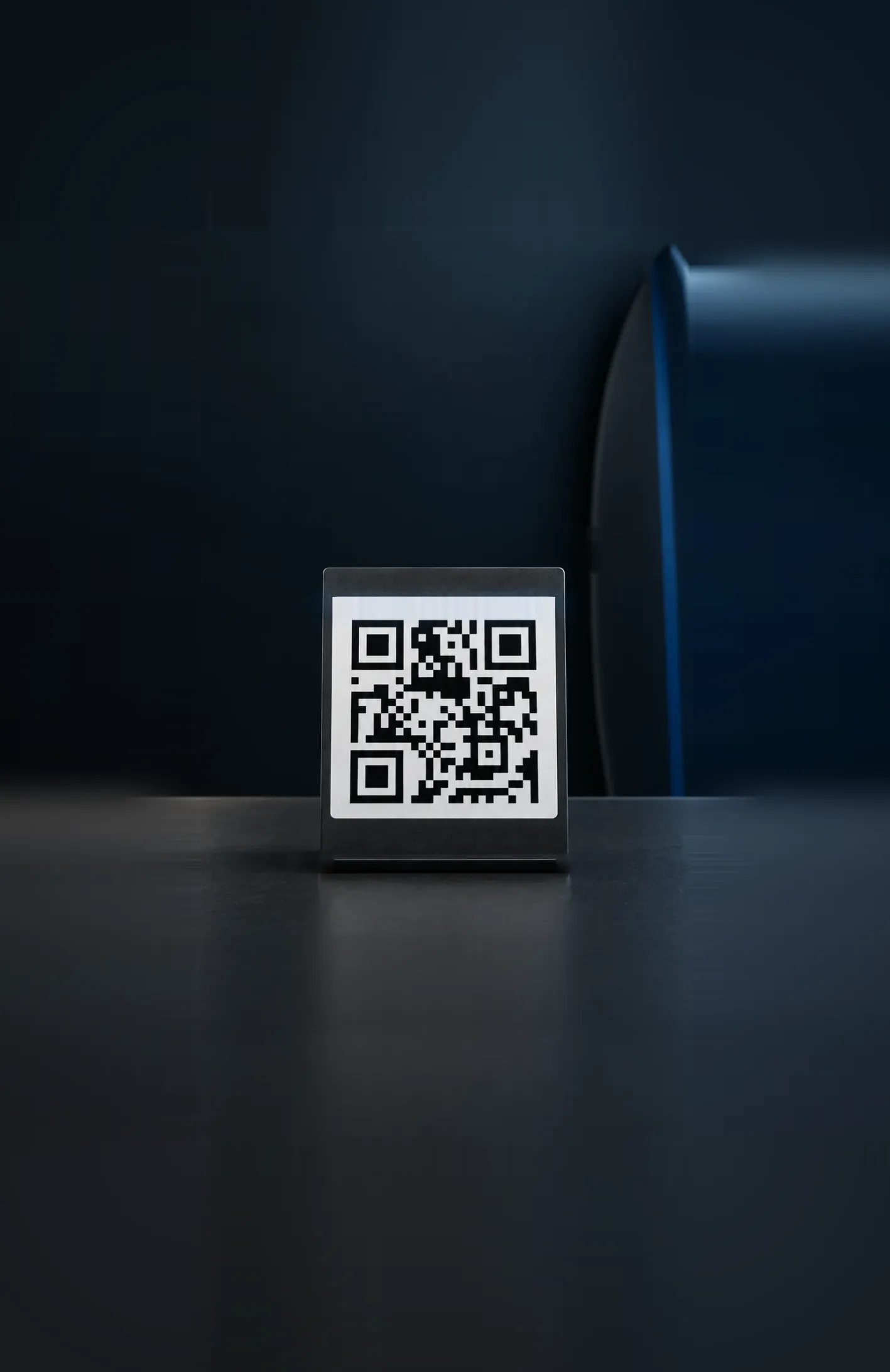


Use QR codes to pay instantly
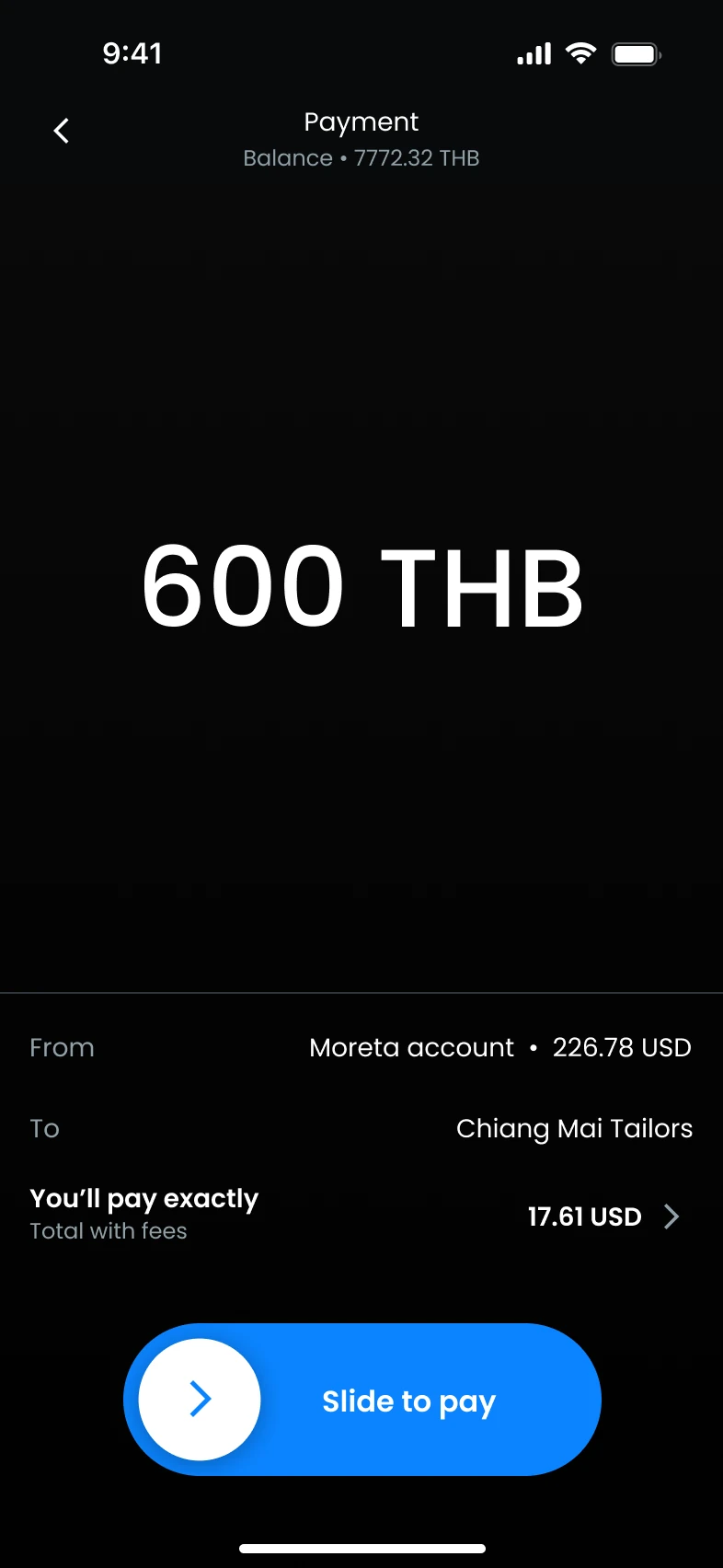
One app covers PromptPay and Thai QR in Thailand, KHQR in Cambodia, QR Ph in the Philippines, DuitNow in Malaysia, Pix in Brazil and more. Scan the merchant's QR code, check the amount and the fee, and swipe to pay. The merchant is paid straight away.
Your balance stays in your own currency until you pay. Each payment converts at the live rate at that moment, with one 1.5% fee shown before you confirm, instead of your bank's foreign transaction fee and marked-up rate.
15 countries, each on its own local network
 VietnamVND
 VietQR
 MoMo
MoMo ZaloPay
 ThailandTHB
 Thai QR
 PromptPay
 CambodiaKHR
 KHQR
KHQR PhilippinesPHP
 QR Ph
QR Ph InstaPay
 LaosLAK
 OnePay
 MalaysiaMYR
 DuitNow
 South KoreaKRW
 SeoulPay
 MongoliaMNT
 QPay
QPay ChinaCNY
 WeChat Pay
 BrazilBRL
 Pix
Pix ArgentinaARS
 Mercado Pago
 Ualá
Ualá MODO
MODO Cuenta DNI
 BNA+
BNA+ PeruPEN
 Yape
Yape Plin
Plin BoliviaBOB
 Banco Central de Bolivia
 Simple
 ColombiaCOP
 DaviPlata
 Bre-B
Bre-B Nequi
Nequi South AfricaZAR
 Scan to Pay
 Zapper
 SnapScan
 EasyPay
Why use QR codes for travel payments?
In much of Southeast Asia and beyond, the QR code on the counter is how people pay.
It's how locals pay
Merchants get their money quickly, and you avoid miscounted change, language mix-ups and your bank's foreign transaction fees.
It opens more doors
Taking a card costs merchants a fee, so many small shops and stalls only take QR or cash. Paying by QR opens up street food, markets, taxis and vending machines as well as supermarkets.
It's safer
You never hand over a card or carry a wad of cash, and every payment needs your confirmation in the app.
One app, 15 countries
Most QR networks need a local bank account. Moreta Pay doesn't, so there is nothing new to set up when you cross a border.
No cash? No problem.
Cash still works, but getting it abroad costs you. Where there is a QR code, you can skip all of that.
Cash from an ATM
- Find an ATM that takes your card
- Your bank's withdrawal fee
- The machine's own fee
- A poor rate
QR with Moreta Pay
- Scan the code on the counter
- One 1.5% fee
- The live rate at that moment
- Paid straight away
Where it works · 15 countries
How it works
Four steps from download to your first QR payment. Setting up your account takes a few minutes.
- 01
Add payment method
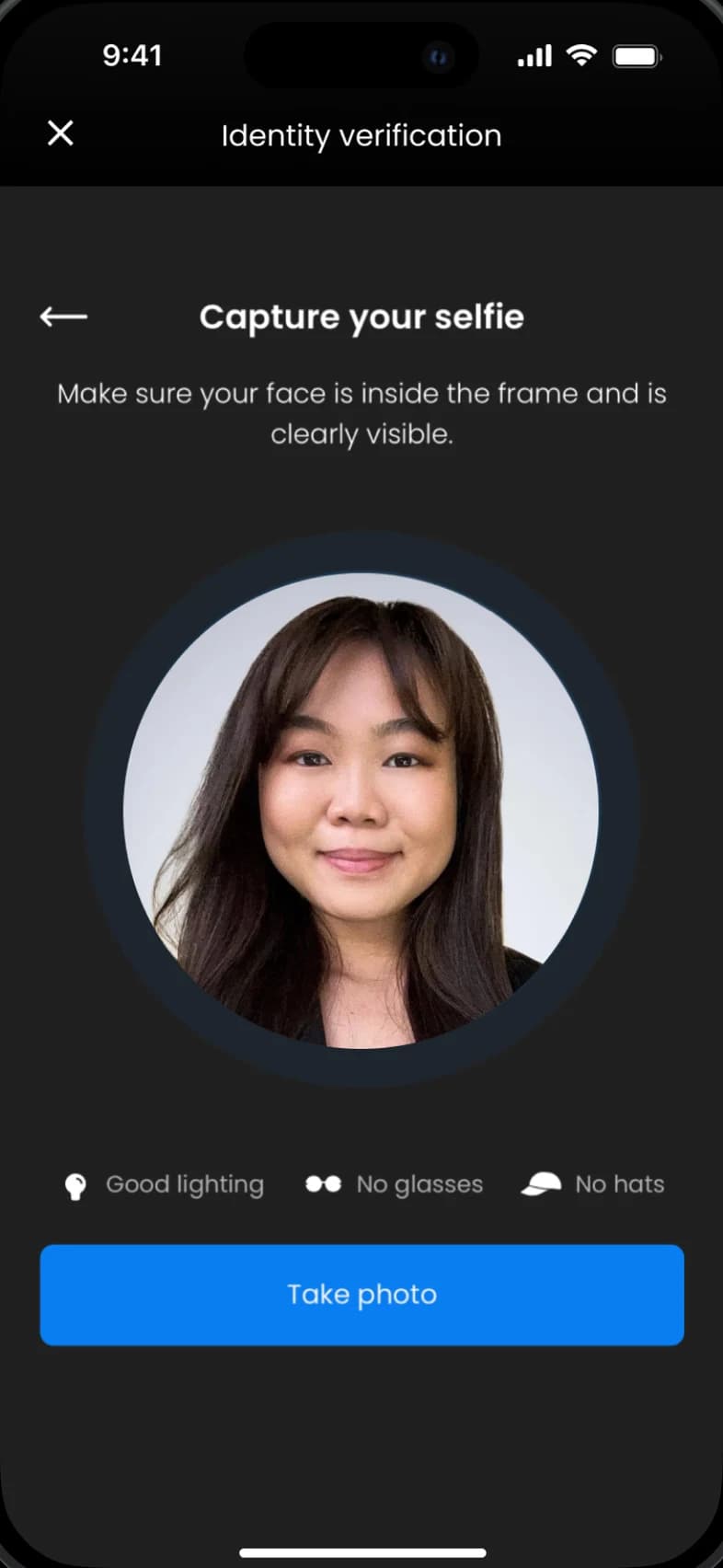
Link a bank account, bank transfer or card. Your details are protected at every step.
- 02
Add money
Top up your balance instantly, so it is ready to spend the moment you land.
- 03
Scan the QR code
Scan the merchant's QR code, or show your own where that's how locals pay.
- 04
Review and confirm
Check the amount, FX rate and merchant name, then slide to pay. Done in seconds.


 USD
USD
 Instant




Frequently asked questions.
What people ask before using Moreta for QR payments.
Showing 8 of 8 questions
Start scanning with Moreta Pay today
Groceries, street food, taxis and souvenirs, paid the way locals pay. Download Moreta Pay, add money from home and start scanning.