Pay bills online with QR code payments
Pay your electricity, water, internet and phone bills abroad by scanning a QR code. Moreta Pay lets travelers, expats and digital nomads pay bills in the local currency without a local bank account, cash or your card from home.
How online bill pay works with Moreta Pay
Moreta Pay connects you to the local payment networks residents use in Thailand, Cambodia, Mongolia, the Philippines and other countries, so you can pay a utility provider's QR code the way they do.


 USD
USD EUR
EUR GBP
GBP CAD
CAD AUD
AUD


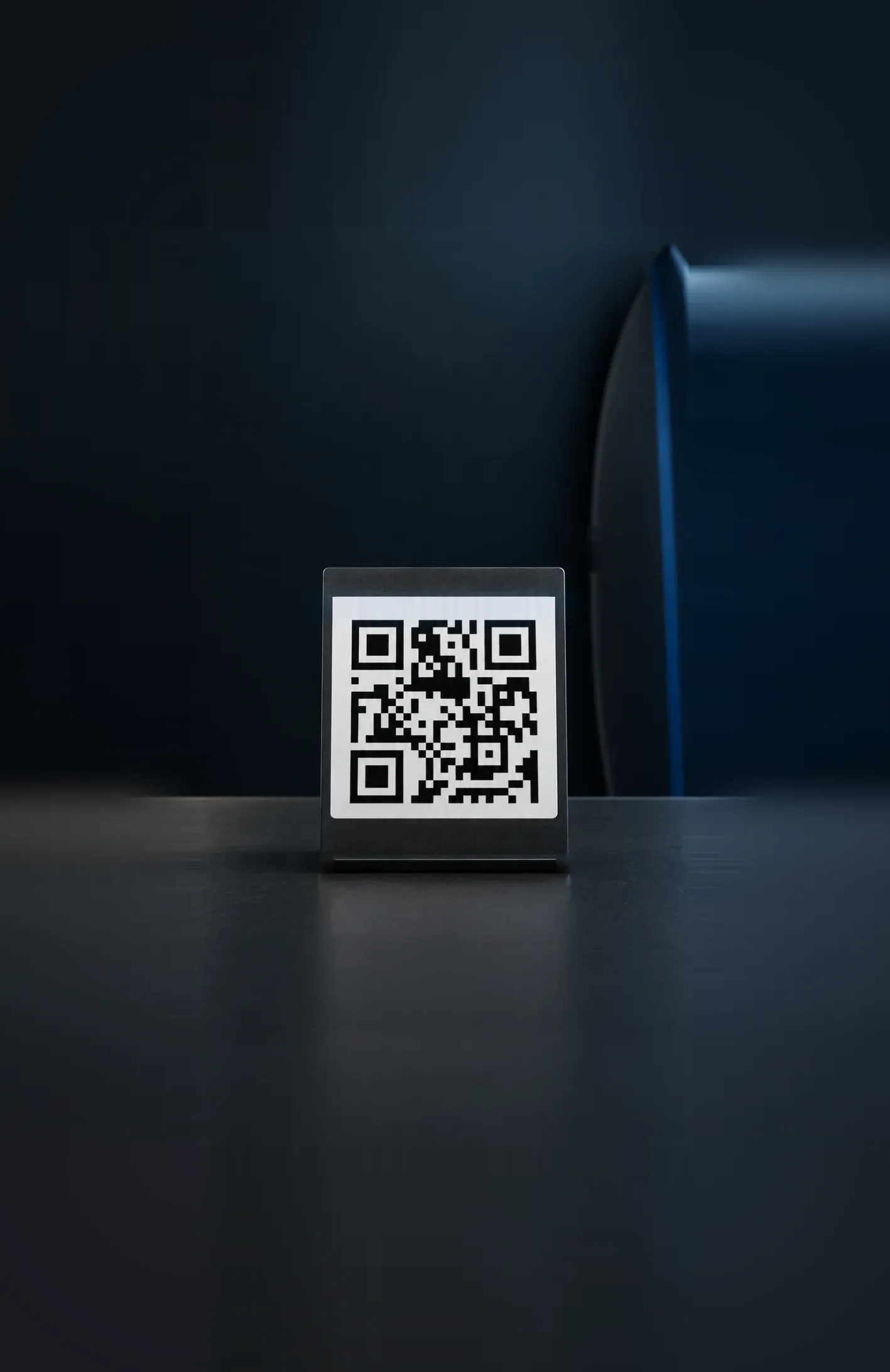


Simplify your monthly bill payments while traveling
Utility providers take many payment methods, but most of them, QR codes included, need a local bank account. Moreta Pay gives you access to the local networks without one.
In countries like Thailand, bill pay by QR code often goes through a platform like Lazada. Enter your utility account number and the amount in the Lazada app, and it generates a QR code. Save that code, open it in Moreta Pay and pay.
Where it works · 15 countries
 Vietnam
 Thailand
 Cambodia
 Philippines
 Laos
Laos Malaysia
 South Korea
 Mongolia
 China
China Brazil
 Argentina
 Peru
Peru Bolivia
 Colombia
Types of bills you can pay with Moreta Pay
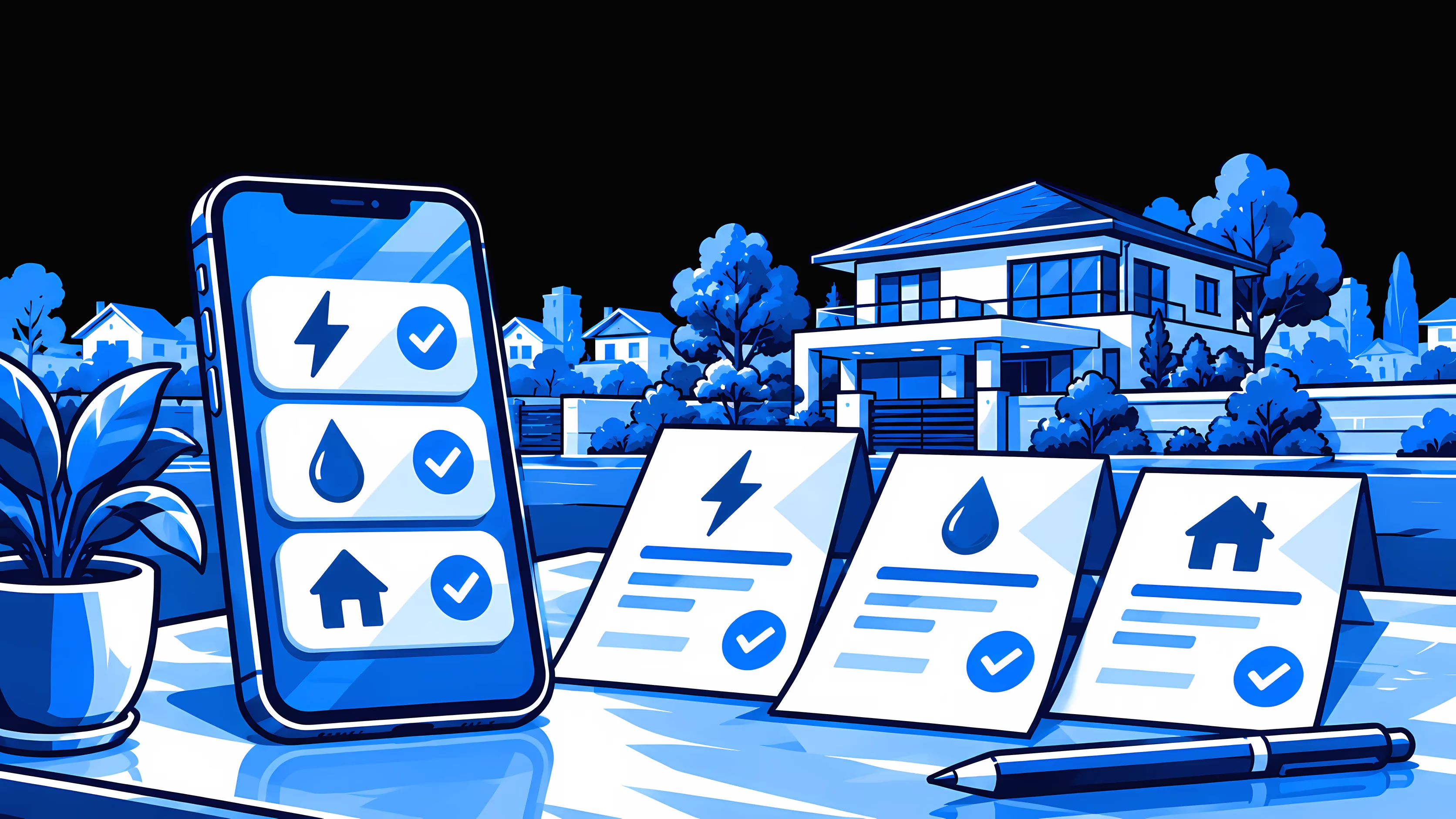
If you rent a home or an apartment, you pay for electricity and water. You'll also want internet and a phone plan. You can pay all of them by QR code from your phone.
Each payment converts at the live exchange rate at the moment you pay, with one 1.5% fee shown in your own currency before you confirm.
Electricity
Pay your electricity provider with the QR code on the bill, or one generated on a local bill-pay platform.
Water
Pay the water bill for your apartment or condo by scanning the provider's QR code, the way residents do.
Internet
Keep home internet paid while you work remotely. Scan the provider's QR code and pay.
Mobile phone (AIS)
Top up or pay your AIS plan and Wi-Fi hotspot without a Thai bank account, cash or card fees.
Why Moreta Pay is a smarter way to pay for expenses
The same app pays for shopping, groceries and utilities in 15 countries, including Thailand, the Philippines, Vietnam, Cambodia, Laos and Mongolia. There is nothing new to set up when you cross a border.
The same app also sends money, so expats can pay utility bills and send money home from one app. See how Send Money works.
Your card from home
- Your bank's foreign transaction fee
- A marked-up rate
- You find out on your statement
Moreta Pay
- One 1.5% fee
- The live exchange rate
- Both shown before you confirm
How it works
The same four steps as paying a shop: add money, scan the bill's QR code, check the provider and amount, and confirm.
- 01
Add payment method
Link a bank account, bank transfer or card. Your details are protected at every step.
- 02
Add money
Top up your balance instantly, so it is ready to spend the moment you land.
- 03
Scan the QR code
Scan the merchant's QR code, or show your own where that's how locals pay.
- 04
Review and confirm
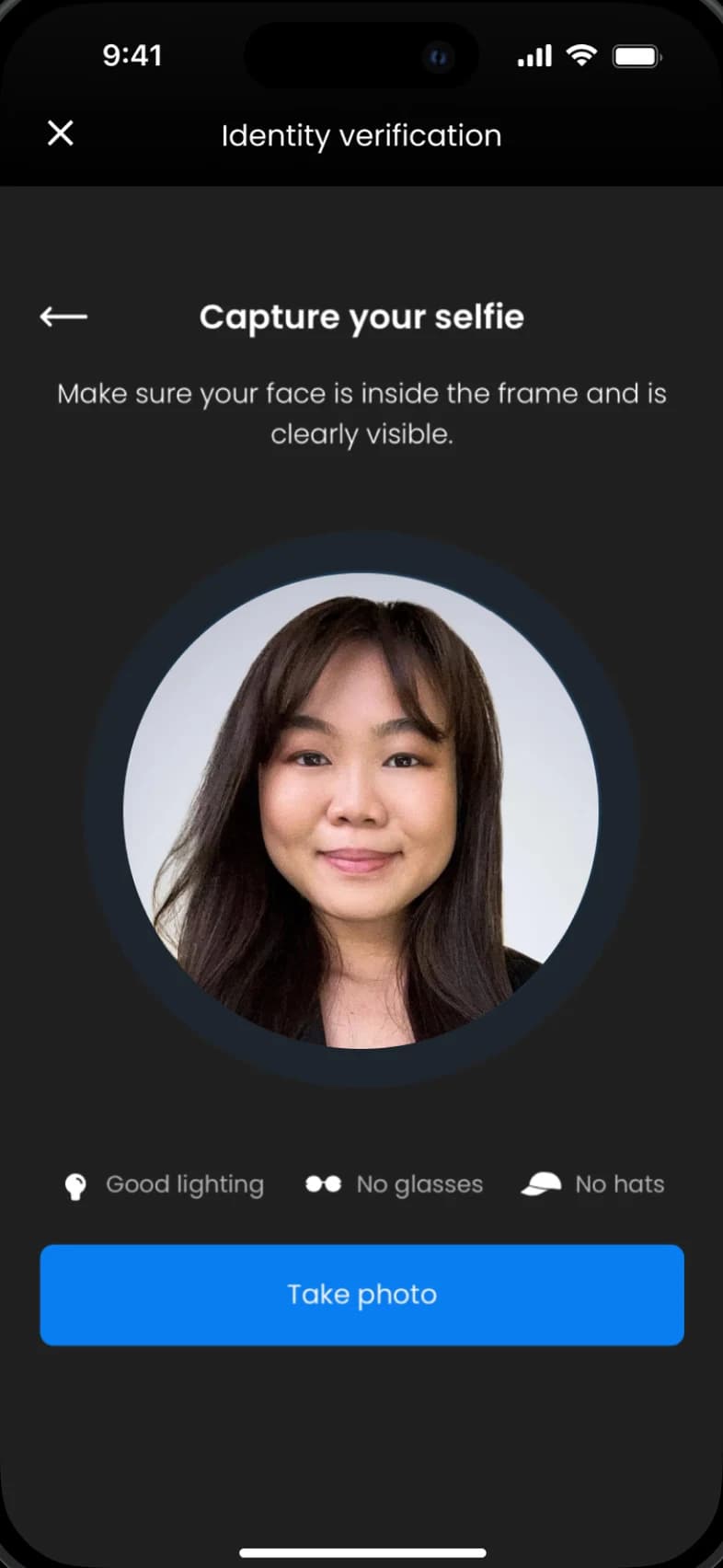
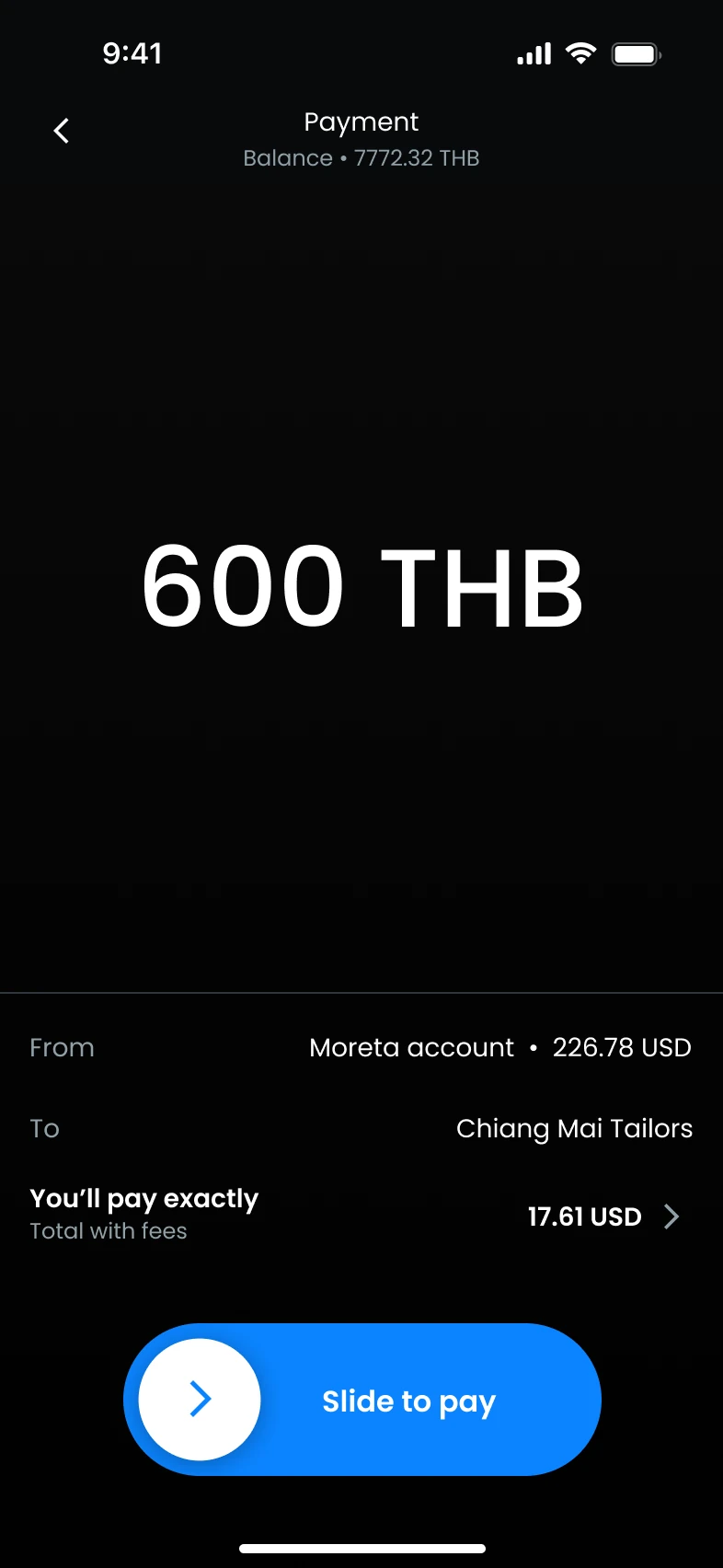
Check the amount, FX rate and merchant name, then slide to pay. Done in seconds.


 USD
USD
 Instant




Frequently asked questions.
What people ask before using Moreta for bill payments.
Showing 7 of 7 questions
Try online bill pay with Moreta Pay
Electricity, water, internet and your phone plan, paid the way residents pay. Download Moreta Pay, add money from home and scan your next bill.