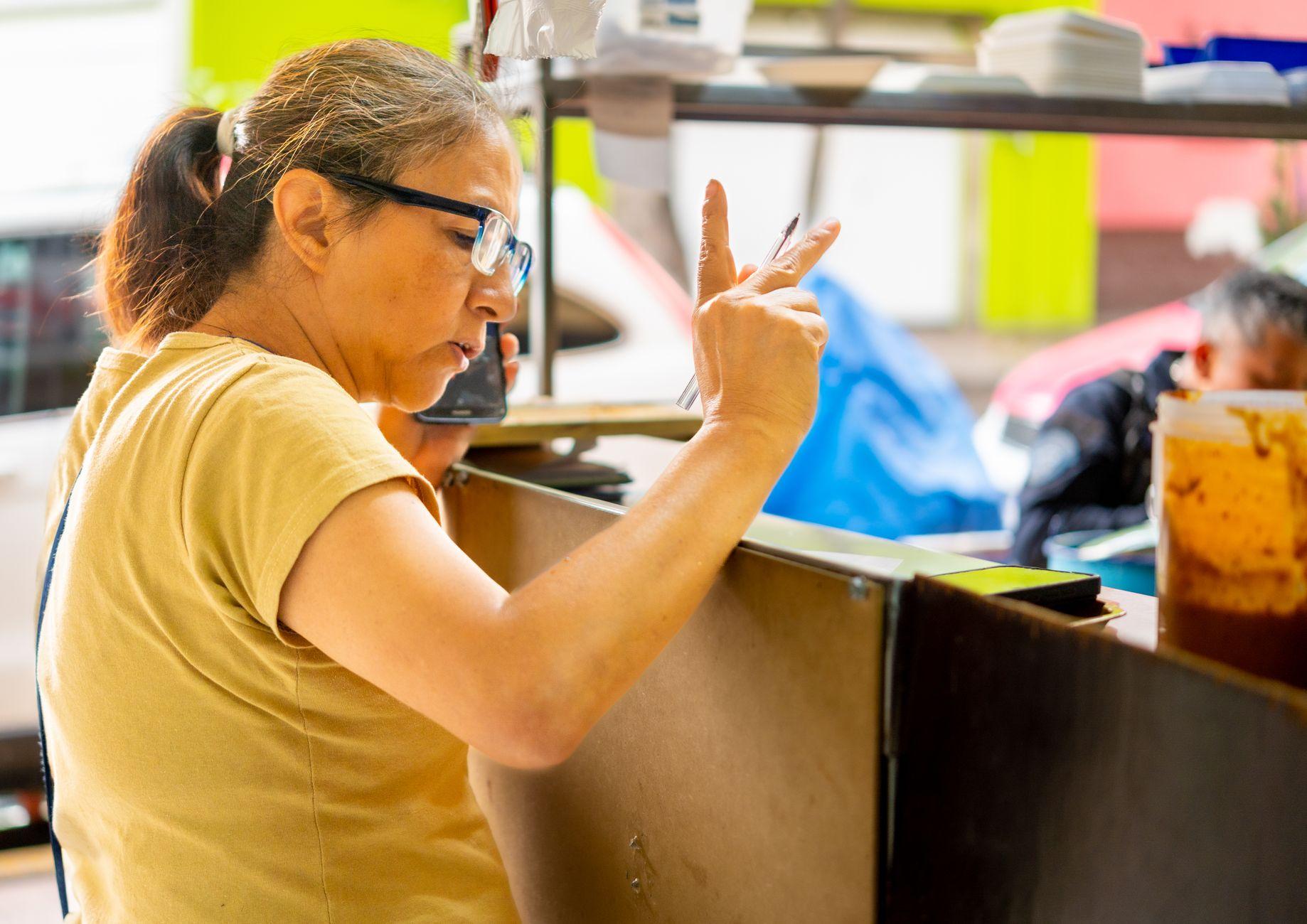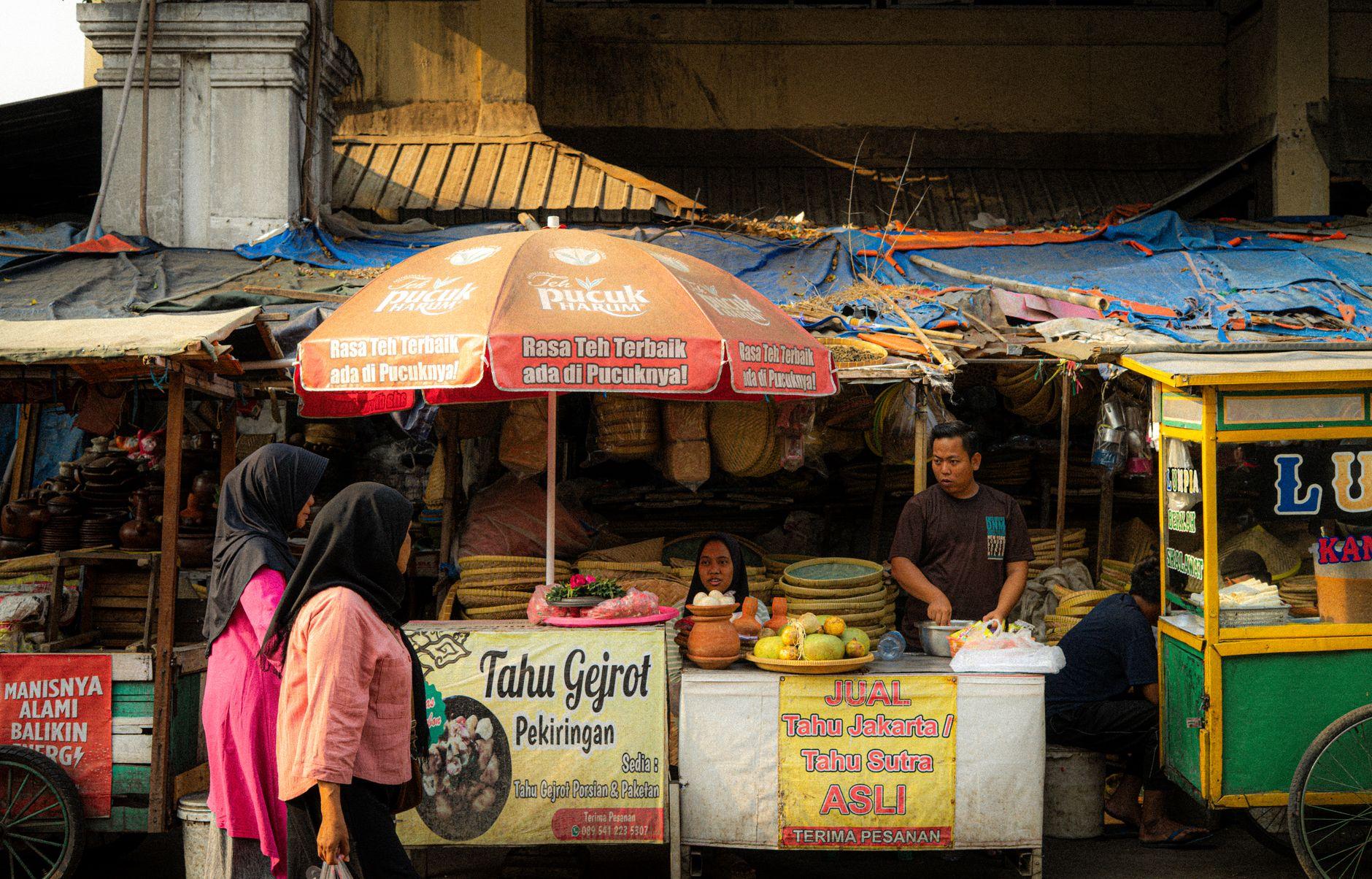

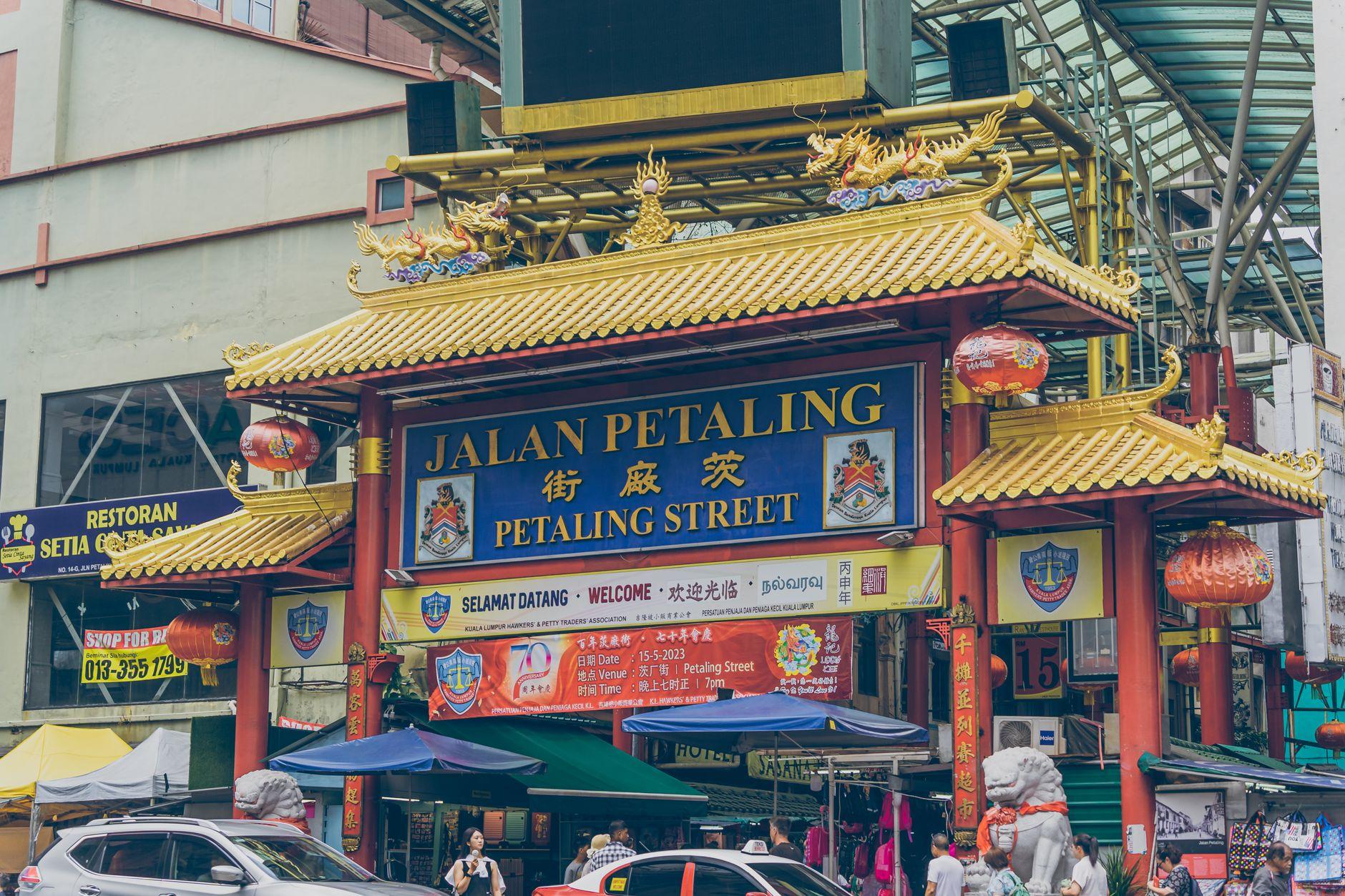
Picture a hawker on Jalan Alor in Kuala Lumpur, wok hissing, pointing at a laminated DuitNow QR taped to the cart. You scan, and in that second you are the only person who knows the bill should be 15 MYR, not 150 MYR. That is why a secure travel money app should never move money without a deliberate action from you, on a screen that shows who gets paid, how much, at what exchange rate and for what fee. Moreta builds Moreta Pay, a wallet that pays local QR networks across Asia and Latin America, and every payment in the app waits for the traveler to slide to confirm. This guide explains why that design matters and what to check in any app you carry abroad.
About the Author: Moreta Global Inc. is a Y Combinator-backed (Summer 2024) Delaware corporation and a FinCEN-registered Money Services Business. We build the confirmation flow travelers use to pay DuitNow QR in Malaysia, Pix in Brazil and WeChat Pay in China.
Why should a travel money app make you confirm every payment?
Confirmation matters because abroad, you are both the most likely point of error and the best check against it. Picture a hawker on Jalan Alor in Kuala Lumpur, wok hissing, pointing at a laminated DuitNow QR taped to the cart. You ordered char kway teow and a teh tarik. You scan. In that second, you are the only person who knows the bill should be 15 MYR, not 150 MYR.
In Ireland, at least, payment fraud concentrates in cross-border payments. The Central Bank of Ireland's Payment Fraud Statistics 2025, published in September 2026, found that payments sent to accounts outside Ireland accounted for 69.8 per cent of the total fraudulent payment value reported by Irish payment service providers in 2025. Jet lag, an unfamiliar currency and a queue behind you are exactly the conditions in which a silent payment does damage.
A mandatory confirmation step forces a pause at the moment errors and tampering become visible. Every payment waits for you to slide to confirm, with the amount, exchange rate, merchant name and fee on the review screen first.
What should a payment confirmation screen actually show?
Building on that, a confirmation screen only protects you if it shows the right details. A button that just says "Pay?" is theatre.
| Field | Why it matters | What to check |
|---|---|---|
| Merchant name | Confirms the QR belongs to the business in front of you | Matches the shopfront or the name the cashier says |
| Local amount | Catches an extra zero or a mistyped figure | Matches the menu or bill, in local currency |
| Exchange rate | Shows what the payment costs in your home currency | Compare against the mid-market rate |
| Fee | Removes surprise deductions | A stated figure, not "fees may apply" |
| Receipt afterward | Gives you a record if something goes wrong | Merchant ID and payment number stored |
Moreta Pay charges 1.5% on each payment, shown on screen before you confirm. The receipt records the merchant name, merchant ID and payment number.
How is scanning a QR code different from tapping a card abroad?
The deeper reason confirmation matters is structural: card and QR payments move money in opposite directions.
- Card: you present a credential, and the merchant's terminal pulls the amount from your account.
- QR push payment: the merchant's code carries their account details, and your app sends money to them.
Paying by card is like handing the shopkeeper your wallet and trusting them to take the right note. Paying by QR is like taking the note out yourself and placing it on the counter. Nothing leaves until your hand moves, so the moment your hand moves needs a clear view of the counter.
Systems such as Brazil's Pix are built on the EMV QR Code Specification, which packs payment data into a Tag-Length-Value format. A QR code is printed data with no encryption of its own. In practice, a sticker placed over the real code at an açaí stand in Copacabana would decode to different merchant details, and only your app's screen would show the mismatch.
Costs and exchange rates matter when comparing travel payment options. Coverage and price are fair criteria. Add one more question to any review: what do I see, and what must I do, before money leaves my account?
One card-specific trap deserves its own line. When a terminal or ATM offers to charge you in your home currency, that is dynamic currency conversion, and the rate is set by the terminal operator rather than your card network. Decline it. Always choose local currency.
What happens if your phone is stolen with a travel wallet on it?
A related but distinct question is what protects you when the person holding the phone isn't you. Travel wallet security works in layers, and confirmation is the last one. Moreta Pay uses multiple defenses:
- Device lock: Face ID or fingerprint unlock.
- Identity: every account is verified with a selfie and passport.
- Monitoring: transactions are monitored around the clock, with real-time alerts on your account.
- Limits: each country has a single-payment maximum and weekly limit shown before you pay (Malaysia: 12,000 MYR per payment, 24,000 MYR weekly; Brazil: 16,000 BRL per payment, 32,000 BRL weekly).
- Bank links: US bank connections go through Plaid, so Moreta never sees your login.
- Storage: funds are held with licensed partner banks.
Where does a confirm-every-payment app still fall short?
Stepping back from the app itself, no wallet replaces judgment or cash entirely.
- Connectivity: Moreta Pay needs mobile data or Wi-Fi at the moment you pay. There is no offline mode.
- Friend transfers: transfers between Moreta users can't be refunded, so check the Moreta tag before you slide.
- China: Moreta pays WeChat Pay codes, not Alipay's, and only while you're physically in China. The app opens on your payment code for the cashier to scan.
- Cash: some stalls only take notes. Keep a few 5 MYR and 10 MYR notes for kuih at a Penang pasar malam, or a 20 BRL note for queijo coalho sold off a beach vendor's grill in Rio.
What should I set up before landing?
Since confirmation only works if the app is ready when you reach the counter, do this before you board:
- Install the app, verify your identity with your passport and a selfie, and turn on biometric unlock.
- Add money in your own currency and check the payment limits for your destination.
- Arrange an eSIM or roaming plan so you have data at the moment you scan.
Frequently Asked Questions
Is a QR payment app safer than a travel card abroad?
It follows a different model. You never hand over card details, and the payment only moves when you confirm it.
Can a merchant charge my Moreta Pay wallet without my approval?
Each payment needs your confirmation in the app.
What should I check before I slide to confirm?
The merchant name, the local amount, the exchange rate and the fee. If the name doesn't match the business in front of you, stop.
Do I need a local bank account or SIM card?
No. You need neither, only data or Wi-Fi when you pay.
Can I see the fee before paying?
Yes. The 1.5% payment fee appears on screen before you confirm.
What happens after I pay?
You get a receipt in the app showing the merchant name, merchant ID and payment number.
About Moreta
Moreta Global Inc. builds Moreta Pay, a wallet that lets travelers top up in their own currency and pay native QR networks such as DuitNow QR in Malaysia, KHQR in Cambodia, Pix in Brazil and WeChat Pay in China. Every payment shows the merchant, amount, exchange rate and fee, and waits for you to slide to confirm. Accounts are identity-checked, transactions are monitored around the clock, and funds are held with licensed partner banks. Moreta is a FinCEN-registered Money Services Business backed by Y Combinator.
The five-second version: if an app can spend your travel money without showing you who gets paid and asking you first, it is not secure enough to carry abroad. To see how Moreta Pay handles confirmation, visit moretapay.com.