
Send money to friends, free and instant
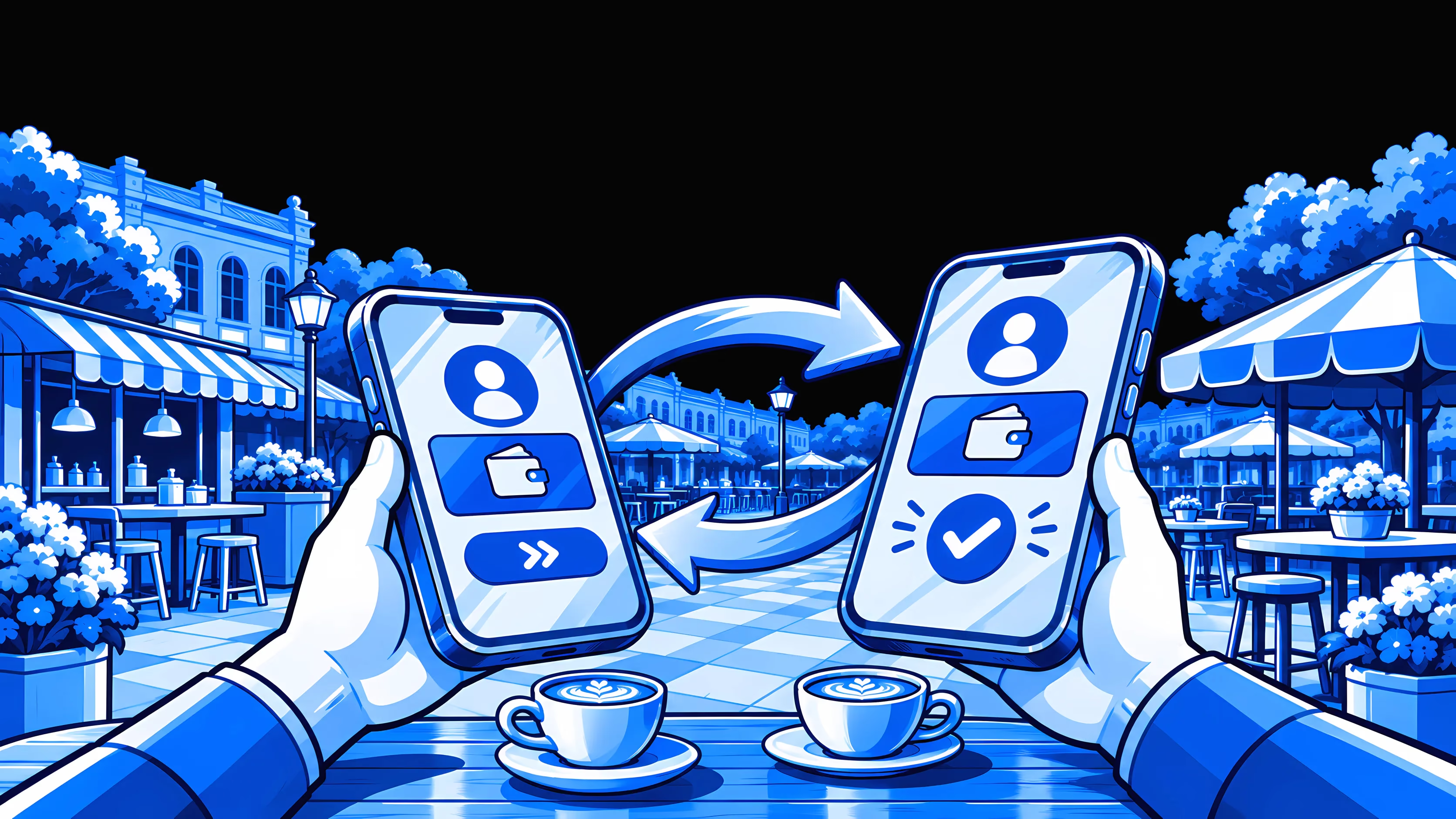
Send money to a friend on Moreta Pay for free, and it lands in their account instantly. Type their Moreta tag or scan the code in their app, enter the amount and slide to send. Splitting dinner, a taxi or a villa on a trip takes a few seconds, with no bank details to swap and no cash to count out.
How sending to friends works with Moreta Pay
Every Moreta Pay account comes with a Moreta tag, a short name like @maya that friends use to find you. Once you both have the app, paying each other takes seconds.




 USD


Two ways to find a friend
You never need a friend's bank details, only a way to find them on Moreta.
Type their Moreta tag
For a friend who isn't standing next to you.
- Open Send and type their tag, such as @maya
- Check the name that comes up is your friend
- Enter the amount and slide to send
Scan their code
For a friend at the same table.
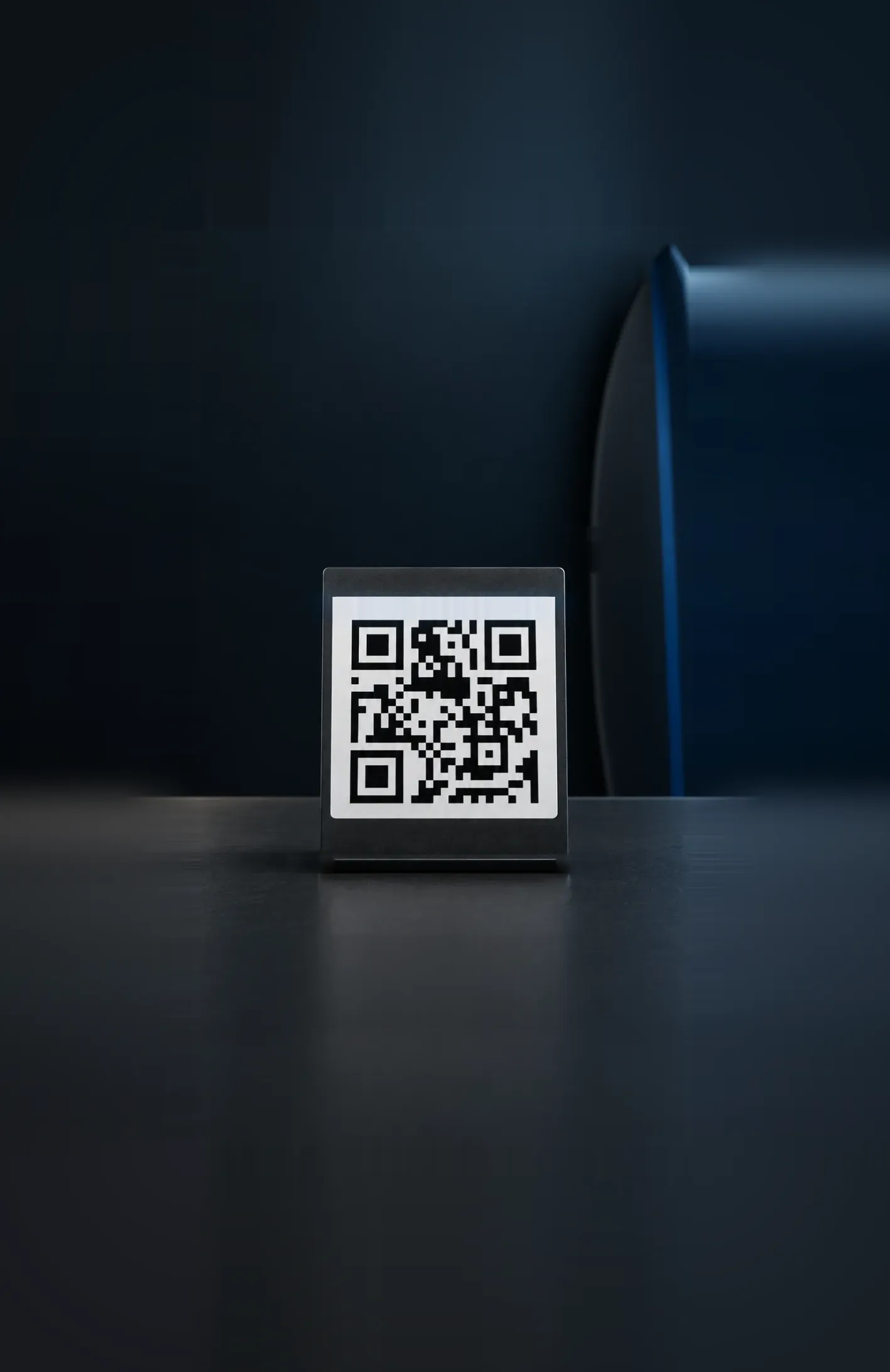
- Ask your friend to show the code in their Moreta app
- Open Send and scan it with your camera
- Enter the amount and slide to send
Request money, or get paid with your code
Sending is half of it. When a friend owes you, you don't have to wait for them to remember.
Request money
Ask a friend to pay you. They approve the request in their app, and the money lands in your Moreta account.
Share your Moreta tag
Post your tag in the group chat, and any friend on Moreta can pay you.
Show your code
Open My code and let a friend scan it, with no tag to spell out.
Say what it's for
Add a note of up to 100 characters. Your friend sees it with the money.
Why friends pay each other with Moreta Pay
Settling up on a trip usually means cash, a bank transfer or a promise to sort it out later. Between Moreta users it is one step.
No fee
Sending to another Moreta user is free, so they receive exactly what you send.
Instant
The money is in their Moreta account as soon as you slide, ready to spend or send on.
No bank details
All you need is their Moreta tag or their code. No account numbers to copy out.
They know straight away
Your friend gets a notification when the money arrives, so nobody has to send a screenshot.
 Vietnam
 Thailand
 Philippines
 Laos
 Malaysia
 South Korea
 Mongolia
 China
 Brazil
 Argentina
 Peru
 Bolivia
 Colombia
 South Africa
What friends use it for
Moreta Pay is built for paying local QR codes abroad, so one person often ends up paying for the whole table. Sending between friends is how everyone else pays them back.
Splitting dinner
One of you scans the restaurant's QR code and pays. Everyone else sends their share before the plates are cleared.
Sharing a taxi or a villa
Split the ride from the airport or a week's stay without working out who has the right notes.
Paying a friend back
Borrowed some cash at the night market? Send it back the moment you remember.
Covering a travel companion
If a friend's balance runs low mid-trip, send them some of yours and they can keep paying by QR code.
Cash and IOUs vs Moreta Pay
Money between friends gets awkward when it drags on. This is what settling up looks like each way.
Sending to someone who isn't on Moreta? Send Money pays out to their bank account instead.
Cash and IOUs
- Find an ATM and pay its fees
- Nobody has the right change
- Settle up after the trip, if anyone remembers
Moreta to Moreta
- Their Moreta tag or their code
- The exact amount, with no fee
- In their account in seconds
How it works
Four steps from finding your friend to the money being in their account. There is no fee to check and no exchange rate to work out.
- 01
Find them on Moreta
Type their Moreta tag, or scan the code in their Moreta app.
- 02
Enter the amount
Type what you want to send. Between Moreta users there is no fee, so they get every cent.
- 03
Slide to send
Check who it is for and how much, then slide to send.
- 04
It's already there
The money lands in their Moreta account instantly, ready to spend or send on.







Frequently asked questions.
What people ask before using Moreta for sending money to friends.
Showing 6 of 12 questions
Start paying friends with Moreta Pay
Dinner, taxis, a shared villa or a loan at the night market, settled in seconds. Download Moreta Pay, share your Moreta tag and send your first transfer for free.