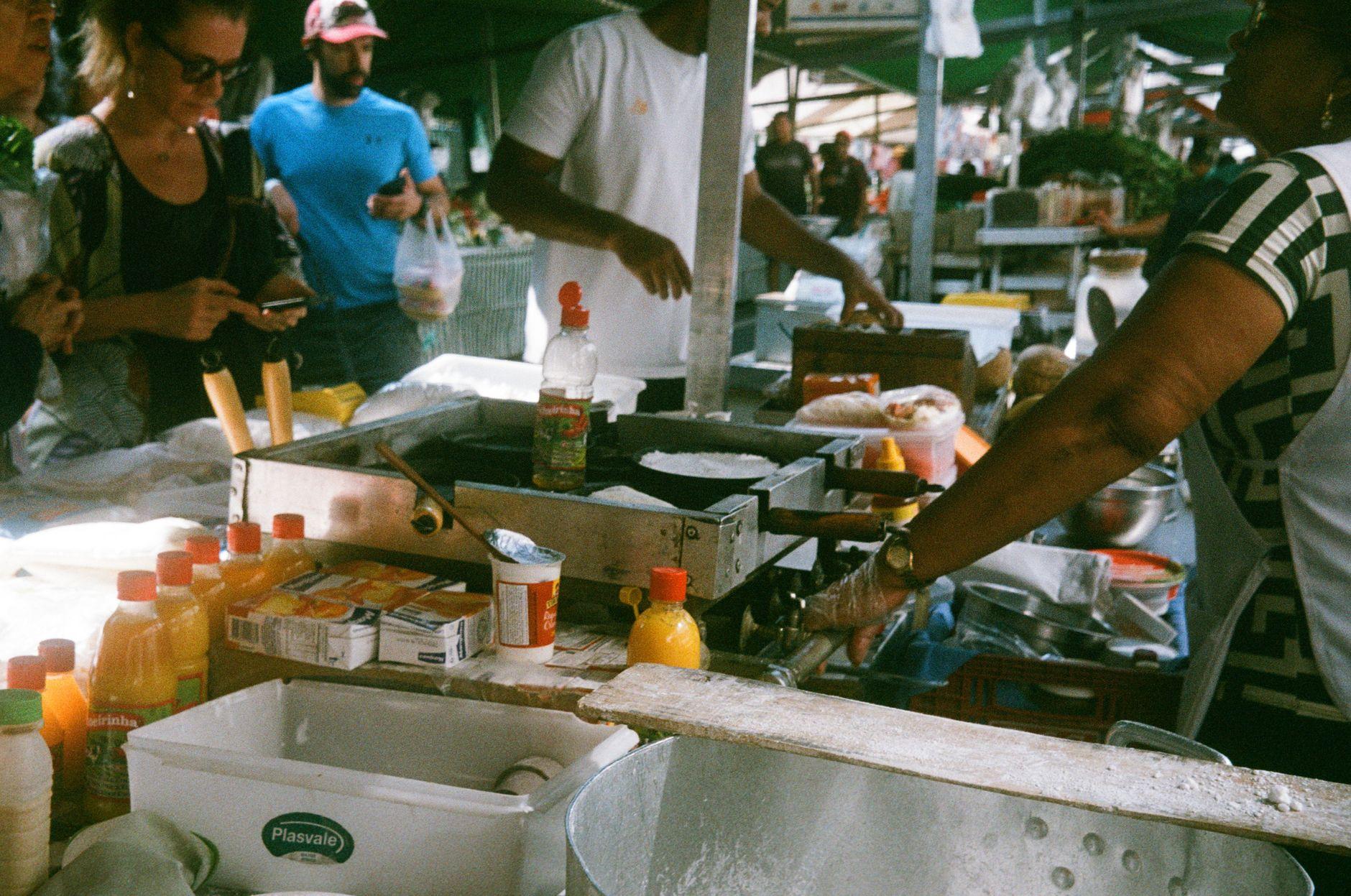
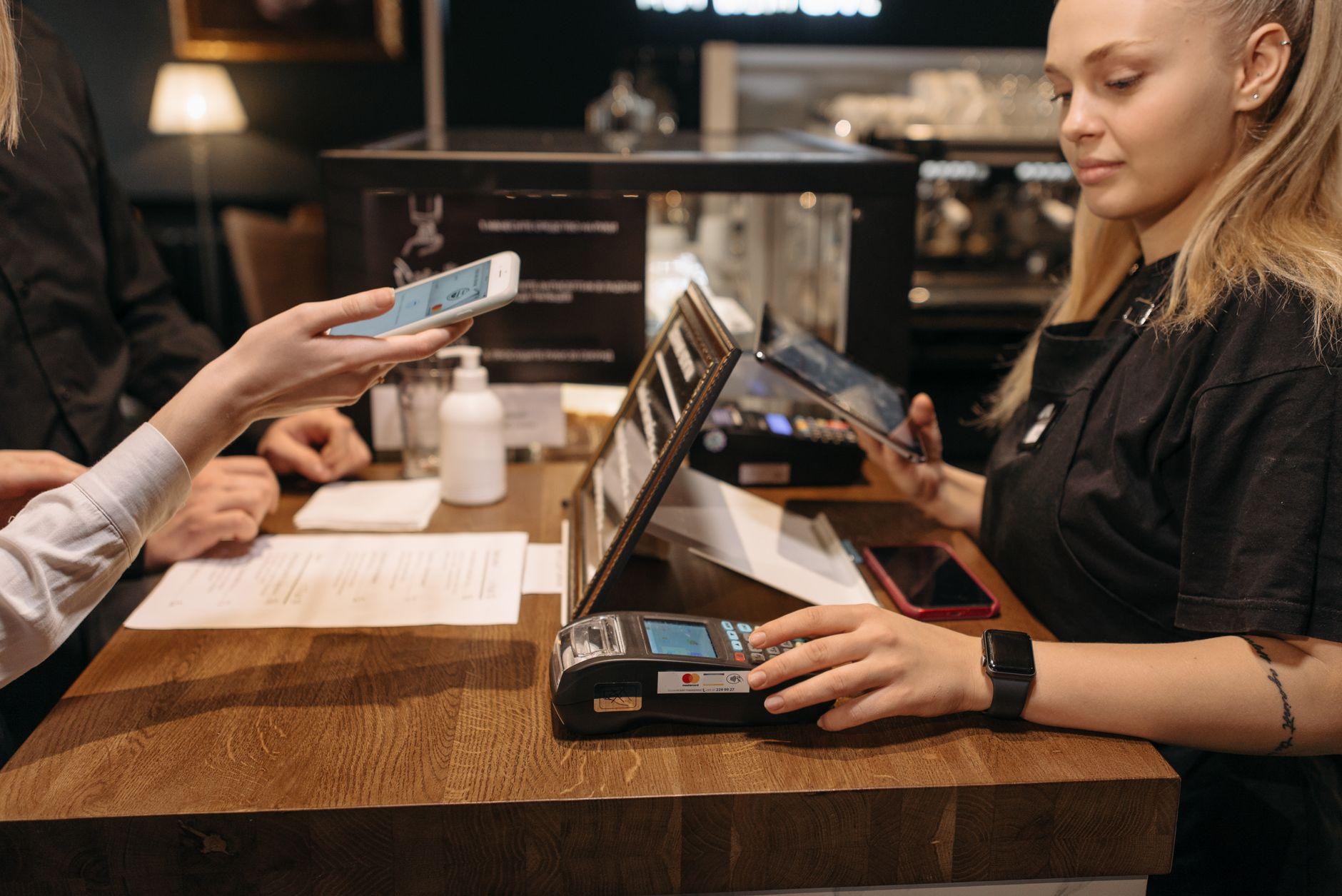
Order a coffee in Laureles, a menu del día in Bogotá, or a fresh juice at a market stall in Cali, and there's a good chance the person at the counter will ask one question: "¿Tienes Nequi?"
It's not small talk. In Colombia, QR payments through phone wallets have become the default way money changes hands at small businesses. Many places would genuinely rather you scan a code than hand them a card. Some would rather you scan than hand them cash, because cash means making change.
Here's what's actually going on, and how you can join in as a visitor without opening a Colombian bank account.
The three names you'll hear at every counter
Nequi is the big one. It's a mobile wallet connected to Bancolombia, and for millions of Colombians it functions as their everyday bank. The purple Nequi logo is taped to counters everywhere from empanada stands to barbershops.
Daviplata is the Davivienda equivalent, with its red branding, and it's especially common outside the big cities and among smaller vendors.
Bancolombia QR codes show up at more established businesses, restaurants, pharmacies, and shops that have a proper merchant setup.
In practice, many merchants display two or all three. The vendor doesn't care which network the money arrives through. They care that it arrives instantly, on their phone, with a confirmation they can see.
Why locals trust a QR sticker more than a card machine
This is the part that surprises visitors. In a lot of countries, cards feel safe and phone payments feel new. In Colombia, it's often the reverse.
Card cloning is a real and widely discussed fear here. Plenty of Colombians have a story about a card being skimmed at a machine or an ATM, and the habit that grew out of it is simple: don't hand your card to anyone. A QR payment never exposes a card number to the merchant at all. You scan, you confirm on your own phone, done. Locals see it as the cautious option, not the fancy one.
That caution shapes merchant behavior too. Many small businesses never bothered getting a card terminal. The QR sticker was free, the money lands instantly, and nobody worries about chargebacks or cloned cards. So in digital nomad hubs like Medellín, especially around El Poblado and Laureles, you'll find cafés and co-working spots where the QR code is the main event and the card machine, if one exists, is an afterthought.
The catch: all three apps assume you live in Colombia
Here's where visitors hit a wall. Nequi and Daviplata are built for residents. Signing up generally means a Colombian ID (a cédula) and a Colombian phone number, and funding the wallet means moving money from a Colombian bank or depositing cash through local channels. None of that works if you landed last Tuesday with a US, UK, or European bank account.
So the typical visitor defaults to cash, which means ATM runs, withdrawal fees, and the daily puzzle of breaking a 50,000 peso note at a stall that only has change for 10,000. Or they lean on a foreign card, which works at supermarkets and chain restaurants but gets a polite "no recibimos tarjeta" at exactly the small, interesting places you came to Colombia to eat and drink at.
This is the gap Moreta Pay fills. It reads the same merchant QR codes that Nequi, Daviplata, and Bancolombia customers scan, but your wallet is funded from your own bank at home, in your own currency. No cédula, no Colombian account, no local phone number.
How a payment actually goes, step by step
Say you've finished a bandeja paisa and the bill is on the table with a QR code printed at the bottom, or the cashier points at the laminated code by the register.
- Open Moreta Pay and scan the code. It doesn't matter whether the sticker says Nequi, Daviplata, or Bancolombia.
- Check the merchant name on your screen. It should match the business you're standing in. This is your built-in protection, and it matters, because a swapped or tampered QR sticker pays someone else entirely, a scam that exists wherever QR codes do.
- Enter or confirm the amount in pesos. Some merchant codes carry the amount already, others expect you to type it. If you're typing, read the bill carefully, Colombian prices have a lot of zeros.
- Review the FX rate shown on screen. You see exactly what the payment costs in your home currency before anything moves. No surprise foreign transaction fee showing up on a statement three days later.
- Confirm. The merchant gets a notification on their phone within seconds. Show them your confirmation screen if they ask, though usually their phone buzzes before you can turn yours around.
That's the whole transaction. It's the same rhythm locals use dozens of times a week.
Where QR carries you, and where pesos still rule
Plan around this split and Colombia gets very easy.
QR almost always works: cafés, restaurants, bakeries, pharmacies, barbers, corner tiendas, market stalls in cities, co-working spaces, most taxis if you ask before the ride ends, and QR checkout options on booking platforms in supported cases.
Keep small cash for: city buses, the occasional very elderly street vendor, tips, rural areas and small towns where connectivity is patchy, and anywhere the merchant's own phone has no signal. QR payments need the seller to be online too, and in the Colombian countryside that's not guaranteed.
A reasonable setup is a modest stash of small peso notes for those edge cases, with everything else running through your phone. And since your phone becomes your main payment tool, it's worth having a fallback plan ready, because a wallet app that won't load at the counter is a lot less stressful when you've thought about it in advance.
Small habits that make you look like you've done this before
Ask "¿Tienes QR?" instead of "¿Recibes tarjeta?" You'll get a yes far more often, and you'll have skipped the awkward card refusal entirely.
Say the amount out loud before confirming. "Veintidós mil, ¿cierto?" Twenty-two thousand, right? It catches typos and merchants appreciate it.
Top up before you need to. Load your Moreta Pay wallet from your home bank or card while you're on good wifi, not while a lunch line forms behind you.
Screenshot confirmations for bigger purchases. Rarely needed, but if a merchant's phone is slow to show the notification, your screenshot settles it instantly.
Don't assume nice means card-friendly. Some genuinely good restaurants in Medellín and Bogotá are QR and cash only by choice. The QR sticker on the counter is the tell.
Arrive already able to pay
Colombia rewards travelers who can pay the way locals do. The food stalls, the family-run restaurants, the market vendors, the places with no card machine and no interest in getting one, all of them open up the moment you can scan the code on their counter.
Download Moreta Pay, connect your home bank or card, and load your wallet before your flight, so your first "¿Tienes Nequi?" gets answered with a scan instead of a shrug. Get your wallet ready for Colombia here.