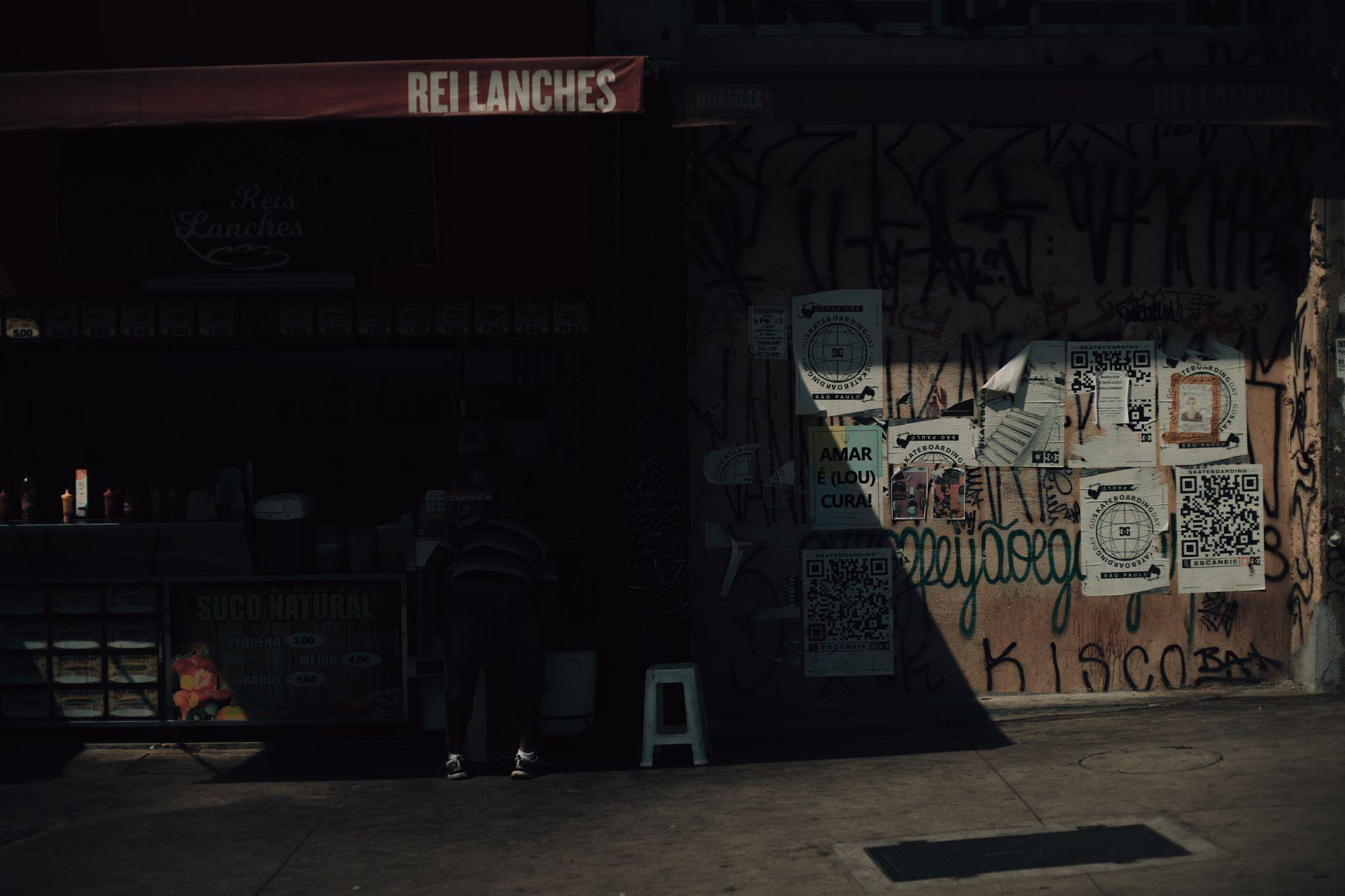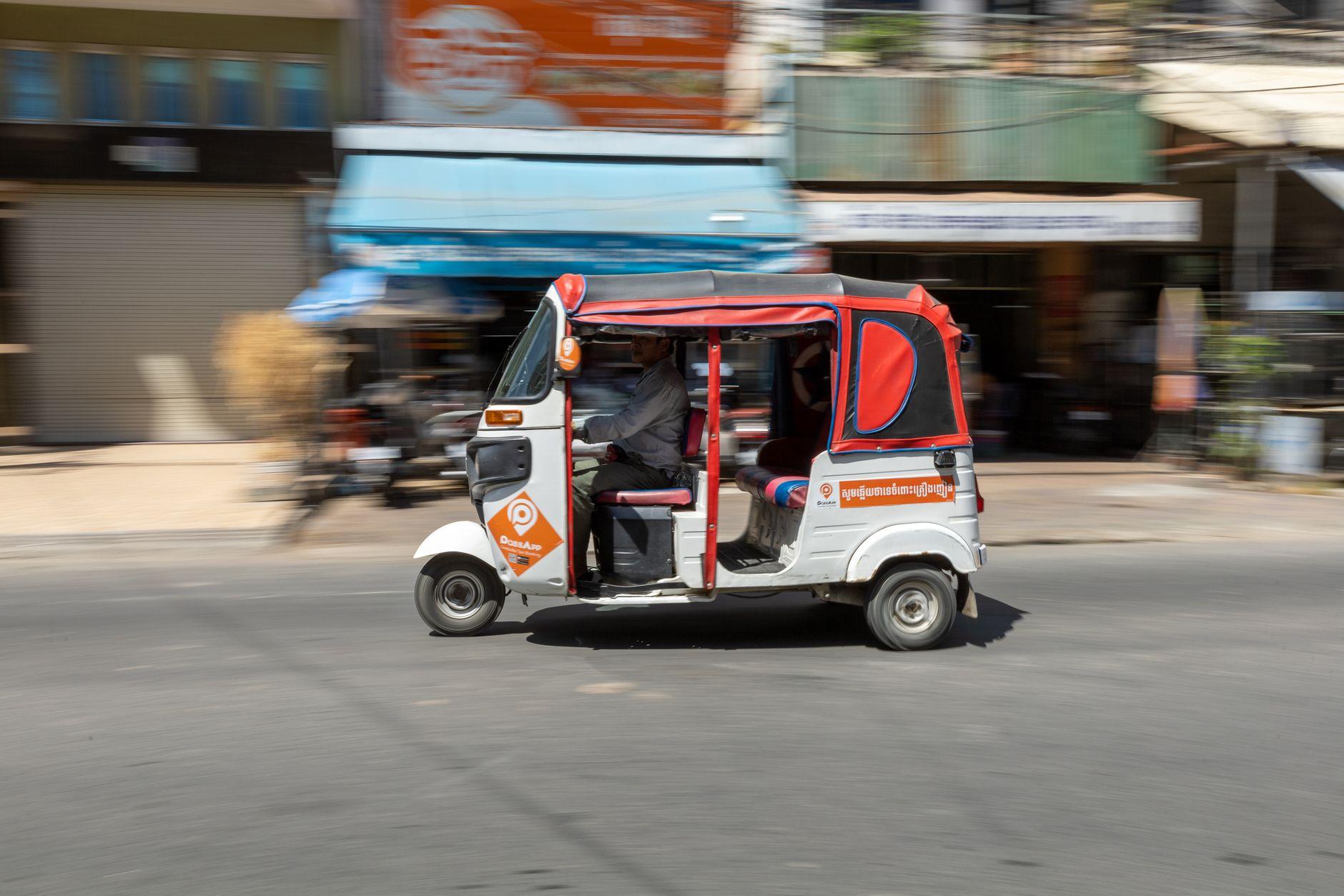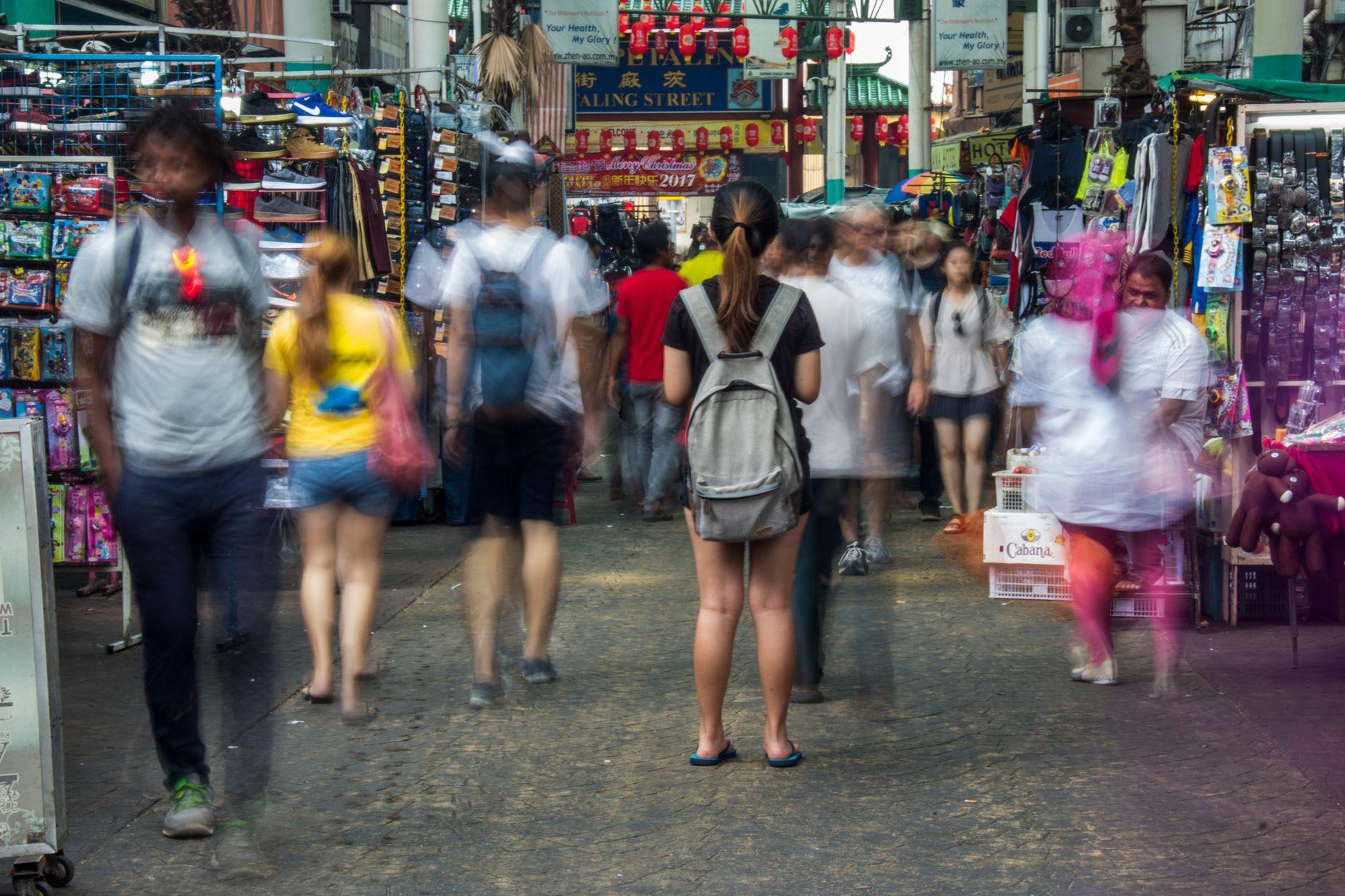

The pastel de queijo is still too hot to hold. You set your phone face-down on the counter of a lanchonete on Rua Augusta in São Paulo, turn to grab a napkin, and when you turn back the counter is empty. Your balance is not stored on the phone. It sits in an account held elsewhere, and a thief has to get past your phone lock, then the app, then confirm each payment by hand. The real weak point is your phone passcode, not the wallet. Moreta Pay is a wallet that travelers use to pay local QR codes in Malaysia, Cambodia, Brazil, China and other markets across Asia and Latin America.
What actually happens to your QR wallet money when your phone is stolen?
Nothing happens to it right away, and that is the central point of this article. Picture the scene. The pastel de queijo is still too hot to hold. You set your phone face-down on the counter of a lanchonete on Rua Augusta in São Paulo and turn to grab a napkin. When you turn back, the counter is empty.
The thief now holds glass and aluminium. Your money is somewhere else. Tourists scan merchant codes abroad with a familiar e-wallet instead of exchanging cash. The balance behind that scan sits with the provider. The app only sends instructions.
Think of a TV remote. Losing the remote does not carry the TV out of the house. Whoever picks it up still needs the code to switch it on. Most QR payments are push payments. You scan the merchant's code and approve an amount, or, where locals pay that way, as in China, you show your own payment code for the cashier to scan. Either way, Moreta Pay needs your confirmation in the app for every payment.
Which security layers stand between a thief and your balance?
If the money is not on the device, the next question is how many gates a thief must pass to move it. The answer is several. Some are controlled by you and some by the provider.
| Layer | What it stops | Who controls it |
|---|---|---|
| Phone lock (biometrics plus passcode) | Grab-and-browse theft | You |
| iOS Find My and Stolen Device Protection | Remote wipe. Requires biometrics and delays sensitive account changes | You, set up in advance |
| Android Find My Device, Factory Reset Protection, Theft Detection Lock | Remote lock and wipe. Blocks resetting the phone to reuse it | You, set up in advance |
| Payment confirmation | Silent spending. Moreta Pay requires you to check the amount, FX rate and merchant name, then slide to pay | You |
| Spending limits | Large drains. Moreta Pay reports a maximum single payment and a weekly limit per country, shown in the app | Provider |
| Monitoring and alerts | Unnoticed activity. Moreta Pay monitors transactions around the clock, with real-time account alerts | Provider |
In practice the chain is only as strong as its first link. A phone that a thief can open hands over every layer below it.
What is the weak point in mobile wallet security abroad?
Building on that table, the biggest risk in mobile wallet security is a passcode someone has watched you type. A thief who shoulder-surfs your six digits on a crowded Bukit Bintang pavement can open the phone, reach your email and start resetting passwords. Apple built Stolen Device Protection for exactly this case. It insists on biometrics and delays sensitive changes when the phone is away from familiar locations.
Two quieter gaps follow:
- Your SIM. A thief who pulls your home SIM can receive your SMS verification codes in another phone. Set a SIM PIN before departure.
- Your email. Email is the reset route for almost every account you own. Protect it with a method that does not run only on the stolen phone.
Abroad, use Face ID or a fingerprint in public. Switch to a longer alphanumeric passcode for the trip.
What should you do in the first hour after your phone is stolen abroad?
Since speed limits the damage, work through these steps from a travel partner's phone or a hotel computer:
- Mark the device as lost through Find My (iOS) or Find My Device (Android). Wipe it once you accept it will not come back.
- Change your email password and sign out of all other sessions.
- Tell Moreta Pay and each card issuer what happened, and review your recent activity.
- Call your home mobile carrier to suspend the SIM.
- File a report at the nearest police station. Insurers usually ask for one.
You will probably fall back on a physical card for a day or two. At ATMs and card terminals, the screen may offer to charge you in your home currency. That offer is dynamic currency conversion. Decline it and always choose to be charged in the local currency.
Does lost phone travel insurance cover the money in your wallet?
A related but distinct question is who pays for what. Lost phone travel insurance covers the handset. Policies vary widely on item caps, excesses and exclusions for unattended belongings. Read the wording before the trip, not at the police station.
Your wallet balance is a separate matter. Its protection comes from the provider's account security. Customer funds are held with licensed partner banks, and every account is identity-checked with a selfie and passport.
Here is the honesty clause. A stolen phone means no QR payments until you replace it, so carry a modest cash reserve somewhere other than your phone case:
- About 100 MYR in 10 MYR and 5 MYR notes in Kuala Lumpur
- A wad of riel plus small US dollar bills in Phnom Penh (we covered Cambodia's two-currency quirk in our KHQR guide)
- About 10 BRL and 20 BRL notes in São Paulo
How should theft protection factor into choosing the best travel card in 2026?
Stepping back from the emergency itself, theft response deserves a line in your comparison. Fees and exchange rates are the obvious comparison points. Add what happens after a phone goes missing. If you have searched "revolut stolen phone" or the same phrase for any other app, the answers live in that provider's own help pages. Read them before you leave.
Ask four things of any app:
- Does every payment need confirmation inside the app?
- Are there per-payment or weekly limits?
- Will you get real-time alerts?
- Can you reach support from another device?
The safest setup splits your money. Keep a few days of spending in the phone wallet and a backup card in the hotel safe, so one theft never takes both.
What should you set up before you fly?
Every step above works better with preparation:
- Turn on Stolen Device Protection or Theft Detection Lock, and set a SIM PIN.
- Write down your email recovery codes and your card issuers' emergency numbers. Keep them on paper, apart from the phone.
- Top up only what you will spend in the next few days. Moreta Pay reports that bank account top-ups take 1 to 3 business days, so plan that route early.
The five-second version: the phone is a remote control for your money, not a container for it, and your device passcode is the master key.
Frequently Asked Questions
Can a thief spend my QR wallet balance with my phone?
Only if they get into the phone and the app and then confirm each payment. The risk rises sharply if they know your passcode.
Is my money stored on the phone?
No. The phone gives you access to an account. Funds are held with licensed partner banks.
Is a QR wallet safer than carrying cash?
Generally, yes. Stolen cash is gone. A wallet balance sits behind several layers of authentication.
Do I need a local SIM for Moreta Pay?
No. You only need mobile data or Wi-Fi at the moment you pay.
Should I keep a large balance in the app?
No. Keep a few days of spending and top up as you go.
Does travel insurance reimburse wallet money?
Policies differ. Most focus on the device itself, so check the wording.
About Moreta
Moreta Global Inc. is a Delaware corporation and FinCEN-registered Money Services Business backed by Y Combinator. Its app, Moreta Pay, lets travelers top up from home in their own currency and scan the same local QR codes residents use, such as DuitNow in Malaysia, KHQR in Cambodia, Pix in Brazil and WeChat Pay in China. Before each payment, the app shows the merchant name, the amount and the exact FX rate, and the merchant is paid in local currency. Identity checks, around-the-clock monitoring, real-time alerts and per-payment confirmation are built into the app.
To see how Moreta Pay works in the countries on your route, visit moretapay.com.