
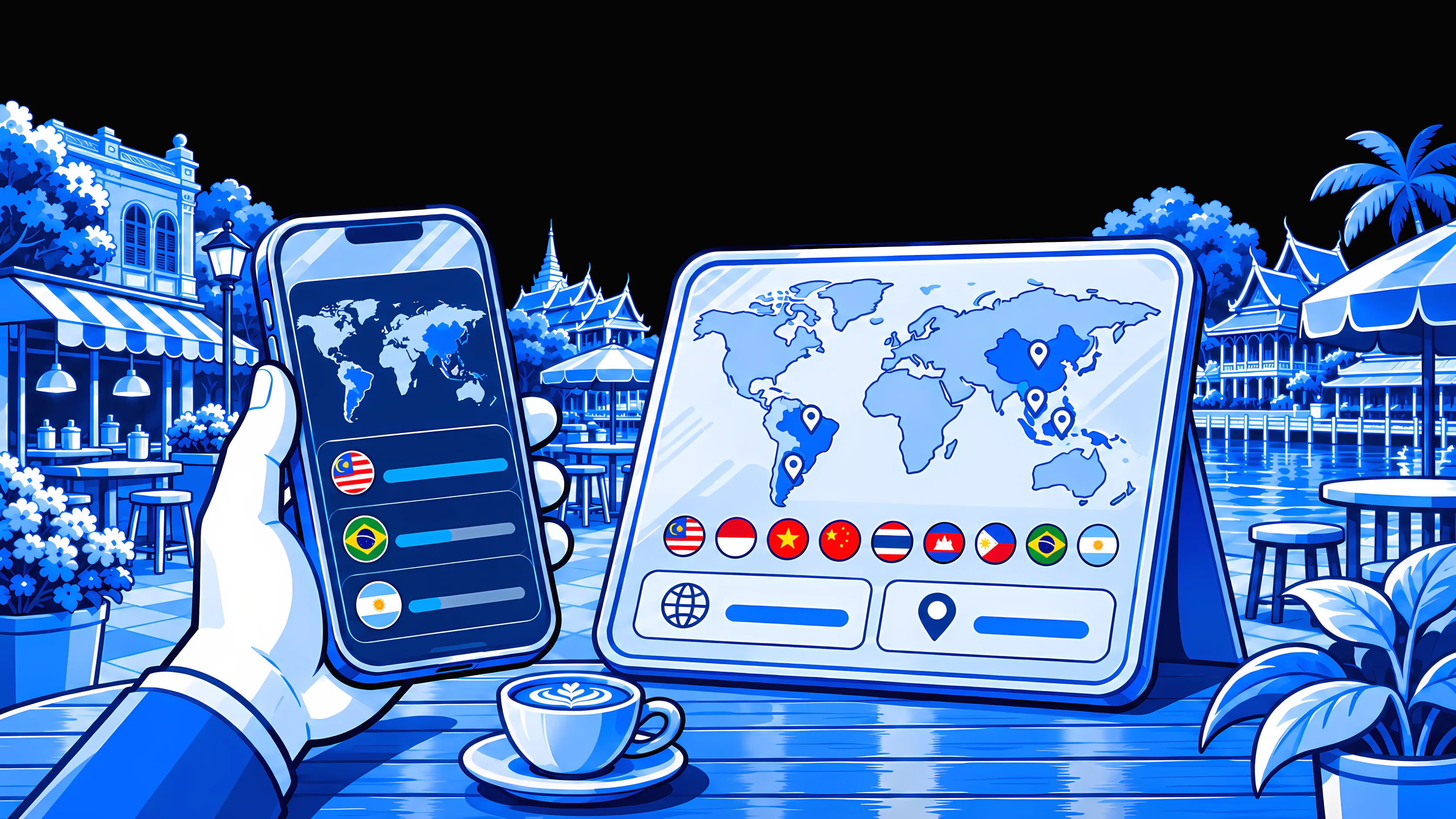
A map of the countries you've visited, built as you pay
Every time you pay with Moreta Pay in a new country, it lights up on your map. Your summary counts the countries and continents you've paid in and shows what you spent in each one, year by year. When you want to show where you've been, share it as your Moreta Passport: a card with your map and your flags, and none of your amounts. It builds itself, and it's free.
Every country you've paid in, on one map
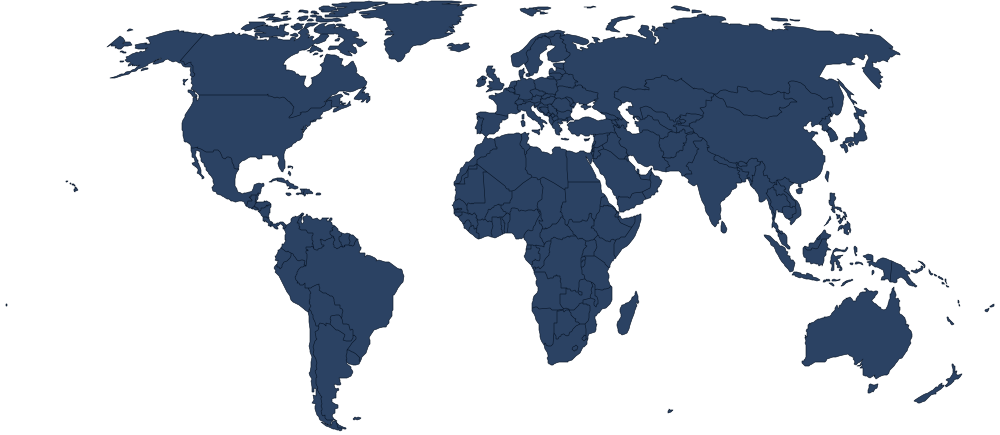
Open Your summary and the world is a map of dots. The countries you've paid in with Moreta Pay are blue, the other countries where Moreta works are grey, and two numbers underneath count your countries and your continents.
- Paid in
- Supported
9Countries
3Continents
2026
2025
What you spent, country by country
Under the map, your summary lists each year you've used Moreta and every country you paid in that year, largest total first.
A total for each country
What you paid there with Moreta that year, added up, with a bar that shows how it compares with your other countries.
How many payments
The number of payments you made in the country, whether that was one coffee or a month of them.
When you were there
The month or months you paid in, so a two-month stay reads differently from a weekend.
Year by year
Each year has its own list, so last summer's trip sits apart from this one.
Share your Moreta Passport
Tap the share button on Your summary and Moreta turns your map into a card: your first name, the countries you've paid in filled in on a world map, a flag for each one, and your country and continent counts. Tap Share and it goes out as an image through your phone's share sheet, to a group chat, a post or anywhere else your phone can send a picture.
 moreta
Maya’s Passport
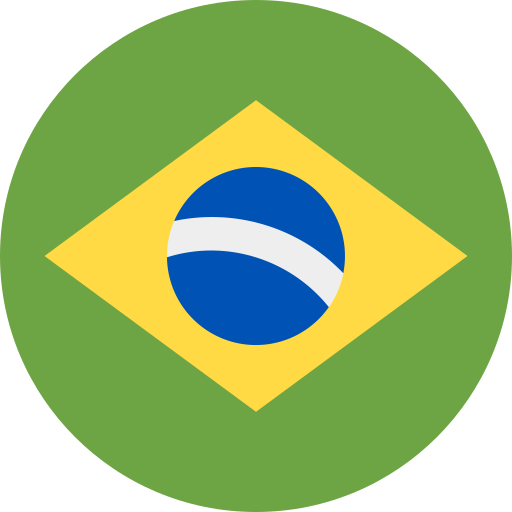
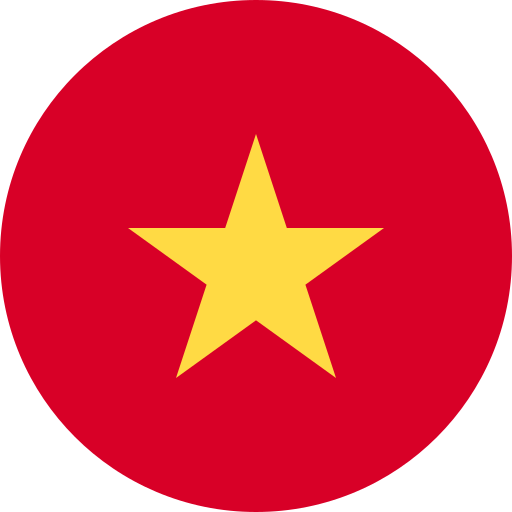

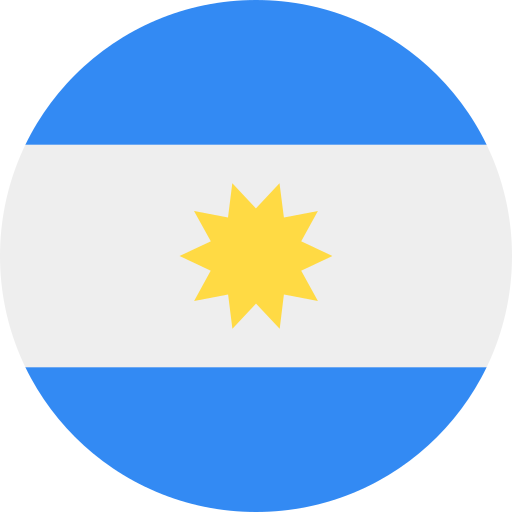
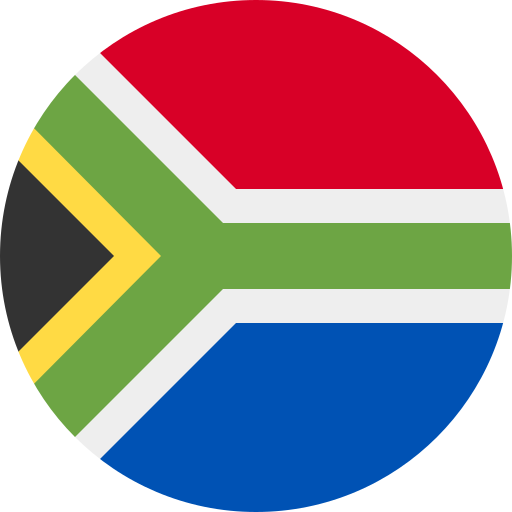

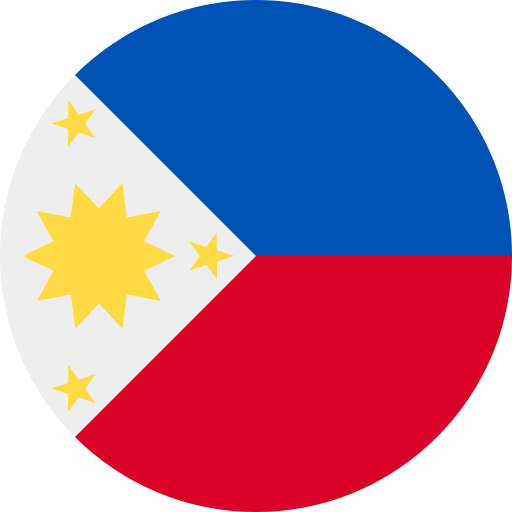
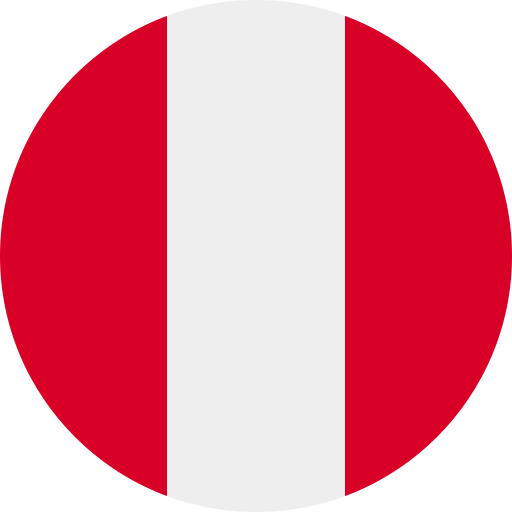
9Countries
3Continents
Travel · Pay · Explore
What the card shows, and what it doesn't
Your summary is for you. The Passport card is the part made for other people, so it leaves the money out.
No amounts
What you spent stays on your summary. The card never shows a total.
No payment details
The card has no list of payments and nothing about what you paid for.
Your map and your flags
Your first name, your map, a flag for each country, and your country and continent counts. That's all of it.
Shared when you choose
The card goes out only when you tap Share and pick where to send it.
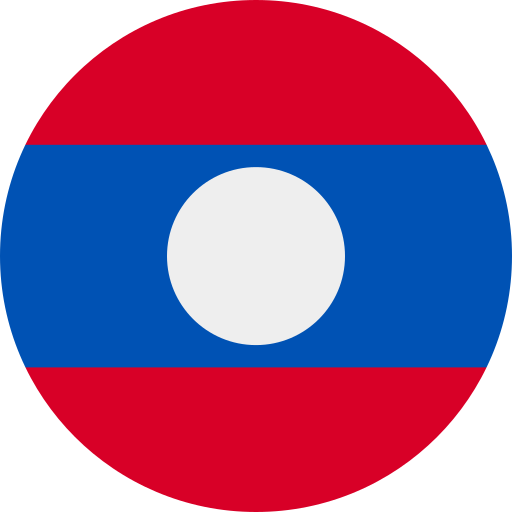 Laos
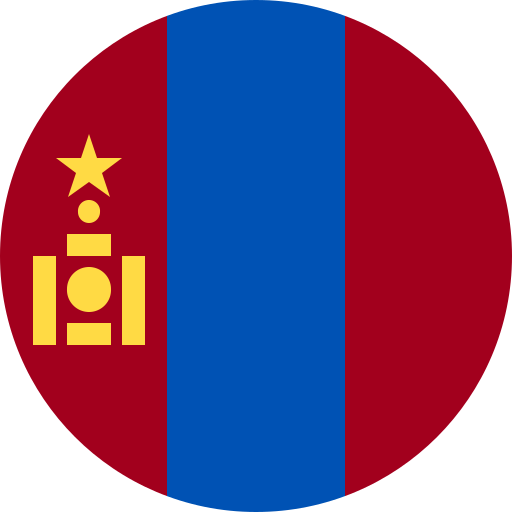 Mongolia
 China
 Bolivia
 Colombia
What travelers use it for
Moreta Pay is built for paying local QR codes abroad. Your summary is the record those payments leave behind.
Counting countries
Keep a running count of the countries and continents you've paid your way through.
Looking back on a trip
See what you paid with Moreta over a month in Thailand or a week in Brazil, without digging through receipts.
Planning the next one
Use last year's totals as a starting point when you budget for the same place again.
Showing where you've been
Send your Passport card when someone asks where you went this year.
Spreadsheets and scratch maps vs Moreta Passport
Keeping track of where you've been and what it cost usually means doing it by hand. This is what each way asks of you.
Your map starts with your first payment abroad. See how QR Payments work with Moreta Pay.
By hand
- Log every purchase in a notes app or a spreadsheet
- Add it all up when the trip is over
- Scratch off a paper map when you get home
Moreta Passport
- Builds itself from your Moreta payments
- Totals for every country, year by year
- A card to share in two taps
How it works
Your map builds itself as you pay. Here is how to find it, read it and share it.
- 01
Pay by QR abroad
Scan a local QR code and pay with Moreta Pay in any of the 15 countries where it works. There is nothing else to set up.
- 02
Open your summary
Go to your Profile tab and open Your summary. The country you just paid in is on your map.
- 03
See your spending
Scroll down for each year's countries, with the total, the number of payments and the months for each one.
- 04
Share your passport
Tap the share button to see your Passport card, then tap Share to send it as an image.



Frequently asked questions.
What people ask before using Moreta for your travel map.
Showing 6 of 11 questions
More ways to pay
- QR paymentsPay the way locals do: scan the QR code on the counter and you're done.
- Pay friendsSend money to a friend on Moreta Pay for free, and it lands in their account instantly.
- Send moneySend money to family, friends or a landlord abroad from your phone.
- Bill paymentsPay your electricity, water, internet and phone bills abroad by scanning a QR code.
- Online paymentsQR codes work online too.
Start your map with your next trip
Download Moreta Pay, pay by QR code in 15 countries and watch your map fill in.