
It is Thursday night in Lyon. Your flight to Kuala Lumpur leaves Saturday morning, and your banking app is asking for an IBAN. That request is the whole of SEPA in one field. Standard SEPA credits within one business day. Moreta Pay accepts EUR top-ups by SEPA from any euro account. Moreta reports a 1.50 USD fee on SEPA deposits, waived above 225 EUR. Your balance then stays in your own currency until you scan a local QR code in Kuala Lumpur, Phnom Penh or Shanghai.
About the Author: This guide is written by the team at Moreta Global Inc., a Y Combinator-backed company. Its Moreta Pay app lets travelers add money in EUR by SEPA and spend on local QR networks across Asia and Latin America.
What is a SEPA transfer, and which countries does it cover?
SEPA (Single Euro Payments Area) is the European scheme for sending euros between accounts using only an IBAN.
- Currency: euros only.
- Countries: all EU member states, plus several non-EU European countries including Norway, Iceland, Liechtenstein, Switzerland and the UK.
- What you need: the recipient's IBAN, with both accounts inside the SEPA zone.
- Speed: standard SEPA processes within one business day. SEPA Instant processes in under 10 seconds.
Nearly all SEPA transfers are made through internet banking or a banking app. No branch visit, no form.
SEPA vs SWIFT: why does SEPA work for an Asia trip at all?
SEPA cannot reach Asia, and that is exactly why it works here. SEPA is limited to the Single Euro Payments Area and cannot be routed to Asian bank accounts. Transfers to Asia travel over SWIFT or local networks instead.
The trick is that you are not sending money to Asia. You send euros to your wallet's euro account details, which sit inside the SEPA zone. The wallet then pays the local QR network at the counter. Think of it like checking a bag at your home airport: you hand it over on familiar ground, and the connection at the other end is handled for you.
| SEPA | SWIFT | |
|---|---|---|
| Reach | SEPA zone only | Worldwide |
| Currency | EUR | Many currencies |
| Details needed | IBAN | Account number or IBAN plus BIC/SWIFT code |
| Speed | Within one business day, or seconds with SEPA Instant | Varies by route and intermediary banks |
How do I top up Moreta Pay with a SEPA transfer, step by step?
Plaid connections in Moreta Pay are for US banks. A euro account works as a push transfer from your own banking app. Do this:
- Install and verify. Moreta Pay is free on iPhone and Android. Verification uses a selfie and your passport and usually takes a few minutes.
- Choose Add money, then EUR and SEPA. The app shows the account details to send to.
- Open your banking app. Log in, choose "New transfer," select euros and fill in the details.
- Copy everything exactly. Paste the name, IBAN and any reference the app gives you. Pick SEPA Instant if your bank offers it.
- Confirm, then check your balance. Once the euros land, the balance is ready to spend.
How long does a SEPA top-up take, and when should I send it?
The transfer is quick. The calendar around it is what catches people out. Standard SEPA counts business days, so a transfer sent Friday evening may not move until Monday.
| You send it | Plan for funds by | Safe for a flight on |
|---|---|---|
| Monday | Tuesday | Thursday or later |
| Wednesday | Thursday | Saturday or later |
| Friday | Monday or Tuesday | Wednesday or later |
The timing that works: verify your identity a week out, and send the transfer three business days before departure. If your bank offers SEPA Instant, the money moves in seconds, but plan on standard timing anyway. You do not want a pending transfer while you queue for a Grab at KLIA.
What does a SEPA top-up cost compared with other options?
Moreta's fee page lists one fee per payment, shown on screen before you confirm. Top-up fees vary by method.
| Method | Moreta-reported fee |
|---|---|
| SEPA (EUR) | 1.50 USD, free over 225 EUR |
| Card, Apple Pay, Google Pay | 2.5% |
| Each QR payment | 1.5% |
Moreta also states that "your first deposit is on us." Check your own bank's pricing for SEPA and SEPA Instant on the sending side.
The practical insight: batch your top-ups. Three 100 EUR transfers pay the SEPA fee three times. One 300 EUR transfer pays nothing.
Searching euro to malaysian ringgit shows you the mid-market rate, a reference rather than a price. If you are comparing exchange rate options or travel card features, compare the total cost of a purchase. Moreta's Compare rates calculator shows what a deposit buys against a bank card, an ATM withdrawal and an airport counter. The company states there is "no markup hidden in the rate."
Where can I spend the euro balance in Asia?
Your balance stays in your own currency until you pay. Each payment converts at the live rate at that moment, so euro to vietnamese dong, euro to philippine peso or euro to korean won conversions happen at the counter, not at top-up.
| Country | Network | Note |
|---|---|---|
| Malaysia | DuitNow QR | Moreta reports max 12K MYR per payment, 24K MYR weekly |
| Cambodia | KHQR | Limits shown in the app |
| China | WeChat Pay | Works only while you are physically in China |
| Philippines | QR Ph, InstaPay | A code labelled for one wallet may not be QR Ph |
| Vietnam | VietQR, MoMo, ZaloPay | Moreta reports max 50M VND per payment |
| South Korea | Seoul Pay | Not accepted everywhere, as Seoul Pay is aimed at small businesses |
If you have read guides on Alipay for foreigners, note the distinction: Moreta pays WeChat Pay, and a code marked only for Alipay is a different network. In China, Pay opens on your payment code for the cashier to scan. Everywhere else, you scan, check the merchant name, amount and FX rate, then slide to pay. Scanning needs data, so set up an eSIM first.
Do I still need cash or a card in Asia?
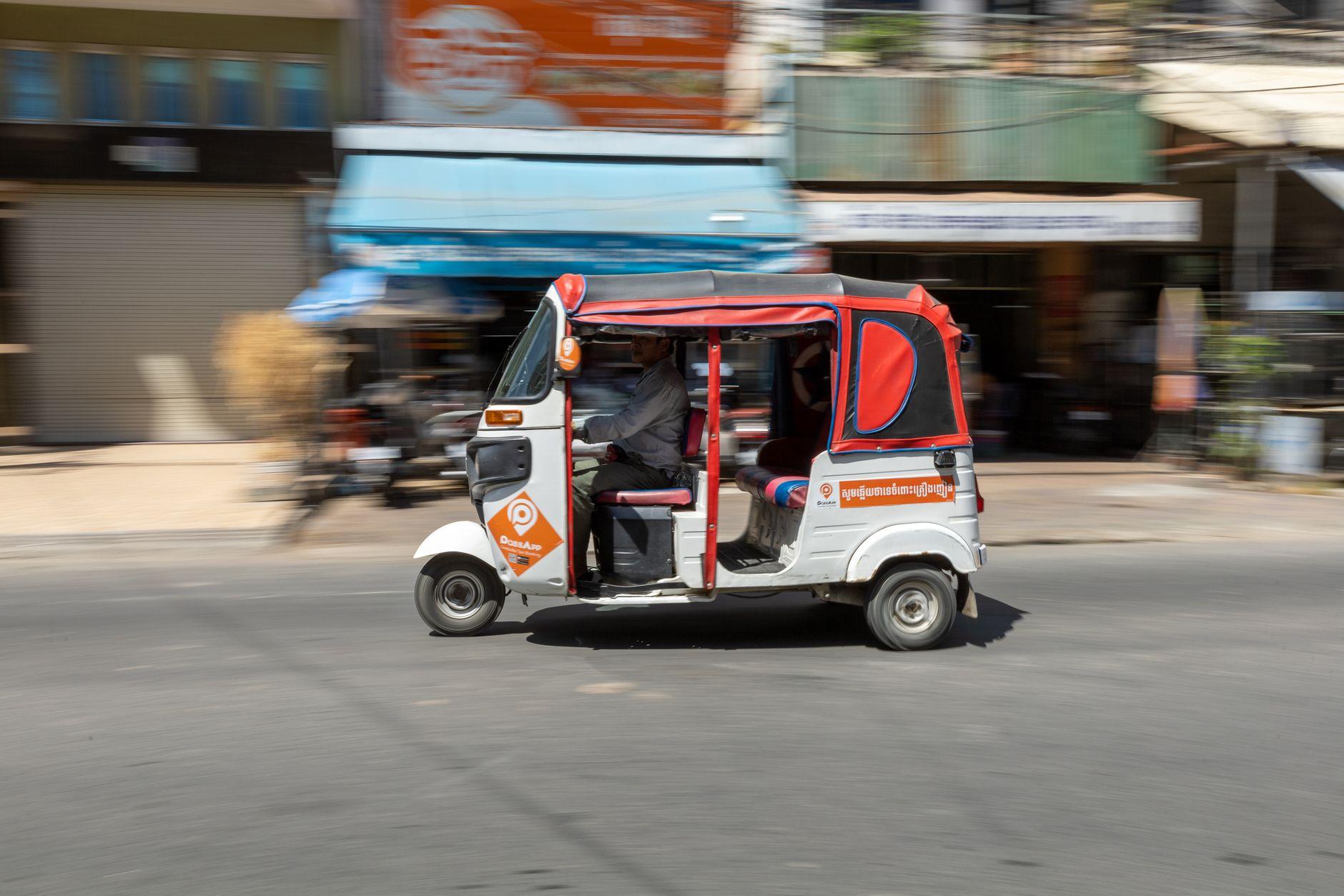
Yes, a little. QR acceptance is not everywhere, but close in the cities and the places visitors go, and in South Korea it is narrower still. Carry a few small riel notes and single US dollars for a tuk-tuk driver in Siem Reap. Keep 20 to 50 ringgit for the Penang hawker who has not put up a DuitNow standee.
If a card terminal or ATM offers to charge you in euros, decline. Always choose to be charged in local currency, as the conversion rate offered at the terminal is typically much worse than the live market rate.
Frequently Asked Questions
Can I top up a travel wallet with SEPA before flying to Asia?
Yes. SEPA moves euros to your wallet's euro account details inside Europe. The wallet then pays local QR codes in Asia.
How long does a SEPA transfer take to fund a travel app?
Standard SEPA processes within one business day, and SEPA Instant in under 10 seconds. Send three business days before departure to absorb weekends.
Is SEPA transfer free for topping up Moreta Pay?
Moreta reports a 1.50 USD fee on SEPA top-ups, waived for deposits over 225 EUR. Your first deposit is free, according to the company.
Should I use a SEPA instant transfer?
Use it if your bank offers it, since the transfer moves in seconds. Still plan your timing around standard SEPA.
Does my balance convert when I top up?
No. It converts at the live rate at the moment you pay.
Can I use Moreta Pay for Alipay codes in China?
No. Moreta pays WeChat Pay codes, and only while you are in China.
About Moreta
Moreta Global Inc. is a Delaware corporation, FinCEN-registered Money Services Business, and Y Combinator-backed company (Summer 2024 batch). Its app, Moreta Pay, lets travelers add money in EUR, GBP, USD or CAD and spend on merchants via local QR networks such as DuitNow QR, KHQR, WeChat Pay, QR Ph and Pix. Each payment shows the merchant name, amount, fee and exchange rate before you confirm, and funds are held with licensed partner banks. For a European traveler, setup is a passport check in the app, an eSIM for data, and one SEPA transfer before departure.
Planning the trip now? Send the transfer this week, verify your passport tonight, and see the supported networks at moretapay.com.