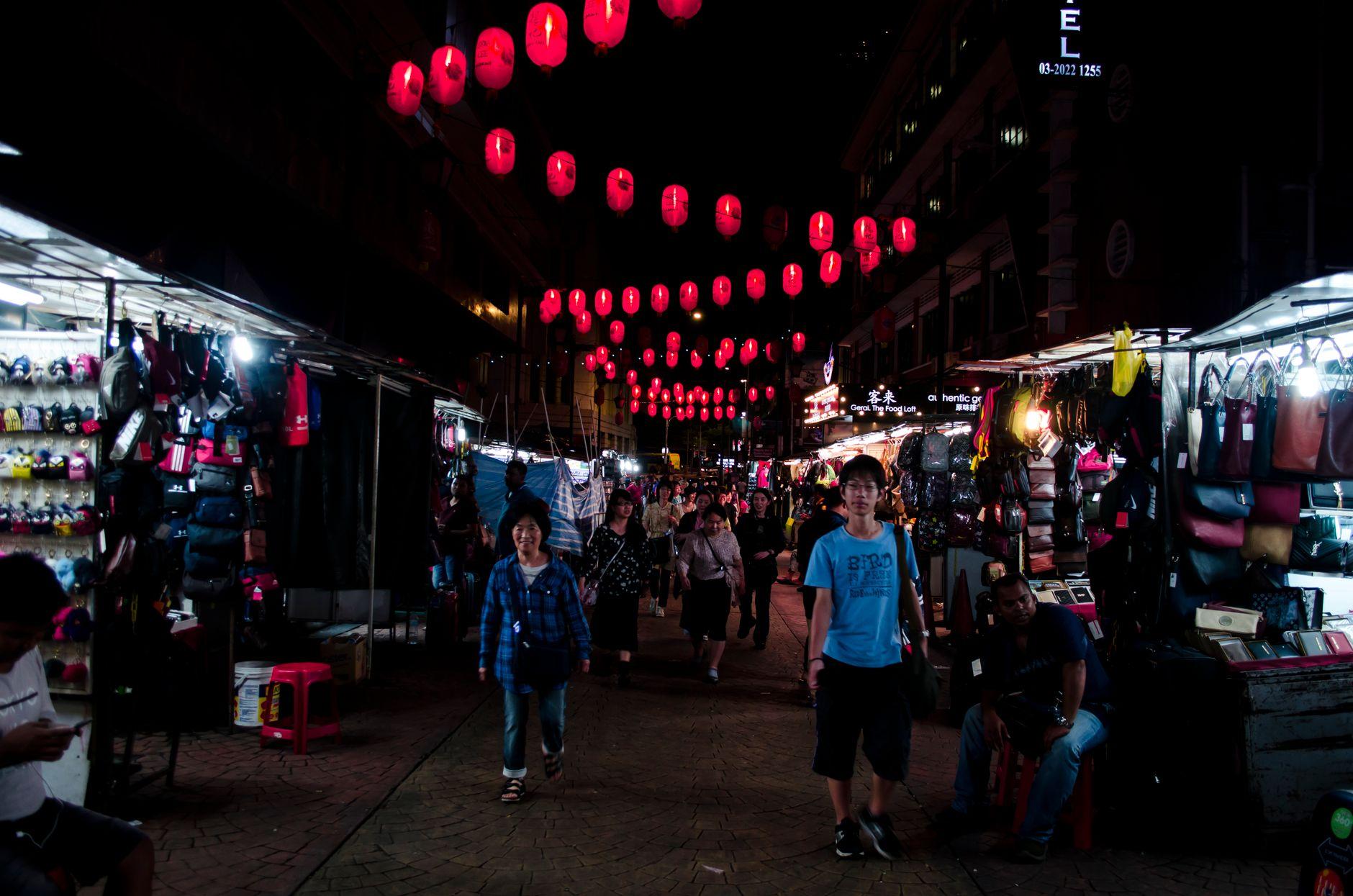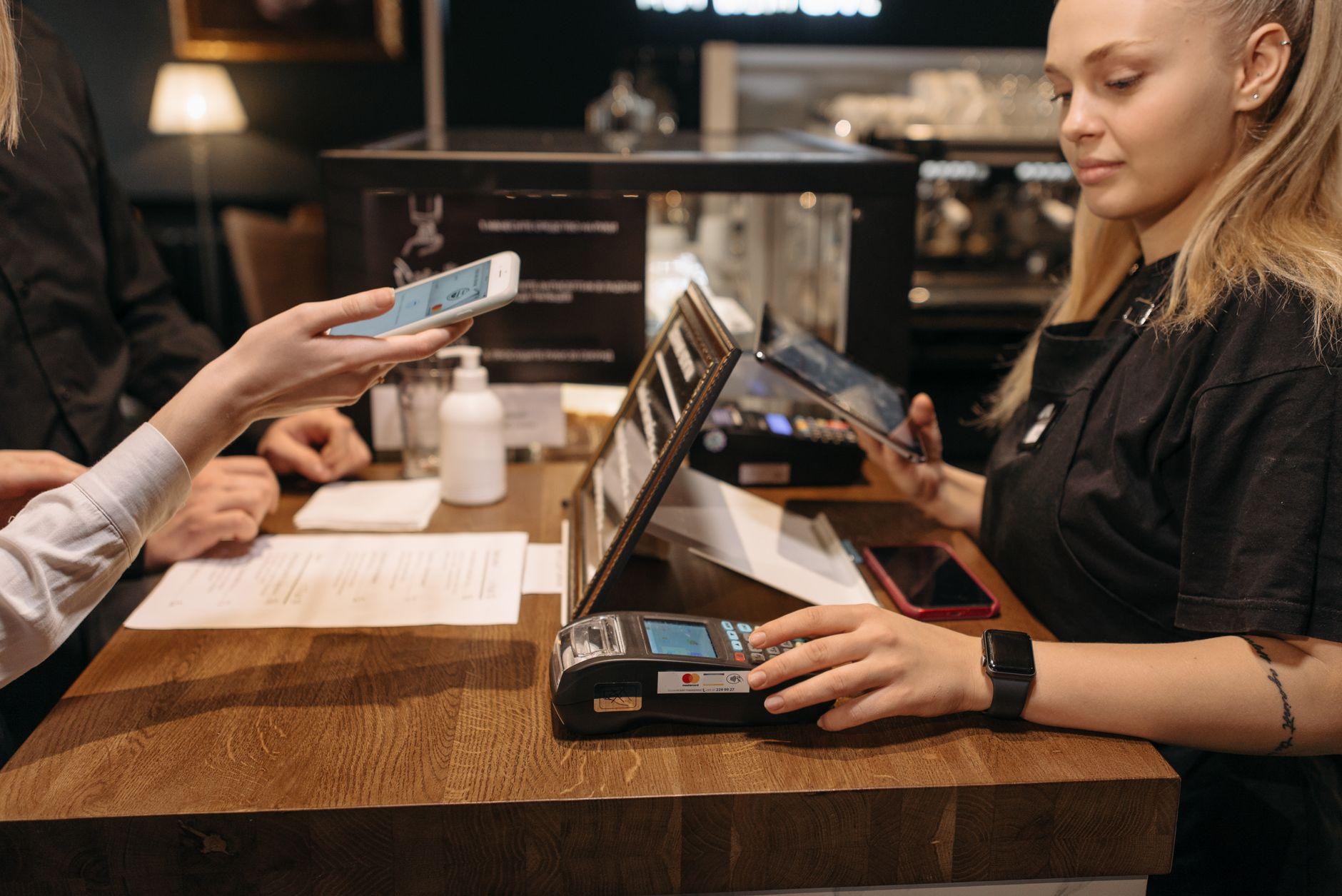


You are scanning a laminated KHQR code taped to a coconut vendor's cart in Phnom Penh's Central Market when your phone flickers and the connection stutters. The payment hangs. Did your money just vanish into the stall? No, but understanding exactly where in the transaction chain the drop happened is the difference between calmly waiting for a retry and panicking that you have been charged twice. In both Cambodia's KHQR network and Malaysia's DuitNow QR system, the outcome depends on exactly where the connection dropped and whether the code is static or dynamic. With a static QR code, the merchant can be entirely offline; your app pushes the payment through the banking network on your end, and the funds land in the merchant's account regardless of whether their device has a signal at that moment [tcbpay.com]. If the drop happens on your own side before your bank or wallet confirms the debit, no money moves and you simply retry.
How does a QR payment actually get confirmed?
A QR payment moves through a message loop involving your app, your bank or wallet provider, and the merchant's acquiring bank [tcbpay.com]. When you scan a merchant's static or dynamic KHQR or DuitNow code, your app decodes the merchant ID and amount, sends an authorization request to your funding source, and waits for that source to approve the debit. Once approved, the payment network settles the funds into the merchant's account through the banking rail; a confirmation may also ping the merchant's device, which is what makes the phone buzz or the little payment terminal beep, but that notification is a convenience layer, not a requirement for the payment to complete. Your side of the transaction has to travel over an active internet connection, and QR payments are contactless transactions where the amount is confirmed by the customer before the transfer completes [u2l.ai]. If your leg of that trip fails, the payment does not "half happen." It either completes cleanly or it times out.
What happens if the merchant's connection drops before you scan?
If the merchant's phone or terminal loses signal before you even open your camera, nothing happens at all, because the QR code itself is just a static image encoding the merchant's payment details. A KHQR or DuitNow code does not require live connectivity to exist on a laminated sheet taped to a coconut vendor's cart. Since the payment is pushed from your side once you authorize it, the merchant does not need to be online at all for the transaction to succeed. So a dead connection on the merchant's end before or during your scan generally does not stop the payment from landing in their account once your bank processes it.
What happens if the drop happens after you tap "confirm" but before the merchant sees it?
This is the scenario that actually worries travelers, but it matters less than most people assume with a push-based system. Your app sends the debit request and your bank approves it, which is the point at which the payment is complete on your end. Whether or not the merchant's terminal is online to display a confirmation buzz or beep at that same instant does not undo the transfer, because the funds have already moved through the banking rail into the merchant's account [tcbpay.com]. The only scenario where a genuine timeout and reversal applies is if the drop happens on your own device before your bank or wallet ever approves the debit, in which case nothing was authorized and nothing moves. You do not need to call a hotline in either case. If you are unsure whether your payment went through, check your app's transaction history, and if it shows completed, the merchant's account has been credited even if their screen did not show it in real time.
Why is this more common in Cambodia than in Malaysia?
The answer is not about the payment rails themselves but about the connectivity infrastructure merchants rely on. In Cambodia, KHQR is used heavily by small vendors, including motorbike-side fruit sellers and market stalls, many of whom run their payment app off a single prepaid SIM with mobile data rather than fixed broadband. Malaysia's DuitNow QR network, by contrast, sees heavier adoption in mamak stalls, kopitiam counters, and retail chains that more often have wired internet or business-grade connections as a backup. This is not a knock on Cambodia's payment system, which processes transactions through the same national bank-linked infrastructure as Malaysia's [checkout.com]. Merchants at the very small end of the market in Cambodia more often access the internet through a single mobile hotspot, and confirmations are less visible to the vendor than they are in Malaysia's more wired retail ecosystem, but these are differences in infrastructure choice rather than whether the payment itself succeeds.
| Scenario | What happens to your money | What you should do |
|---|---|---|
| Drop before you scan | Nothing sent, nothing held | Wait for signal, then scan normally |
| Drop after your confirm, before merchant's device shows it | Payment still completes and credits the merchant once your bank approves it | Check app history; the merchant may need to check their own app once back online |
| Drop before your bank approves the debit | Request never authorized, nothing moves | Wait for signal, then retry |
| Merchant's terminal freezes but data is live | Payment may still process in background | Ask merchant to check their app before re-paying |
Should you re-scan the same QR code if the first attempt failed?
Yes, but check your transaction history first, because re-scanning before confirming the first attempt failed is how travelers end up double-paying and then arguing over a refund at a noodle stall. The safest sequence is: open your wallet app, check whether the first transaction shows as pending, failed, or completed. If it shows failed or the pending status has cleared with no debit, it is safe to re-scan. If it shows completed, do not re-scan even if the merchant says they have not seen it yet, since the merchant's device may simply need to reconnect to see the credit. Two simultaneous authorization requests against the same merchant code can create confusion on the merchant's end even if only one ultimately clears.
How does Moreta Pay handle a mid-transaction drop?
Moreta Pay follows the same beat every time, regardless of country: you top up from your home bank or card in your own currency, you scan the same local QR code the merchant already uses for KHQR or DuitNow QR, you see the merchant's name, the amount, and the exact FX rate before you confirm anything, and only then does the instant local-currency payment fire. That confirmation screen matters most in a dropped-connection scenario, because you are never confirming blind. If the connection fails on your side before your bank approves the transaction, the app reflects the pending-then-timeout-then-reverse cycle described above, and your funds sit safely until the network resolves the transaction one way or the other. If your side completes successfully, the payment is done regardless of the merchant's connectivity at that moment. This is standard behavior for cashless payment in Malaysia and across KHQR merchants in Cambodia, and it is not something Moreta invented. What Moreta adds is visibility: you are not guessing whether your payment authorized correctly, because the same rate and confirmation screen you saw before tapping "pay" is what tells you the transaction cleared.
What should you do before you rely on QR payments in Cambodia or Malaysia?
- Keep a small cash reserve, something like 20,000 to 50,000 KHR in Cambodia or 20 to 30 MYR in Malaysia, for stalls in areas with unreliable signal, rural markets, or parking attendants who only take coins.
- Check your app's transaction history immediately after any payment that seemed to hang, rather than assuming it failed and re-scanning right away.
- Decline dynamic currency conversion if a card terminal offers to charge you in your home currency instead of MYR or KHR; always choose to be billed in local currency to avoid a worse exchange rate baked into the DCC offer.
A dropped connection mid-transaction is inconvenient, not dangerous, once you understand that QR networks are built to fail safe rather than fail silent. Your side of the handshake either completes or it reverses, and once it completes, the merchant's connectivity is no longer a factor.
Frequently Asked Questions
Does a failed QR payment mean I lost my money?
No. If your bank or wallet never received final authorization for the transaction, the request times out and any hold on your funds releases automatically [tcbpay.com].
How long does a QR payment timeout usually take?
This varies by network and by your specific bank or wallet provider, so check your app's transaction history rather than assuming a fixed window.
Can I use KHQR or DuitNow QR without a Cambodian or Malaysian bank account?
Not directly through those local apps, which is the exact gap a wallet like Moreta Pay is built to close by letting you scan the same merchant codes from a foreign-funded balance.
Is cashless payment in Malaysia reliable outside major cities?
DuitNow QR is widely used in cities and larger towns, but connectivity and merchant adoption both thin out in rural areas, so carrying some ringgit is still sensible.
What should I do if a merchant says they never received my payment?
Show them your app's transaction confirmation screen. If your app shows completed, the payment has been credited to their account even if their device has not synced yet, so wait a few minutes for network sync before assuming an error.
Are KHQR and DuitNow QR the same underlying technology?
They are both national QR standards linking directly to bank rails, but they are separate systems run by Cambodia's and Malaysia's respective national payment infrastructures.
About Moreta
Moreta Global Inc. is a Delaware corporation and FinCEN-registered Money Services Business, backed by Y Combinator. The Moreta app lets travelers top up from a home bank or card and scan the same local QR codes merchants already use across Cambodia, Malaysia, and other markets in Asia and Latin America, converting currency automatically and showing the exact FX rate before every payment. Security features include identity verification, 24/7 fraud monitoring, and real-time account alerts, all built by a team that treats payment infrastructure reliability as a core product requirement rather than an afterthought.
Ready to skip the guesswork on local QR payments in Cambodia or Malaysia? Learn more at Moreta Pay.