
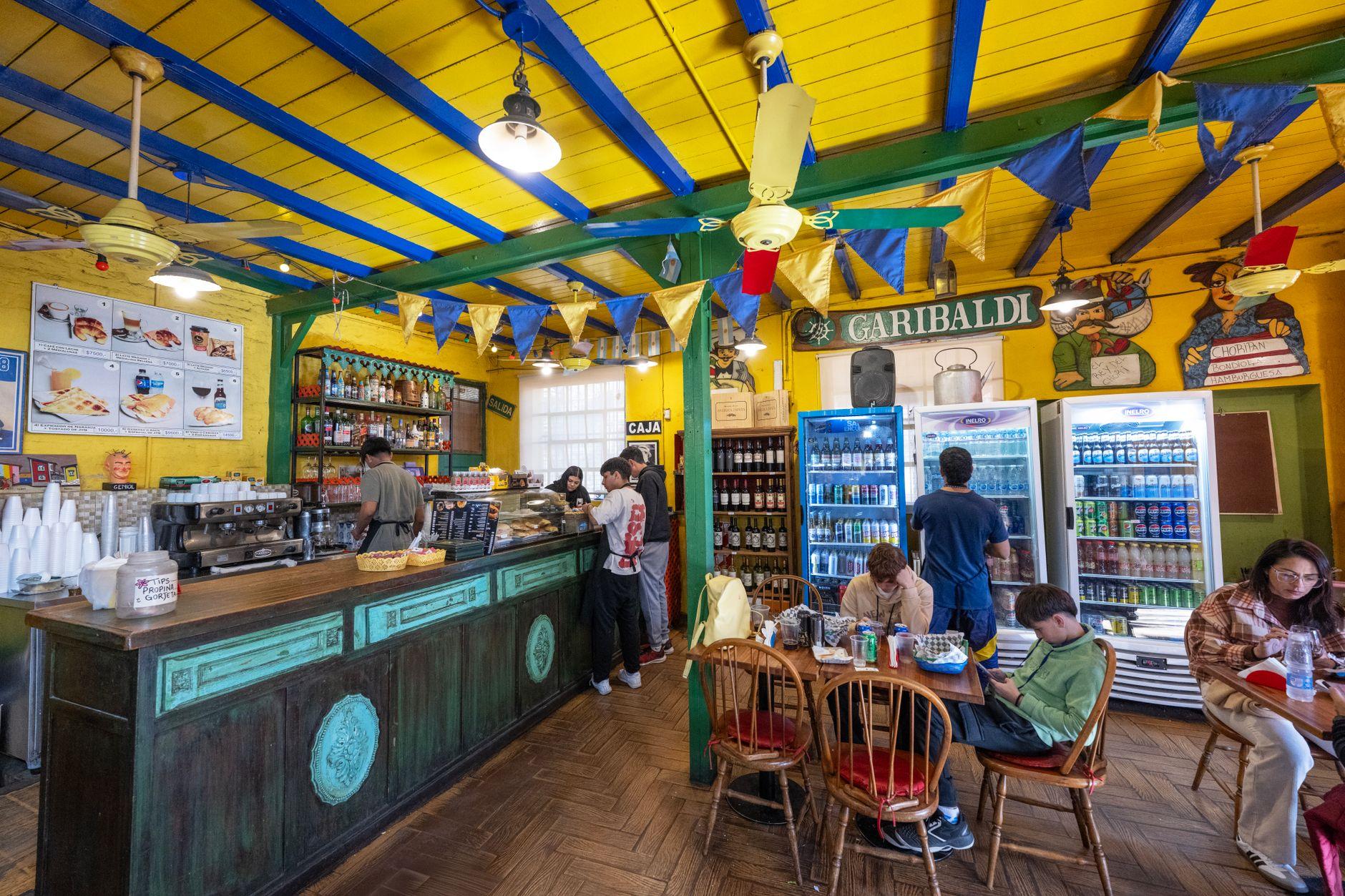
Here is the thing nobody tells you before your first trip to Argentina: the cash problem is not that you can't get pesos. It's that pesos are annoying to carry.
Inflation has pushed everyday prices into numbers with a lot of zeros, and the physical banknotes have not kept pace. Pay for a nice dinner in cash and you may be counting out a brick of bills while the waiter waits patiently, because waiters in Buenos Aires have seen this a thousand times.
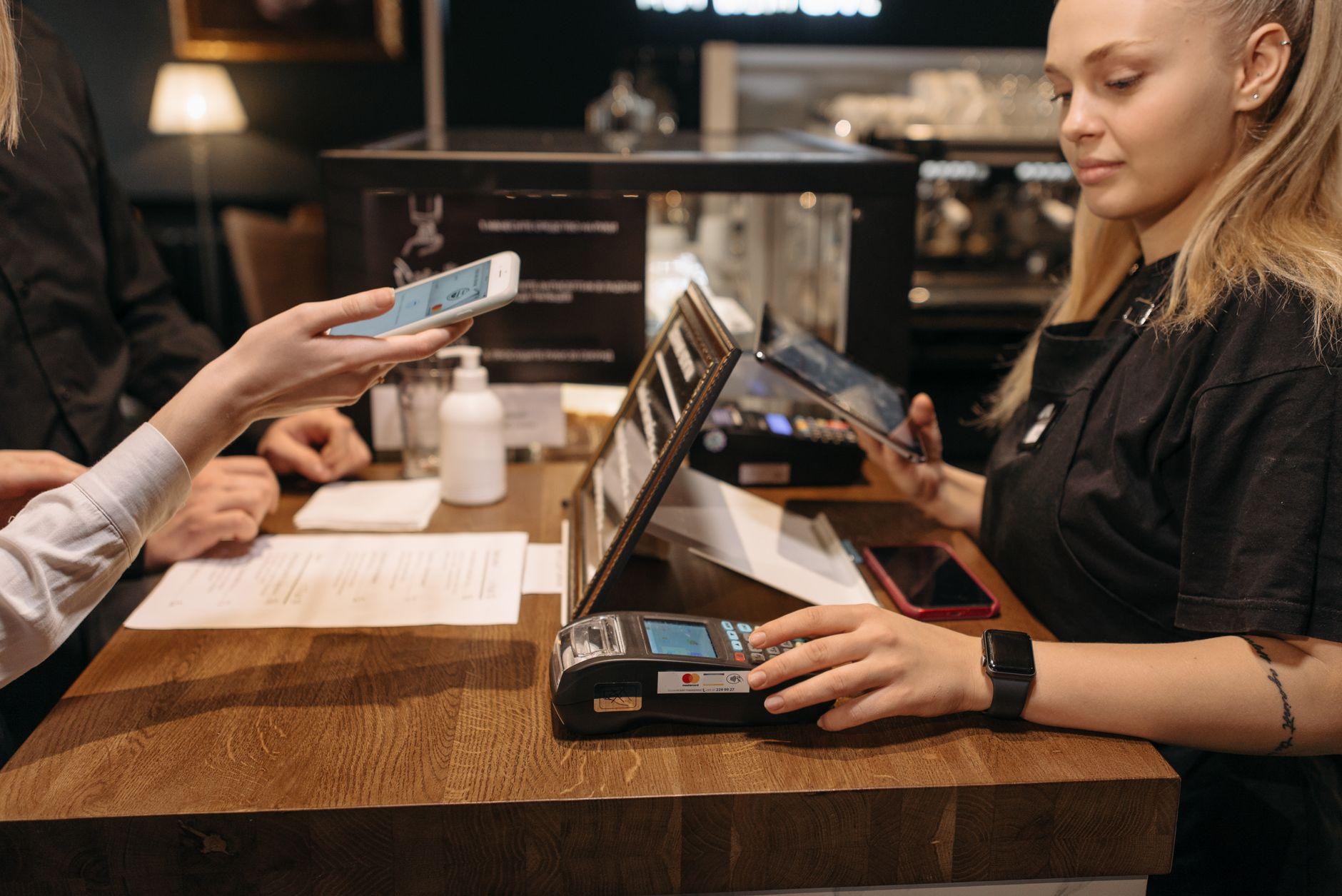
Locals got tired of it years ago. That is why Argentina quietly became one of the most QR-heavy countries in Latin America, and why the person ahead of you at the kiosco is paying for a Coke by pointing their phone at a laminated square on the counter.
The two apps on every Argentine phone
Two names run the show: Mercado Pago and MODO.
Mercado Pago is the payments arm of Mercado Libre, the e-commerce giant, and its QR codes are everywhere. Kioscos, cafes, verdulerías, pharmacies, taxis, the guy selling garrapiñadas outside the Subte station. If a business in Argentina accepts digital payment at all, it almost certainly accepts Mercado Pago.
MODO is the banks' answer, an app backed by a consortium of Argentine banks that lets people pay from their existing bank accounts. Thanks to Argentina's push for interoperable QR codes, the same printed code on a counter can usually be scanned by either app. One sticker, many wallets.
The result is that a huge share of daily life in Argentine cities happens by QR scan. Which sounds great for you as a visitor, until you try to sign up.
Why you can't just download them
Both apps are built for residents. Mercado Pago wants an Argentine identity document and typically a local funding source. MODO literally requires an account at an Argentine bank, since that is the whole point of it.
As a tourist, nomad, or newly arrived expat, you have neither. So you end up watching the entire local payment system operate around you while you fall back on your foreign card (which not every small merchant takes) or cash (see the brick of bills above).
This is the same wall foreigners hit next door in Brazil with Pix, and the workaround follows the same logic we covered in our guide to using Pix as a foreigner: you don't need to become a local. You need a wallet that can speak to the local QR system on your behalf.
That is what Moreta Pay does in Argentina. You top up the wallet from your own bank at home (US bank via Plaid or ACH, SEPA in Europe, UK Faster Payments, Canadian e-Transfer) or an international card, in your own currency. Then you scan the same QR code the locals scan. The merchant gets paid in pesos, instantly, and never knows or cares that you are not Argentine.
The exchange rate mess, decoded in two minutes
You will hear a lot of noise about Argentine exchange rates before you arrive. Official rate, card rate, blue dollar. Travelers trade folklore about which one they got and whether they got ripped off.
The short version: Argentina has historically had more than one effective exchange rate, and which one applies to you depends on how you pay. Foreign card transactions have at times been settled at special rates, cash changed informally trades at another, and the landscape shifts with policy. It changes often enough that any specific number you read in a blog post is probably already stale.
The practical takeaway is not to memorize rates. It is to insist on seeing the rate before you commit to a payment. With cash, you only find out what rate you really got after the fact, once you compare what you paid against what the dinner should have cost. With a foreign card, the rate is applied somewhere upstream and shows up on your statement days later, often with a foreign transaction fee stapled on.
A QR payment through Moreta Pay shows you the amount, the FX rate, and the merchant name on screen before you confirm. If the number looks wrong, you don't tap confirm. That one moment of visibility removes most of the exchange-rate anxiety that eats up so much mental space on an Argentina trip.
And whatever you do, don't pre-order pesos from your bank at home before flying. We've written about why pre-ordering foreign cash is almost always a bad deal, and in a country where the rate moves this much, it is worse than usual.
Your first scan, step by step
Say you are in a cafe in Palermo and the bill arrives.
1. Look for the QR code. It is usually a printed sticker or a small plastic stand by the register, often branded Mercado Pago, sometimes MODO, sometimes both logos on one code.
2. Open Moreta Pay and scan it.
3. Check the screen. You will see the merchant name, the amount in pesos, and the conversion from your home currency at the shown rate. Confirm the merchant name matches where you are standing.
4. Confirm. The merchant's terminal or phone pings within seconds. Show them the confirmation if they ask, though most will already have seen it land.
That is the entire transaction. No counting bills, no asking whether they take foreign Visa, no mental math about which rate you are getting.
Where QR covers you, and where it doesn't
QR will carry you through most of urban Argentina: cafes and restaurants, kioscos, supermarkets, pharmacies, ferias with established stalls, taxis that display a code, even many street vendors in Buenos Aires, Córdoba, and Mendoza.
Keep a modest amount of cash for the gaps. Public buses in Buenos Aires run on the SUBE card, which you load separately. Some small-town businesses, rural estancias, and informal vendors still deal only in bills. Tips for tango shows and parrilla asadores often land better in cash. The point is not zero cash, it is small cash: a slim fold for edge cases instead of a brick for everything.
One habit worth copying from locals: they check the merchant name on screen before confirming every QR payment, even at places they visit daily. Codes get swapped or misprinted occasionally. Two seconds of reading protects you.
Set it up before wheels down
Everything above works best if you arrive ready. Download Moreta Pay at home, verify your identity on good wifi, connect your bank, and load a starting balance in your own currency. Then your very first purchase in Argentina, the espresso at Ezeiza or the first medialuna in the city, can be a QR scan instead of an ATM hunt.
Argentina already pays by phone. You can too, from the moment you land: set up Moreta Pay before your flight and leave the peso brick to history.