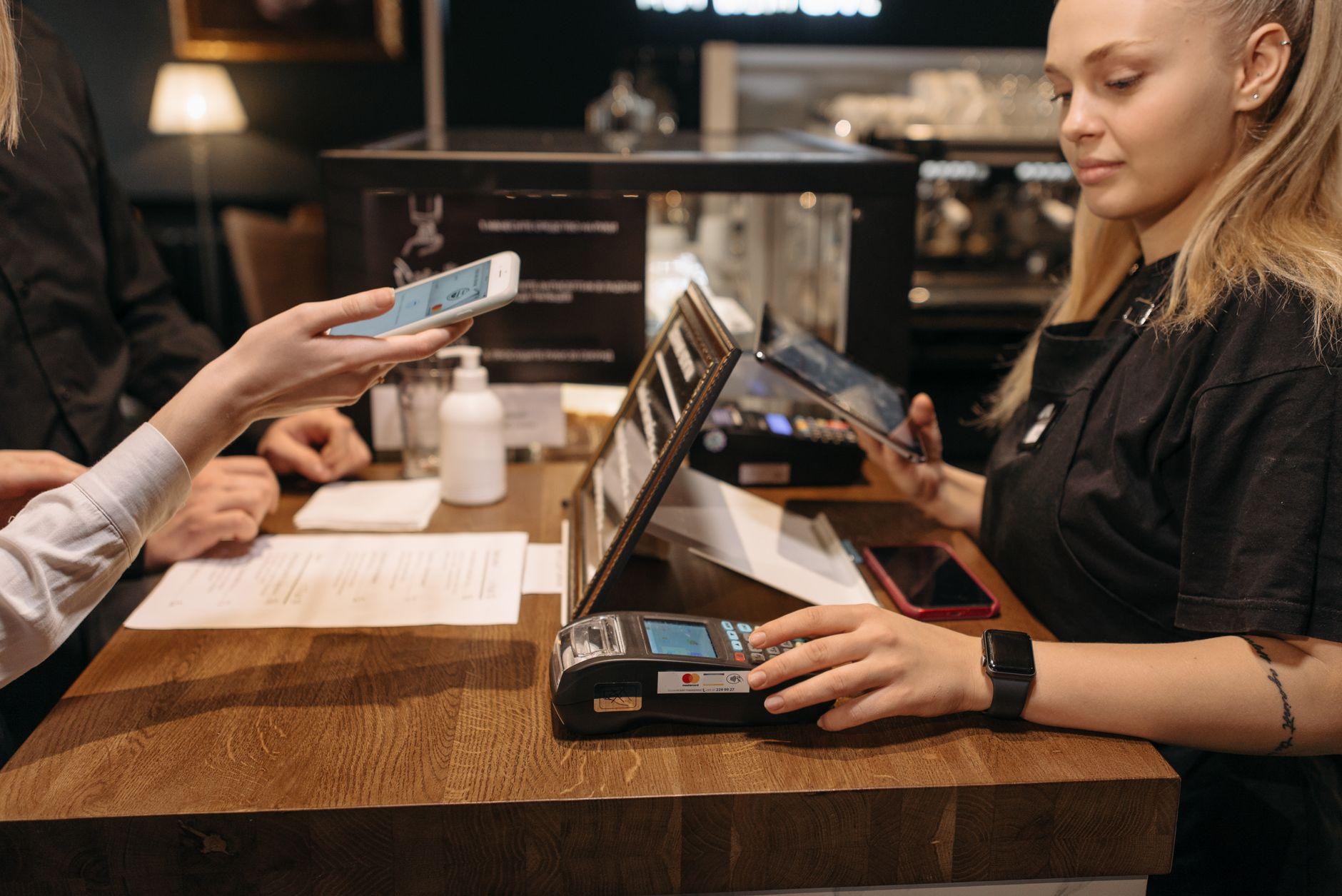

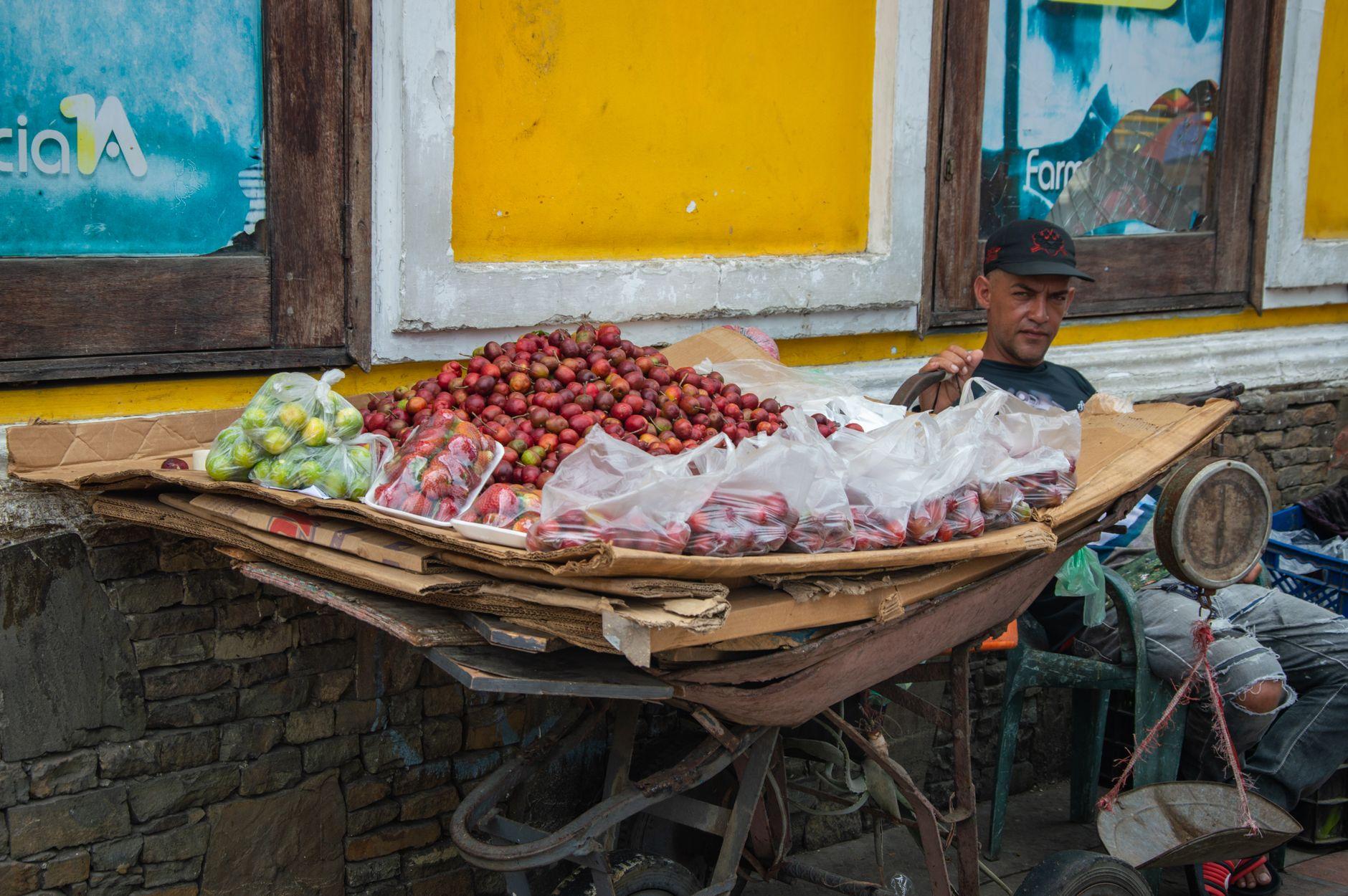
Walk up to almost any arepa cart in Medellín, any fruit stand in Bogotá's Paloquemao market, any juice vendor in Cartagena's Getsemaní, and you'll see the same thing: a small laminated card taped to the cart with a QR code on it. Usually purple, sometimes red, sometimes yellow.
Those colors mean something, and understanding them is most of what you need to know about how to pay in Colombia right now.
What the stickers actually are
The purple one is Nequi, a mobile wallet run by Bancolombia that has become the default way ordinary Colombians move money. The red one is Daviplata, Davivienda's equivalent. The yellow one is usually a Bancolombia QR tied directly to the vendor's account.
A vendor might display one, two, or all three. Many stalls that look completely informal, a woman selling empanadas from a cooler, a guy with a cart of mango biche, still take QR payments. In fact, the more informal the setup, the more likely QR is the only cashless option, because a card terminal costs money and a printed QR code costs nothing.
This matters for you because Colombian street food pricing lives in small denominations. An empanada, a buñuelo, a tinto (the tiny sweet black coffee sold everywhere) each cost a few thousand pesos. Vendors often can't break a 50,000 peso note from the ATM, and asking them to is a small daily friction that QR removes entirely.
Why Colombians scan instead of tapping a card
Here's the local context that surprises visitors: many Colombians who own debit cards still prefer to pay by QR. Card cloning has been a real fear here for years, and handing your card to someone, or inserting it into a terminal you don't control, feels riskier to a lot of locals than scanning a code on your own phone.
So QR isn't a stopgap for people without banks. It's the preferred method, chosen on purpose, by people who have other options. That's why the ecosystem is so deep. In digital nomad hubs like Medellín's El Poblado and Laureles, plenty of cafés, coworking spots, and market stalls operate essentially cashless, and the QR sticker is doing the work a card reader does elsewhere.
The catch: you can't just download Nequi
The obvious traveler move is to install Nequi or Daviplata and join in. It doesn't work that way. These apps are built for Colombian residents: signup expects a Colombian cédula (national ID) and typically a local phone number, and funding the wallet assumes local banking rails. As a visitor on a tourist stamp, you will hit a wall at registration, the same wall travelers hit with local wallets across Latin America.
This is where Moreta Pay fits. It lets you scan the same Bancolombia, Nequi, and Daviplata QR codes the vendor already displays, but you fund the wallet from your home bank or card in your own currency. The vendor gets paid in pesos instantly, exactly as if a local had scanned. Nothing changes on their side, which is the whole point: you're not asking a street vendor to accommodate you, you're joining the system they already use.
How a stall payment actually goes
The rhythm is simple once you've done it twice:
1. Order first, then ask. Say "¿Recibe QR?" or just point at the sticker. If the code isn't visible, ask anyway. Many vendors keep it in a pocket or under the counter.
2. Scan the code with Moreta Pay. You'll see the merchant name, the amount in pesos, and the exchange rate before anything moves. Check the name matches roughly who you're paying (it's often a personal name, not a business name, because the account belongs to the vendor or a family member; that's normal here).
3. Enter or confirm the amount. Street stall QRs are usually static codes, meaning you type the amount yourself. Confirm it out loud: "¿Doce mil?" Vendors appreciate this.
4. Show the confirmation screen. The vendor may also get a notification ping on their phone. Wait the two seconds for their nod. That nod is the receipt.
The whole exchange takes less time than a card payment and much less time than watching someone hunt for change in a fanny pack.
Where QR runs out and cash still matters
Honesty section. Colombia without cash is realistic in Medellín, Bogotá, Cali, and the tourist zones of Cartagena and Santa Marta. It gets thinner in small pueblos, on chiva buses, at rural fincas, and with the oldest generation of vendors. A few situations still want physical pesos:
Tips for street performers and buskers. Some intercity buses and their onboard snack sellers. Very small purchases in towns off the tourist circuit. Public restrooms that charge a coin.
The practical setup is QR-first with a modest cash reserve of small bills. That combination also means you're never stranded when plastic fails, which happens more often here than people expect; we've covered what to do when your card gets declined at a Bogotá corner store, and the short version is that a funded QR wallet is the backup that actually works on the spot.
Market-specific tips worth knowing
Paloquemao (Bogotá): Go early for the flower section, then eat. Fruit vendors here are used to QR, and paying digitally means you can graze across five stalls without doing change math five times.
Minorista and Plaza de Flórez (Medellín): Deep QR adoption. This is where you'll notice locals barely carry cash at all.
Bazurto (Cartagena): More cash-heavy and chaotic, but the prepared food stalls increasingly show Nequi codes. Ask.
Getsemaní street carts at night: Mixed. Established carts take QR, roaming vendors mostly want cash.
One more Colombia-specific note: because static QR codes require you to enter the amount, agree on the price before you scan. Street food prices are honest and mostly fixed, but confirming avoids the awkward loop of canceling and re-entering.
Before you land: a five-minute setup
Do this at home, on good wifi, not standing in front of a griddle:
Download Moreta Pay and complete verification with your passport. Top up your wallet from your bank (Plaid or ACH from the US, SEPA from Europe, Faster Payments from the UK, e-Transfer from Canada) or a card. Skim the flow once so the scan-review-confirm sequence is familiar. Pull a small amount of pesos from a bank-attached ATM on arrival for the cash-only edge cases.
That's it. You'll see the FX rate before every payment, so you always know what an arepa de choclo actually cost you in your own currency, with no surprise line on a statement three days later. If you've ever been burned by the gap between a card's advertised rate and what actually posts, that transparency alone is worth the setup. (If you haven't, read up on why fee-free cards still lose you money abroad before you rely on one here.)
The empanada lady's QR sticker is an open door. Set up Moreta Pay before your flight and walk through it like everyone else in the queue.