

Thailand · Instant payment system
Works with Moreta Pay
Pay PromptPay codes without a Thai bank
Yes. Moreta Pay lets visitors pay PromptPay codes in Thailand without a Thai bank account. Add money from the bank or card you already have, scan the PromptPay code at the counter and slide to pay in Thai baht. The merchant is paid the same way as when a local scans it.

The network
What is PromptPay?
PromptPay is Thailand’s real-time payment system, run by National ITMX under the Bank of Thailand. Thais link their bank account to a phone number or ID and pay instantly from their banking app, most often by scanning a Thai QR code at the counter.
- Country
 Thailand
- Currency
- Thai baht (THB)
- Type
- Instant payment system
- Run by
- National ITMX
- How locals pay
- They scan the code with their own bank or wallet app
- With Moreta
- Pay it from your Moreta balance
How to spot it
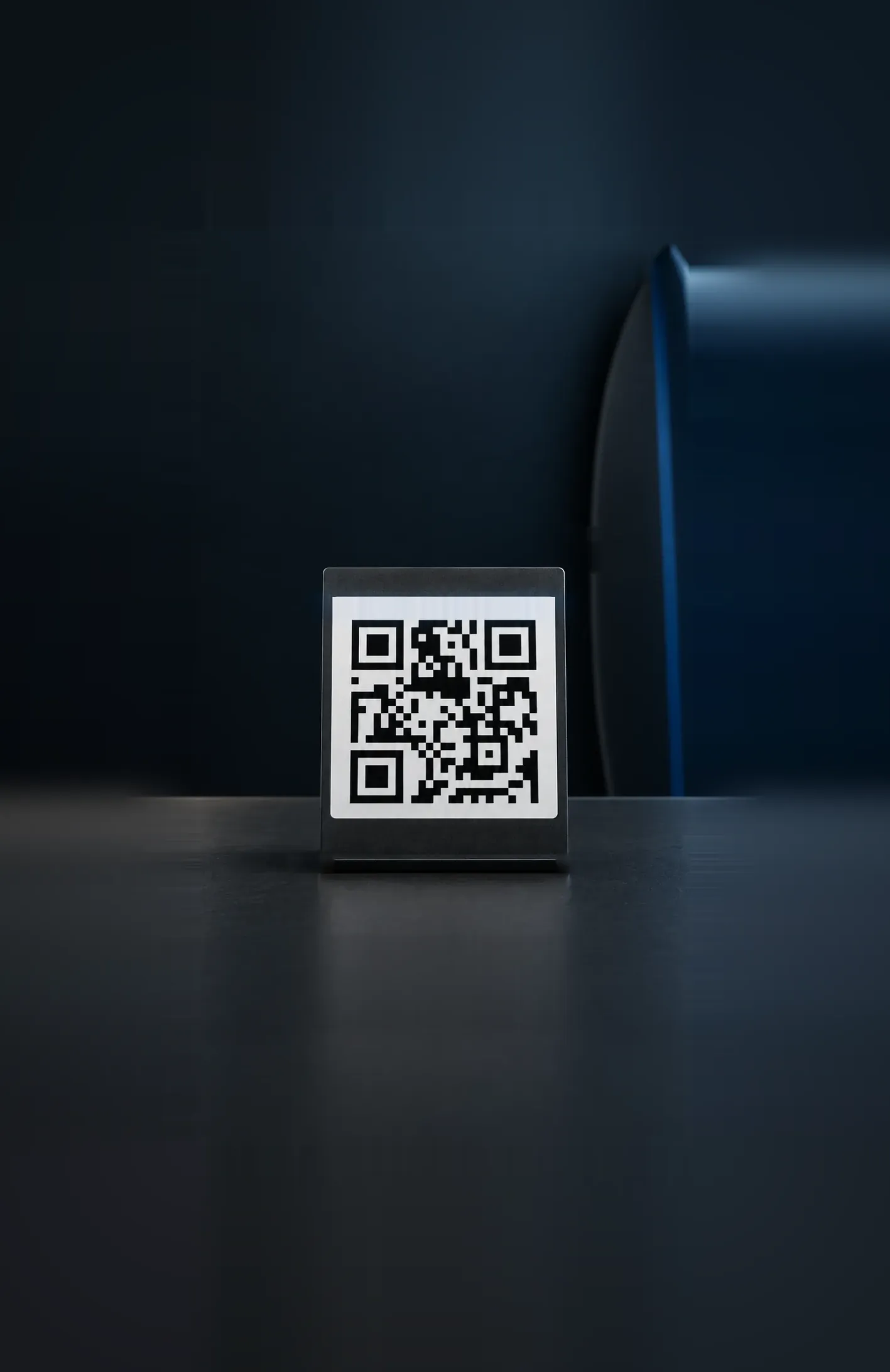
The blue PromptPay logo on a QR sticker or stand by the till, often with the Thai QR Payment mark beside it.
Can tourists pay PromptPay?
PromptPay is paid from a Thai bank or wallet app, so a code on the counter needs an account opened in Thailand. A card from home can’t pay the code on the counter, and opening a local account takes paperwork a visit rarely leaves time for.
Moreta closes that gap. It pays the PromptPay code itself, from a balance you top up with your own bank, card, Apple Pay or Google Pay, and converts at the live rate at the moment you pay. One flat fee, shown before you slide to pay.
Card or cash
- A foreign transaction fee on most cards
- Your bank's rate, or the terminal's worse one
- ATM fees from your bank and the operator
- Leftover Thai baht to change back
Moreta
- One flat fee, shown before you slide to pay
- The live rate at the moment you pay
- No ATM and no card to hand over
- What you do not spend stays for the next country
How to pay a PromptPay code
Set Moreta up once, at home or on the plane. After that, paying a PromptPay code in Thailand is a scan and a slide.
 01
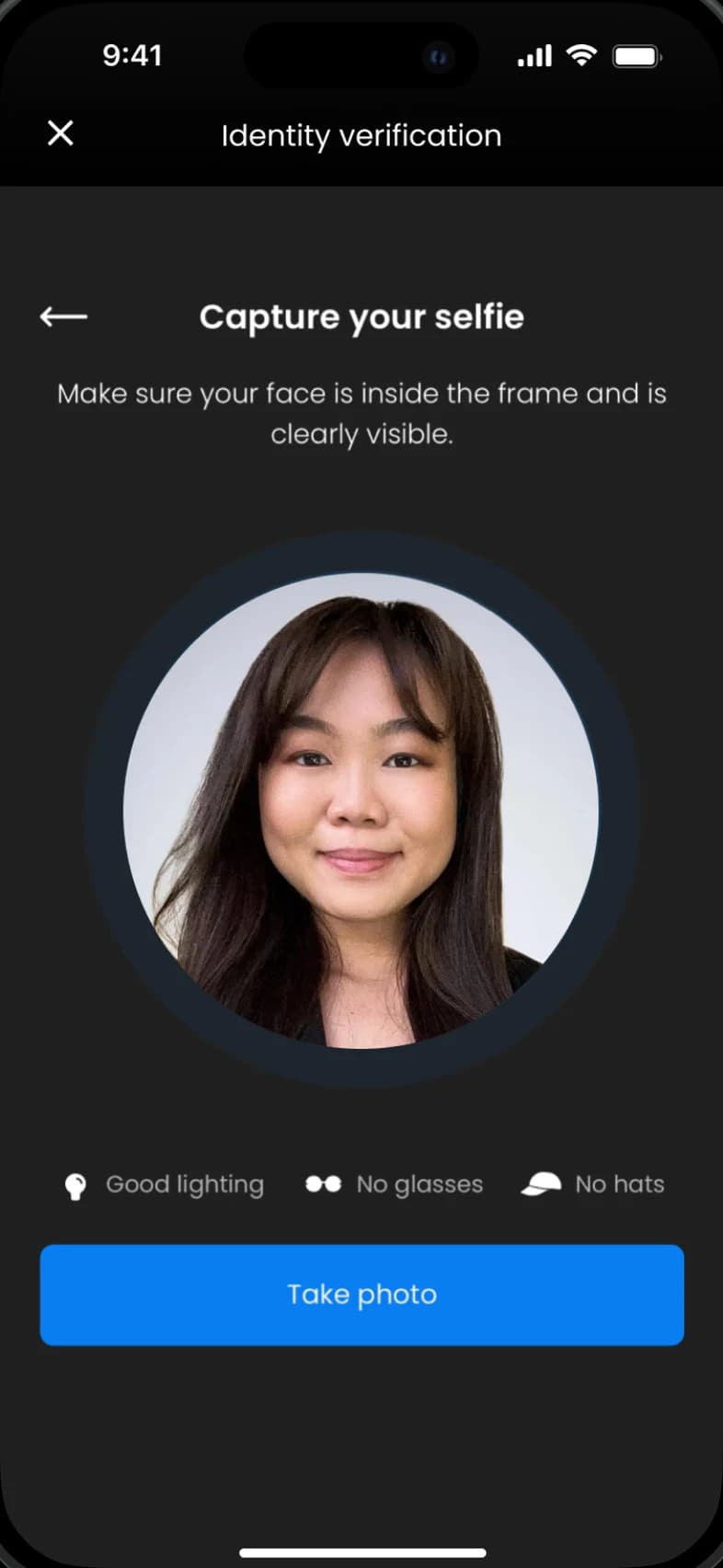
Verify your identity
Download Moreta, scan your passport and take a selfie. Verification usually takes a few minutes, and your account can move money as soon as it passes.
- 02
Load funds to your Moreta Pay wallet
Link a US bank through Plaid, or send a SEPA, Faster Payments, Interac or PayID transfer. Cards, Apple Pay and Google Pay work too. Money added with crypto can't be spent in Thailand.
- 03
Scan QR codes at local shops & restaurants
Tap Scan and point your camera at the PromptPay code on the counter. Moreta reads it the way a Thai bank app would.
- 04
Get seamless payments on the go
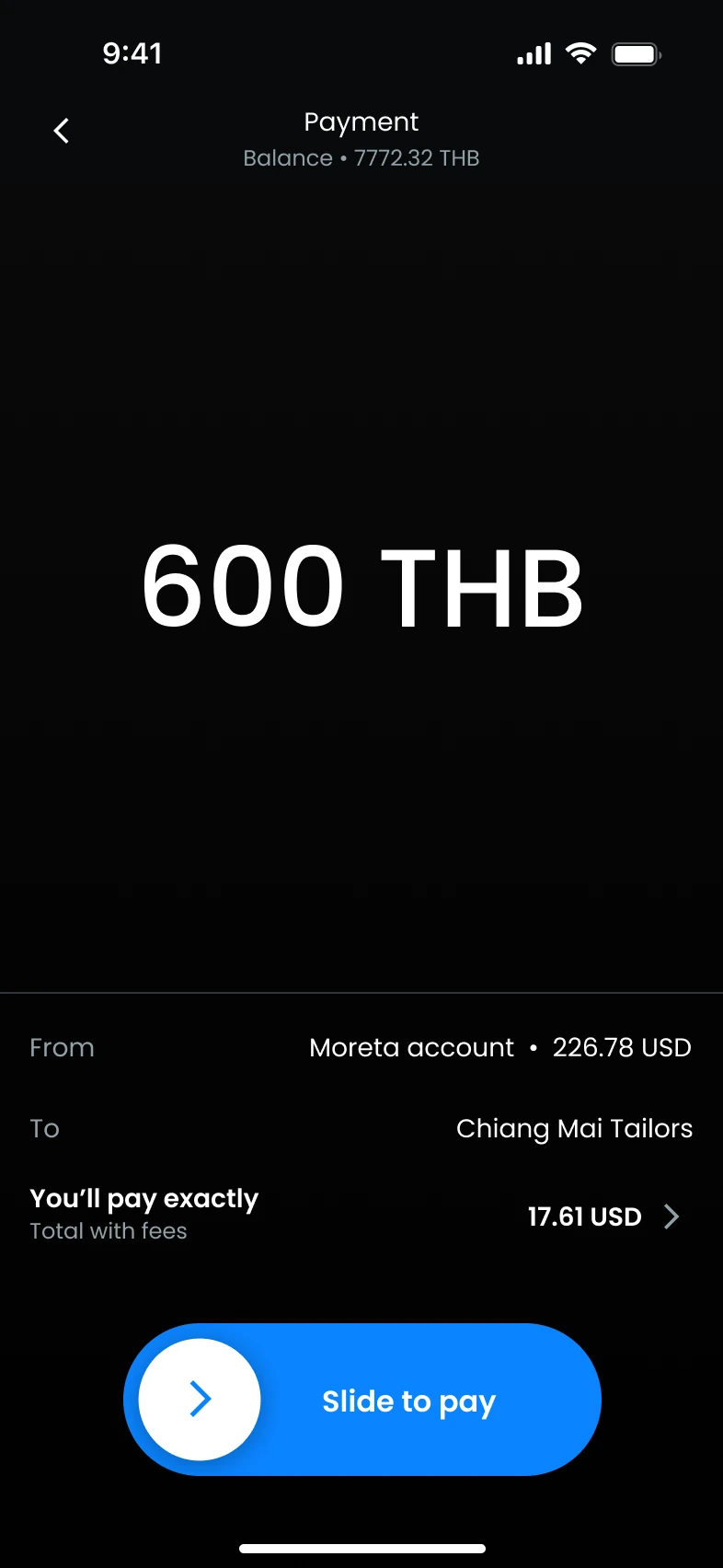
Check the amount in Thai baht, what it costs in your own currency and the fee, then slide to pay. The merchant sees the payment in their own app the moment it clears.


 USD
 EUR
 GBP
 CAD
 AUD








Costs, limits and tips
Paying in Thailand
- Business QR fee
- 1.5%per payment, at the live rateEvery fee
- Exchange rate today
- 33.48THBfor 1 USDLive rate, updated recentlyCompare rates
- Max payment
- 100,000THBabout 2,990 USD
- Weekly limit
- 200,000THBabout 5,970 USD
The app always shows the live rate and the exact cost before you pay.
Guide updated
Before you go
- Thailand is currently only available for Canadian and US nationals.
- Moreta Pay only supports ThaiQR / PromptPay business QR codes in Thailand. Personal QR codes are not currently supported.
- Bank maintenance occurs from 11 PM – 3 AM. Some payments may be affected.Learn more
- Money added with crypto (USDC or USDT) can't be spent in Thailand. Add money by bank transfer, card, Apple Pay or Google Pay for payments here.
Local tips
- Look for the blue PromptPay logo or the Thai QR mark: if a stall shows one, Moreta can pay it.
- Keep a few hundred baht in small notes for songthaews and the odd market stall that only takes cash.
- Pick up an eSIM or an airport SIM: the app needs data at the moment you scan.




PromptPay questions
What visitors ask before paying PromptPay in Thailand.
Showing 6 of 10 questions
Guides for Thailand
 ATM fees & rates
5 min read
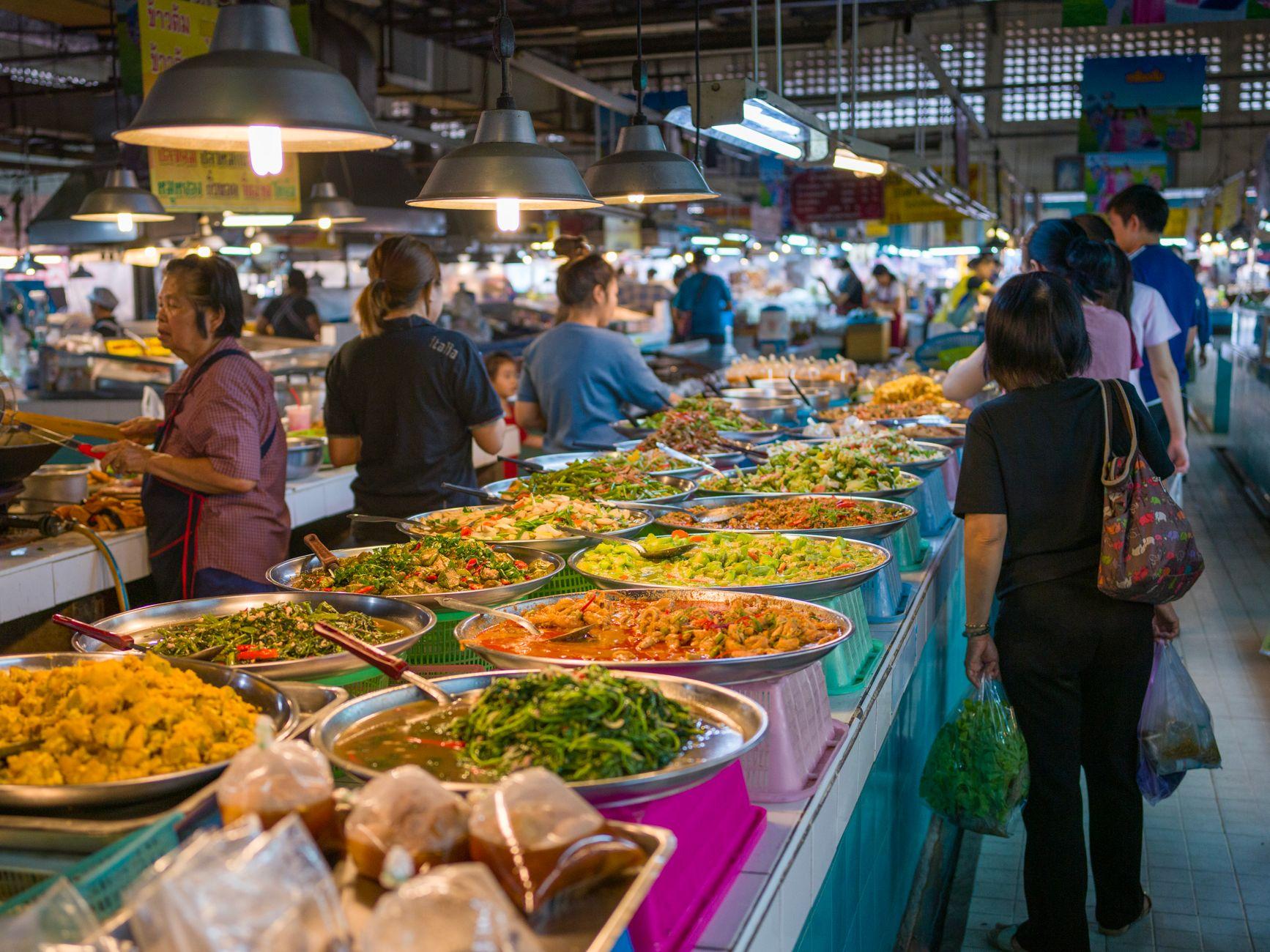
How to Check Whether Your Debit Card Refunds ATM Fees Abroad
You are standing at a yellow ATM outside a 7-Eleven on Sukhumvit Soi 11 in Bangkok, and the screen adds a flat 250 baht fee to your withdrawal.
Read more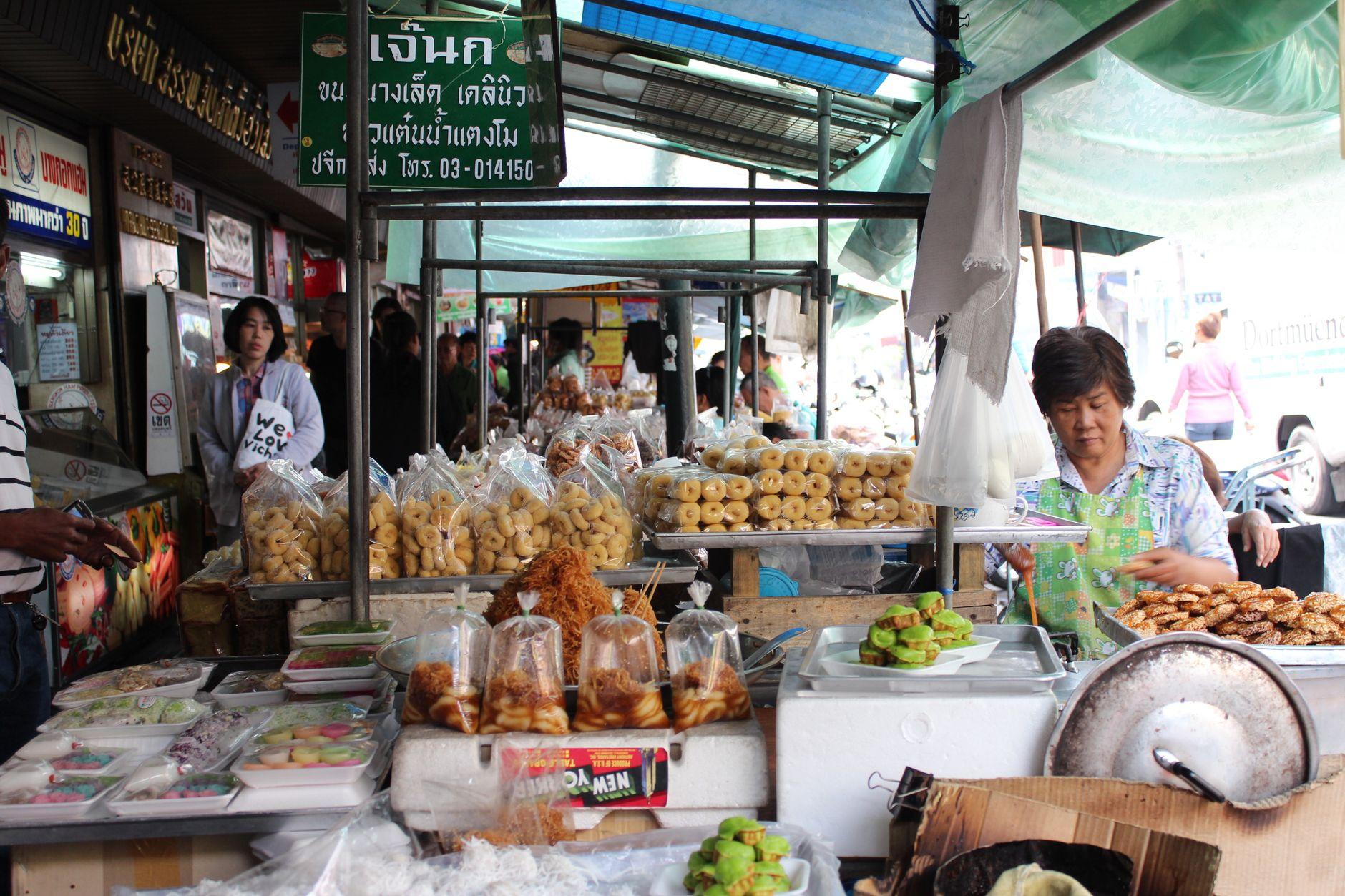 Money mistakes
5 min read
Seven Money Mistakes Tourists Keep Making in Thailand (and the Easy Fixes)
From 220 THB ATM fees to cards that get refused at the taxi door, here are the money mistakes travelers make in Thailand in 2026 and the simple ways to avoid each one.
Read more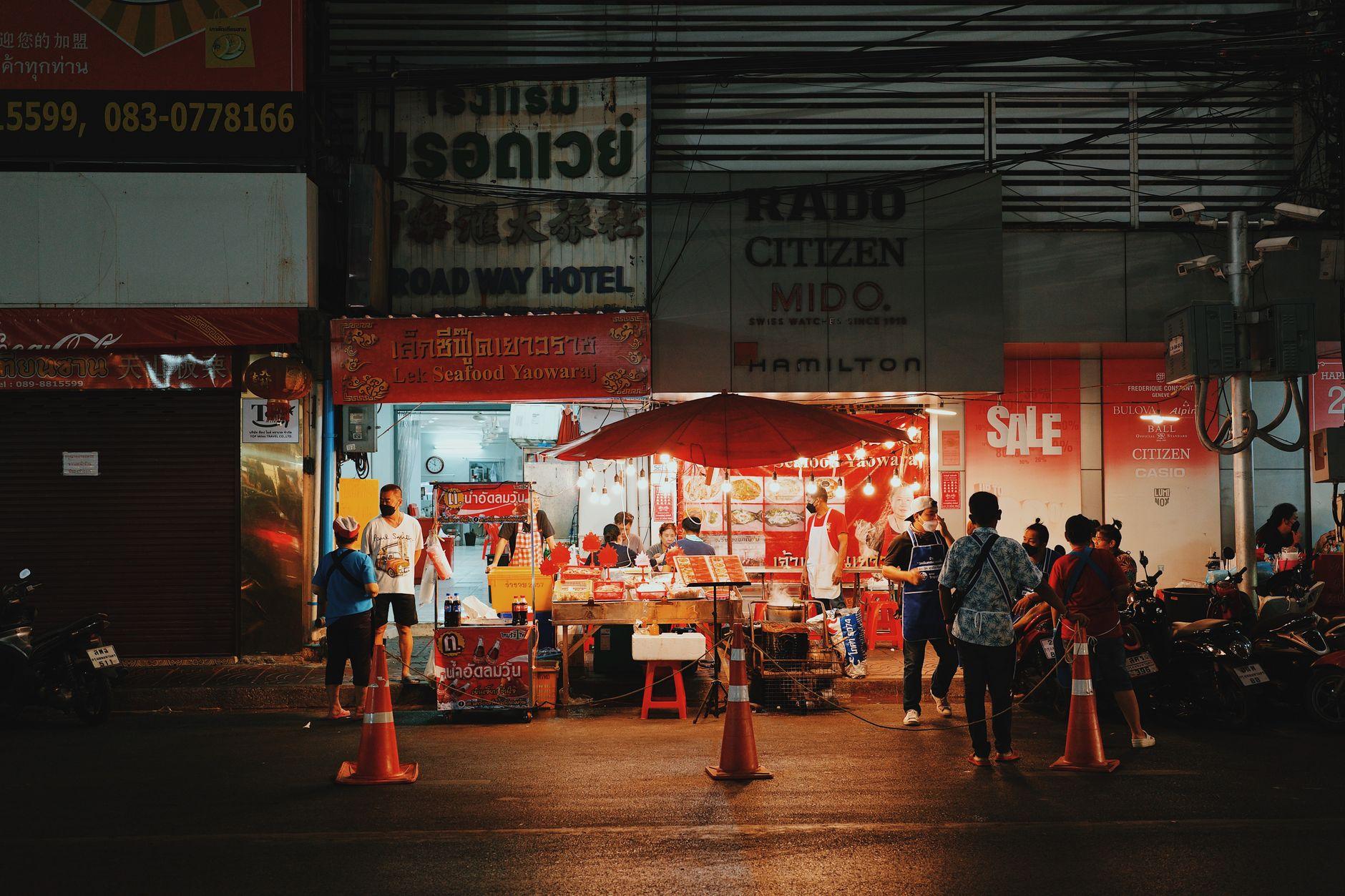 Street food & markets
5 min read
Khao Soi Costs 60 Baht. How You Pay for It Matters More Than You Think.
Cash, foreign cards, Thai wallets, or a travel wallet like Moreta Pay: an honest comparison of how to pay at street food stalls and markets in Thailand.
Read more
Activate your Moreta Pay account before your trip
Set up Moreta, add money and land in Thailand ready to scan. No cash to change, no card to worry about, and one flat fee at the live rate on every payment.
Also works in  Vietnam,
 the Philippines,
 Laos,
 Malaysia, and 10 more countries