

Philippines · Instant payment system
Works with Moreta Pay
Pay InstaPay codes without a Filipino bank
Yes. Moreta Pay lets visitors pay InstaPay codes in the Philippines without a Filipino bank account. Add money from the bank or card you already have, scan the InstaPay code at the counter and slide to pay in Philippine peso. The merchant is paid the same way as when a local scans it.

The network
What is InstaPay?
InstaPay is the Philippines’ 24/7 real-time transfer system for pesos, launched in 2018 under the Bangko Sentral ng Pilipinas, with BancNet running the switch. Filipinos use it to send money instantly between banks and e-wallets, and it carries the payments behind QR Ph codes.
- Country
 Philippines
- Currency
- Philippine peso (PHP)
- Type
- Instant payment system
- Run by
- Bangko Sentral ng Pilipinas
- How locals pay
- They scan the code with their own bank or wallet app
- With Moreta
- Pay it from your Moreta balance
How to spot it
An InstaPay or QR Ph mark on the code at the counter; InstaPay itself mostly shows up as the way the money moves.
Can tourists pay InstaPay?
InstaPay is paid from a Filipino bank or wallet app, so a code on the counter needs an account opened in the Philippines. A card from home can’t pay the code on the counter, and opening a local account takes paperwork a visit rarely leaves time for.
Moreta closes that gap. It pays the InstaPay code itself, from a balance you top up with your own bank, card, Apple Pay or Google Pay, and converts at the live rate at the moment you pay. One flat fee, shown before you slide to pay.
Card or cash
- A foreign transaction fee on most cards
- Your bank's rate, or the terminal's worse one
- ATM fees from your bank and the operator
- Leftover Philippine peso to change back
Moreta
- One flat fee, shown before you slide to pay
- The live rate at the moment you pay
- No ATM and no card to hand over
- What you do not spend stays for the next country
How to pay a InstaPay code
Set Moreta up once, at home or on the plane. After that, paying a InstaPay code in the Philippines is a scan and a slide.
 01
Verify your identity
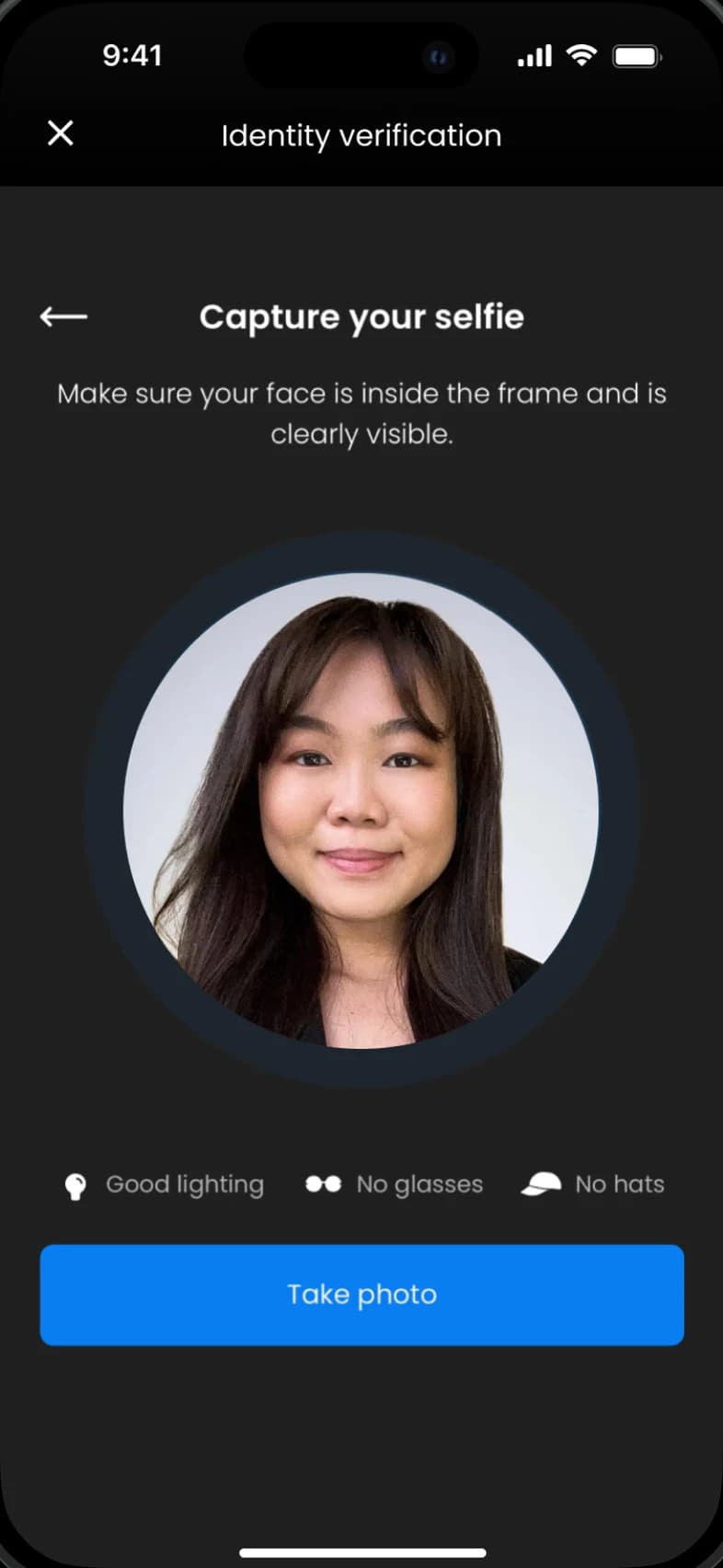
Download Moreta, scan your passport and take a selfie. Verification usually takes a few minutes, and your account can move money as soon as it passes.
- 02
Load funds to your Moreta Pay wallet
Link a US bank through Plaid, or send a SEPA, Faster Payments, Interac or PayID transfer. Cards, Apple Pay, Google Pay and USDC work too, and you can top up from the road.
- 03
Scan QR codes at local shops & restaurants
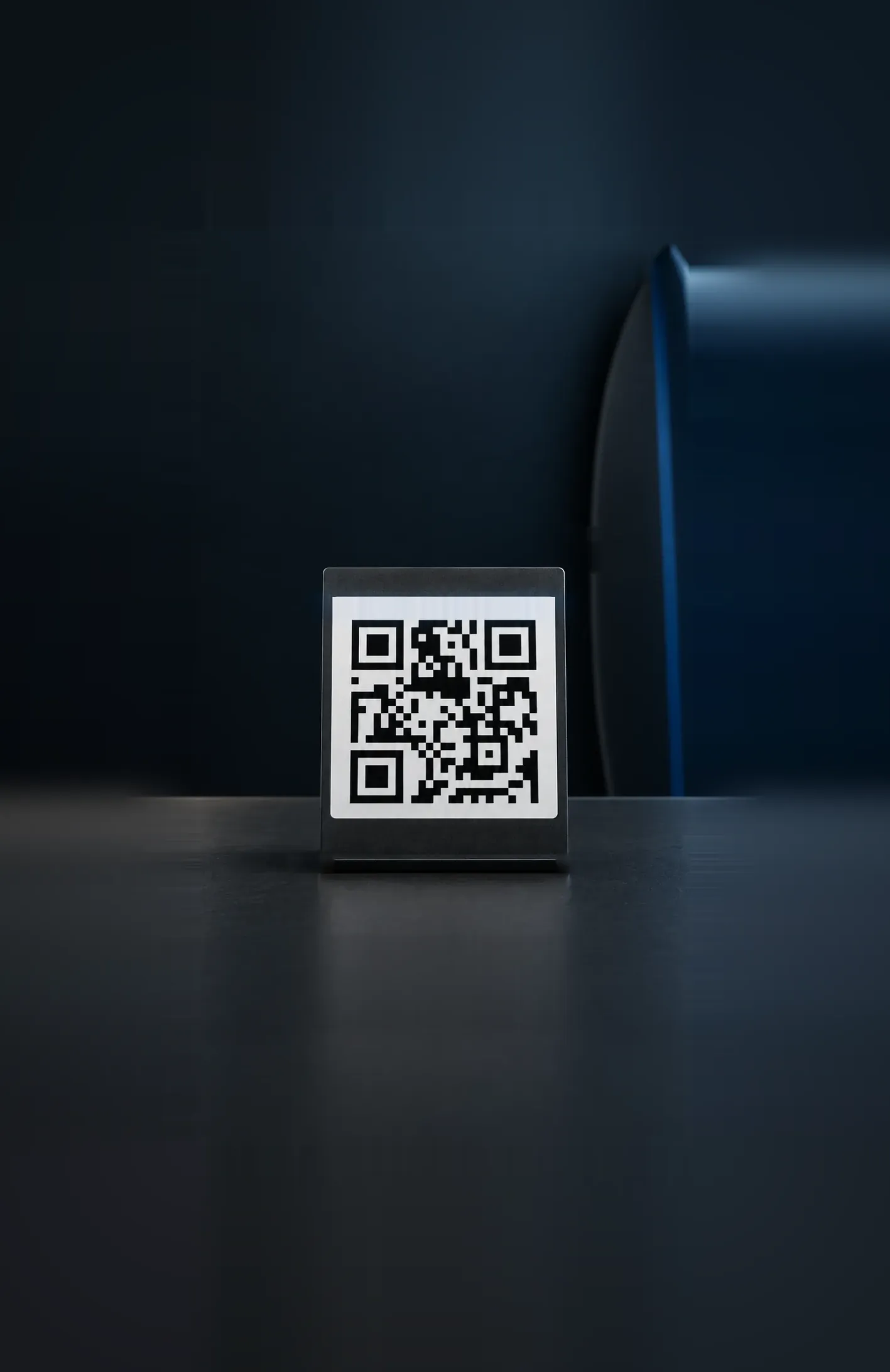
Tap Scan and point your camera at the InstaPay code on the counter. Moreta reads it the way a Filipino bank app would.
- 04
Get seamless payments on the go
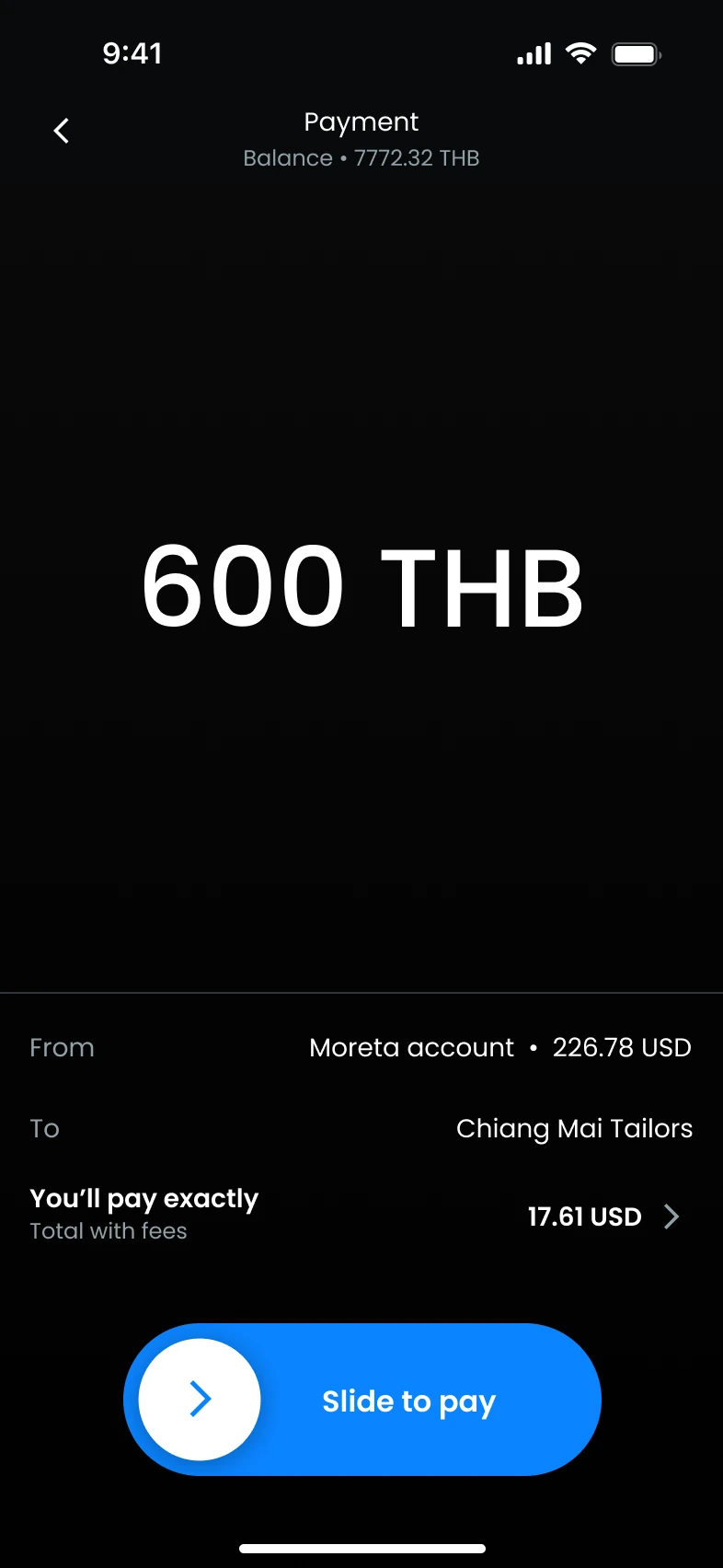
Check the amount in Philippine peso, what it costs in your own currency and the fee, then slide to pay. The merchant sees the payment in their own app the moment it clears.


 USD
 EUR
 GBP
 CAD
 AUD








Costs, limits and tips
Paying in the Philippines
- Transaction fee
- 1.5%per payment, at the live rateEvery fee
- Exchange rate today
- 63.05PHPfor 1 USDLive rate, updated recentlyCompare rates
- Max payment
- 50,000PHPabout 793 USD
- Weekly limit
- 360,000PHPabout 5,710 USD
The app always shows the live rate and the exact cost before you pay.
Guide updated
Local tips
- Look for the QR Ph mark on the sticker. A code labelled only for one wallet may not be a QR Ph code.
- Carry small peso notes for tricycles, jeepneys and remote island stalls.
- Mobile data can be slow on outer islands, so top up the wallet while you have a good signal.





InstaPay questions
What visitors ask before paying InstaPay in the Philippines.
Showing 6 of 9 questions
Guides for the Philippines
 How to pay
5 min read
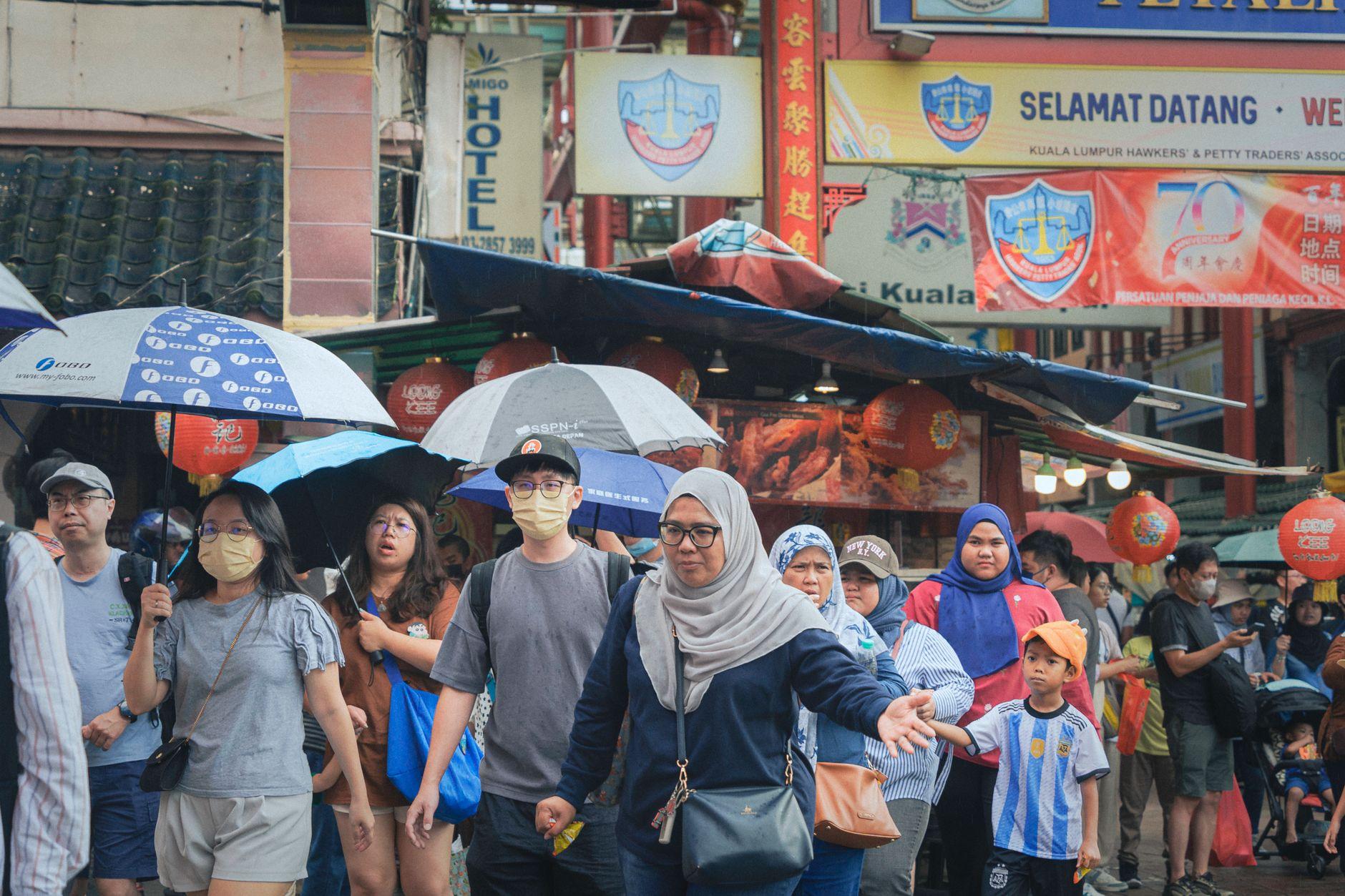
One Wallet App, 8 Asian Countries: The Local QR Code You Scan in Each
At a mamak counter in Kuala Lumpur, a laminated DuitNow QR sits next to the teh tarik jug, and the regulars pay without opening a wallet.
Read more How to pay
5 min read
How to Top Up a Travel Payment App with a SEPA Transfer Before an Asia Trip
It is Thursday night in Lyon. Your flight to Kuala Lumpur leaves Saturday morning, and your banking app is asking for an IBAN. That request is the whole of SEPA in one field.
Read more Money mistakes
5 min read
Why Your Money Plan Falls Apart Somewhere Between Manila and the Third Island
From GCash signup walls to islands with no ATMs, here are the money mistakes tourists keep making in the Philippines, and how to pay like a local with QR Ph instead.
Read more
Activate your Moreta Pay account before your trip
Set up Moreta, add money and land in the Philippines ready to scan. No cash to change, no card to worry about, and one flat fee at the live rate on every payment.
Also works in  Vietnam,
 Thailand,
 Laos,
 Malaysia, and 10 more countries